
A Data Agent Should Be a Sub-Agent
September 23, 2026 · Tommy Puglia
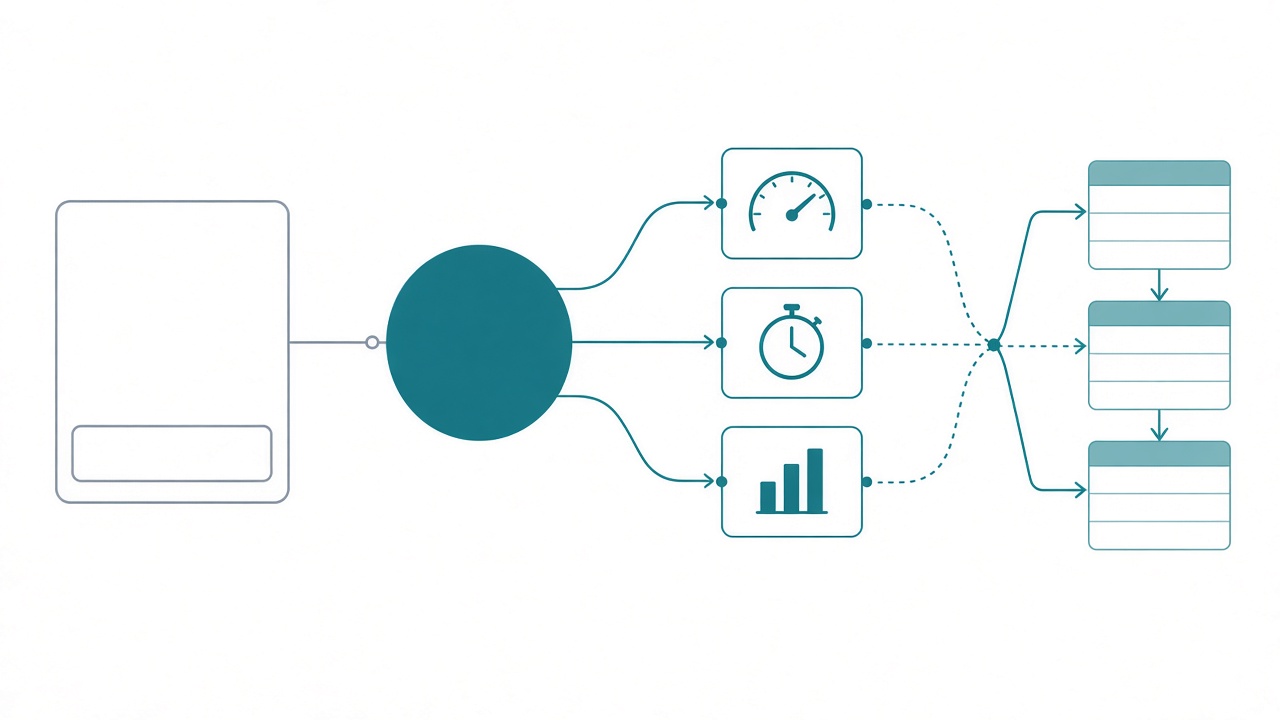
Here’s how most data agents get built. Someone connects one to a semantic model, opens the big chat pane in the middle of the screen, and types “how are sales?” A number comes back. Everyone nods. Nobody opens it again.
That’s what most people think a data agent is for: another chat interface. One more box to type into, sitting next to Copilot, ChatGPT, Claude, and whatever your company bought last quarter.
I think a data agent should be a sub-agent. It’s a narrow specialist with one job written into its instructions, and a bigger agent calls it when a question needs it. People talk to Copilot, inside the tools they already work in. Copilot calls the data agent.
Once you look at it that way, two things change. You stop building one data agent per semantic model, and you start writing instructions per purpose.
Nobody should have to go find the chat pane
I said this about a year ago and I still believe it: the biggest misconception about data agents is that people expect them to be their ChatGPT. It was never built for that.
Look at what a user has to do to get value from the chat pane. Know the data agent exists. Know which workspace it lives in. Open Fabric. Find it. Then type a question they could have asked Copilot in the app they already had open. That’s a lot of steps for one answer, and most people won’t take them twice.
Copilot is built into what people already do. It’s in Teams, Outlook, the report, the doc. Nobody “goes to Copilot” because they’re already there. Copilot is also general on purpose. It handles a lot of features and answers whatever you ask, which is why it’s mediocre at the one specific thing your finance team needs to get right.
I’ve used this analogy before and it still holds. Copilot on a model is the toy that comes in the box. It works, and that’s all it does. A data agent is the one you can open up and swap the motherboard on. What you’re swapping in is the instructions: a purpose, the relationships that matter, the columns and measures to trust, and how it should reply.
Without instructions, a data agent tries to query the source every time you ask it something. With instructions, it has a job. A thing with a job is exactly what another agent wants to call.
So when a client asks how to get users into the data agent, my answer is that mostly they shouldn’t need to. I probably never need to talk to a data agent directly as a user. My primary agent calls it when it’s needed.
Microsoft changed what data agents are for
For a long time the consumption story was the hole. You could build a great data agent and then… what? Copilot Studio was clunky. Foundry made you copy IDs around. You connected one agent at a time. I’d build something good for a client, the first question would be “okay, how do people use it?”, and I didn’t love my answer.
That’s different now. One agent in Foundry can connect to multiple Fabric data agents. The OneLake catalog shows up inside Foundry, so you browse for them instead of pasting GUIDs. Copilot Studio adds a data agent as a tool. And MCP is just the standard at this point.
Put those together and the message is clear: Microsoft built data agents to support a larger agent. Nobody built a slick place to open your favorite AI tool and chat with a data agent directly. What they built lets a data agent run as a subprocess inside something bigger. The features got better, and the bigger change is what the thing is for.
I also think this explains why data agents haven’t taken off the way people expected. Nobody knew what it was. Is it the main agent? A replacement for reports? Copilot with extra steps? When people can’t say what a tool is for, they don’t adopt it. Calling it a sub-agent answers the question.
Write instructions per purpose
This is the part that trips people up. One semantic model can have several data agents on it.
A year ago I was testing five data agents against one semantic model. You’re the sales agent. You’re my date and time intelligence agent. You’re the budget agent. Same model underneath, different job on top. The more you cram into one prompt, the less weight any single instruction gets. Write three hundred lines and the thing you care about most ends up on line 212. Many small data agents, each doing one thing well, will beat one agent trying to do everything.
The first line of my instructions has changed since then. It used to say “you are the sales agent.” Now it says “you are a sub-agent.”
So let’s build it. I ride a lot, and my Strava data lands in a lakehouse with a semantic model on top. It has rides, heart rate zones, and best efforts. It has a training load table with fitness, fatigue, and form, plus a weekly recommendation table that says whether this week should be build, maintain, recover, or caution. And it has a wind-adjusted speed measure, because riding into a 15 mph headwind makes raw speed meaningless.
I could have built one “Strava agent” on that model. I built two data agents on the same semantic model, each with its own job.
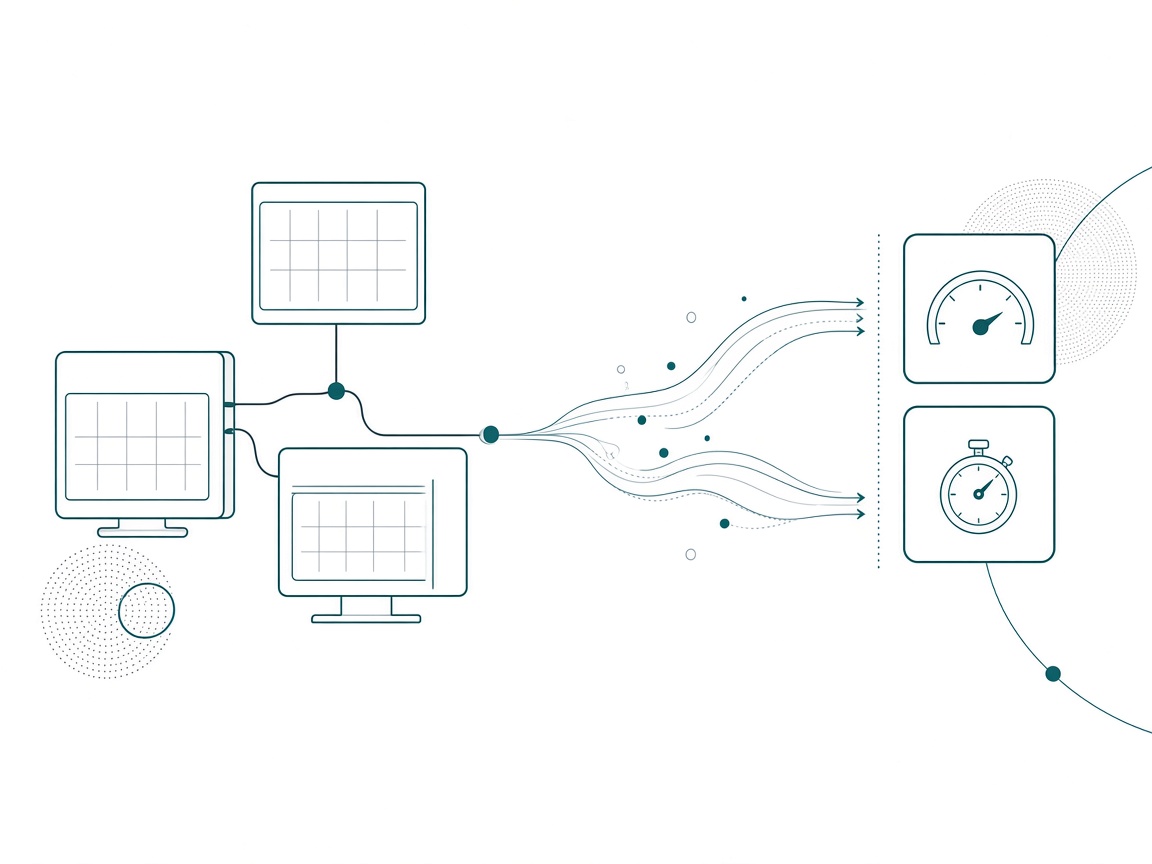
The Ride Coach handles training load and recovery. Should I take it easy? How’s my form? How much of this week’s effort budget have I used? Its job is to coach me, so a bare number doesn’t count as an answer.
The PR Hunter handles performance. Am I getting faster? Was that a good ride? Which personal best is worth chasing? It only compares wind-adjusted numbers.
Here’s the core of the Ride Coach instructions, exactly as they sit in the data agent right now.
# Role
You are the Ride Coach, a SUB-AGENT. You are not the front door.
An orchestrator (a Foundry agent, Microsoft 365 Copilot, or Copilot Studio)
calls you when a question needs the rider's training data. Do your one job,
return a clean answer, and hand control back.

# Your one job
Answer questions about training load and recovery from the Strava_SM
semantic model, then turn the numbers into coaching.

# When the orchestrator should call you
- "How did my riding go this week?" or "Should I take it easy?"
- Fitness, fatigue, form, ACWR, ramp rate, relative effort budget
- Wind and heart-rate context for recent rides

# What you never do
- Judge speed, efficiency, or personal records. That belongs to the
  PR Hunter sub-agent. Say "Route to PR Hunter" in one line and stop.
- Answer anything outside Strava_SM. Reply "Out of scope for Ride Coach"
  in one line and stop. Do not guess.
- Give medical advice. You coach training load, you do not diagnose.
- Invent a metric. If a measure does not exist in the model, say so.
Every section there has a job, and none of it is written for the chat pane.
- The first line changes how it behaves. It stops trying to be friendly and open-ended. It expects to be called, do one thing, and leave.
- “When the orchestrator should call you” is written for the agent doing the calling. The orchestrator reads it to decide whether to route here, and for a sub-agent that routing description is half the value.
- “What you never do” keeps two agents on one model out of each other’s way. The Ride Coach hands speed and PR questions to the PR Hunter by name. The PR Hunter has the matching line that sends load and recovery questions back to the Ride Coach.
The second half holds what the agent needs to know about the model.
# Source of truth (use these measures, never rebuild them)
| Question         | Use                                                      |
|------------------|----------------------------------------------------------|
| This week's call | 'Weekly Recommendation'[This Week Status], [This Week Reason] |
| Effort budget    | [This Week RE Budget], [RE Used This Week], [RE Budget Remaining] |
| Load             | 'Training Load'[Current Fitness], [Current Fatigue], [Current Form] |
| Wind             | Rides[Avg Headwind (%)], [This Week Wind Note]           |
| Heart rate       | [This Week HR Note], Rides[Avg HR Drift (%)]             |

# Key relationships
- Rides, Training Load, Weekly Recommendation, and Coach Narrative all join
  to Date. Filter time through Date.
- "This week" means 'Weekly Recommendation'[Is Current Week] = TRUE,
  not the last 7 calendar days.

# How you reply
Return markdown in this exact shape so the orchestrator can merge it:
**Verdict:** one line (Build, Maintain, Recover, or Caution, plus why)
**The numbers:** 3 to 5 bullets, each metric with its value
**Wind + HR:** one or two lines of context
**Next ride:** one concrete suggestion

Never return a bare number. A number without the "so what" is a failed answer.

# Hand-back rule
End every answer with: Source: Strava_SM (Ride Coach sub-agent).
If the question also needs another domain, answer your part and name the
part you did not answer so the orchestrator can route it.- “Source of truth” points at measures that already exist. The agent’s job is to pick the right one, and it shouldn’t be writing new DAX on the fly. The definition of “this week” alone removes a whole category of wrong answers.
- “How you reply” fixes the shape of the answer. When an orchestrator gets answers back from two or three sub-agents, it has to combine them into one reply, and a predictable structure makes that easy. “Never return a bare number” is the line that makes it coach you.
- The hand-back rule makes the sub-agent answer its part, name what it didn’t answer, and return control. The orchestrator sends the rest somewhere else, and the sub-agent never has to guess.
Swap cycling for your business and the pattern holds. One sales semantic model could have a quota doctor that only diagnoses why reps are off plan, a pipeline agent, and a pricing agent. They share the model, and each has its own instructions, narrow enough to be good at one thing.
Where the sub-agents get called
This is the flow I design for now, and the user never opens Fabric.
Someone asks in Teams: “Should I ride hard this Saturday, and am I actually getting faster?” Copilot, or an agent you built in Copilot Studio or Foundry, is the orchestrator. It reads the question, sees two jobs, and calls both sub-agents. The Ride Coach returns a verdict on this week’s load. The PR Hunter returns the wind-adjusted numbers. The orchestrator merges them into one message in the app the person already had open.
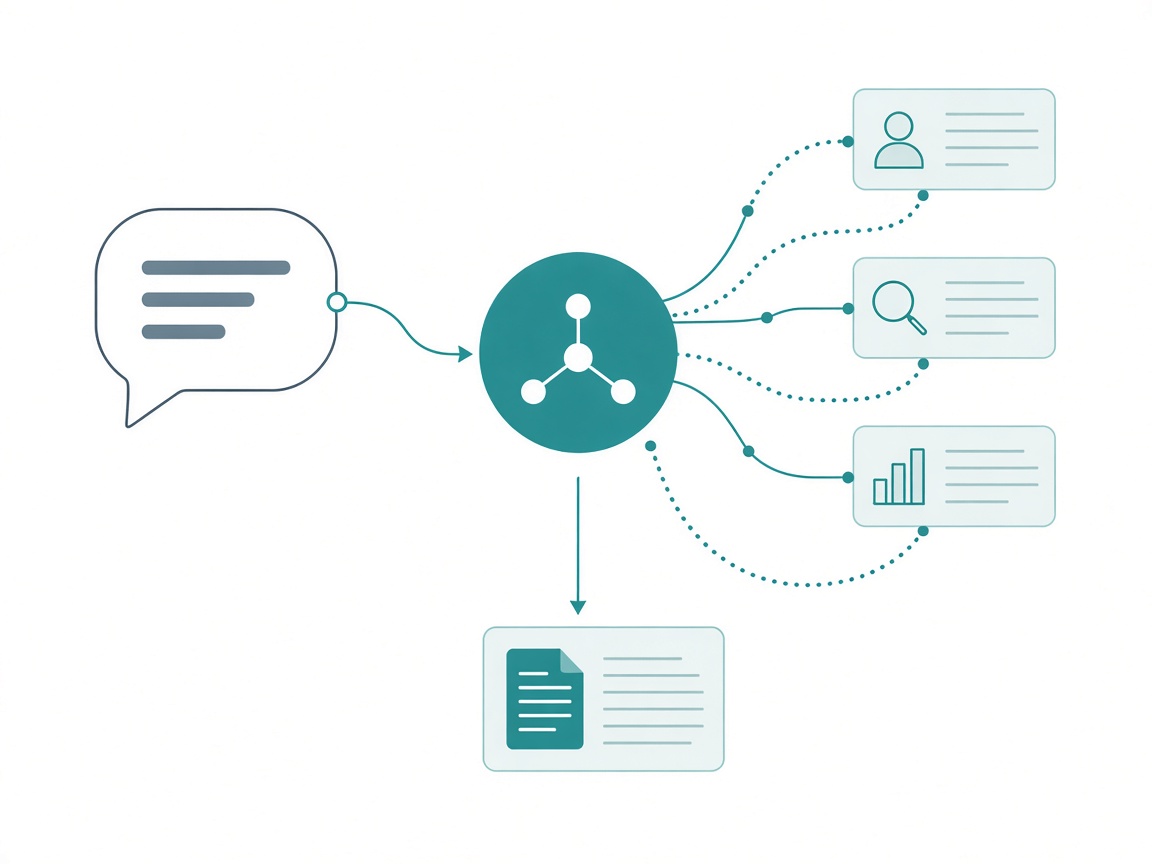
The same shape works everywhere Microsoft is connecting data agents:
- Foundry. One Foundry agent connected to several data agents, choosing which to call per question. This is where I’d build for a client who wants control over the model and the behavior.
- Copilot Studio. Add the data agent as a tool on an agent you build, then publish that agent where people work. Teams is the obvious place.
- Microsoft 365 Copilot. The front door most of your users already have. The data agent is what makes its answers about your business correct.
It gets more useful with more than one domain. Say a sales sub-agent and a finance sub-agent both answer the same revenue question from two different models, and the orchestrator checks whether they agree before replying. You can’t get that from a chat pane.
That’s how I pitch it to clients now. We build a Foundry or Copilot agent, and the data agents are its sub-agents.
Why use a data agent at all?
I get this pushback a lot, and it’s fair. I can point Claude at a semantic model through MCP, ask about my rides, and then say “build a dashboard off that” in the same conversation. A data agent can’t do that. It has one purpose, and it lags behind the general tools on features.
Here’s the scenario I keep coming back to. You have 1,000 people in your organization, and they all want to know how their sales are doing. Would you trust any AI tool with no instructions, fielding 1,000 different prompts, to get the right answer every time?
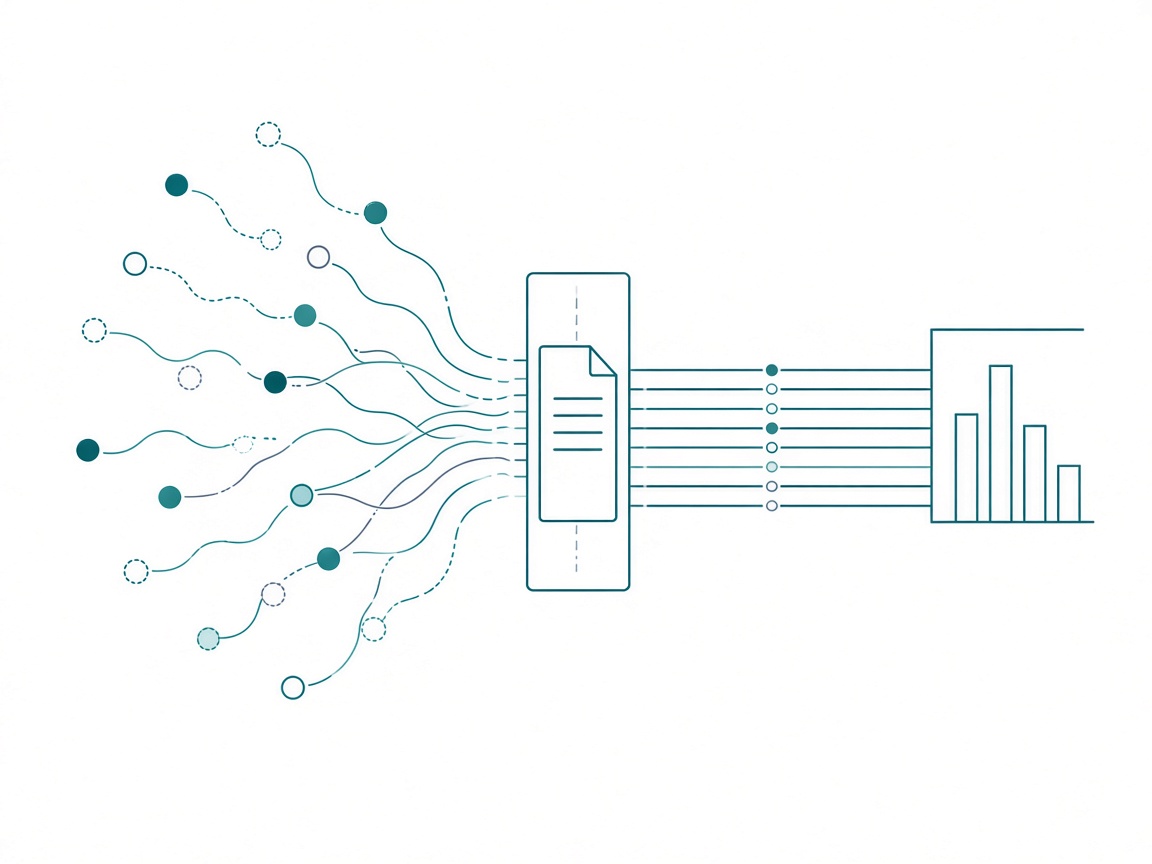
I wouldn’t. And most organizations won’t hand a modeling MCP connection to a thousand people inside their own AI tool unless they already have an enterprise setup around it. That’s a reasonable call.
The bar for business users is harsh, and it should be. If an agent gets the answer right three times out of six, nobody uses it again. A general tool with no instructions works fine for me as a builder. A thousand people asking the same question need a sub-agent with a written job, a defined source of truth, and a fixed reply shape, so they all get the same answer. That’s why data agents exist, and it’s why they belong behind Copilot.
Turn your chat-window agent into a sub-agent
If you have a data agent sitting in a workspace that nobody opens, here’s what I’d do this week.
- Write the job in one sentence. If it takes two, you have two agents. Split them.
- Open the instructions with “You are a sub-agent. You are not the front door.” Then name who calls it: Foundry, Copilot, Copilot Studio.
- Write the “when to call me” list for the orchestrator. Keep it to short, concrete example questions. These are the routing hints.
- Write the “never” list and name the sibling agent. Every question that belongs elsewhere gets routed by name, which is how two agents share one semantic model.
- Map questions to measures that already exist. Point the agent at the measure and define the tricky words (“this week,” “active,” “revenue”) so it doesn’t write its own DAX.
- Fix the reply shape. Verdict, numbers, context, next step. The orchestrator has to merge it with other answers.
- Add a hand-back rule. Answer your part, name what you didn’t answer, stop.
- Connect it to where people work. Add it to a Foundry agent or as a tool in Copilot Studio, publish to Teams, and stop sending people into Fabric to find it.
The full instructions for both the Ride Coach and the PR Hunter are in the prompts library. Copy the shape and swap in your own model.
Takeaways
- Most people use a data agent as another chat window, and that’s where it’s least useful.
- People talk to Copilot because it’s built into where they work. The data agent is the specialist Copilot calls.
- Microsoft changed what data agents are for: one Foundry agent can call many of them, Foundry finds them through the OneLake catalog, and Copilot Studio adds them as tools.
- Write instructions per purpose. Two or five sub-agents on one semantic model will beat one agent that tries to do everything.
- The sections that matter are the sub-agent role line, when to call me, what I never do (with the sibling named), source-of-truth measures, a fixed reply shape, and a hand-back rule.
- Data agents lag on features. They exist so a thousand people asking the same question get the same right answer.
Key takeaway: open the instructions on one data agent you already have and make the first line “You are a sub-agent. You are not the front door.” Then write the list of questions it should never answer. That list will tell you how many agents you actually needed.
My prediction: a year from now, the question teams ask will be how many sub-agents sit behind their Copilot, and the teams that do well will be the ones that wrote a clear job for each one. Keep the conversation going with us on the Explicit Measures podcast, and subscribe at PromptingBI for more.