
Why I Built Skill Vault
October 8, 2026 · Tommy Puglia
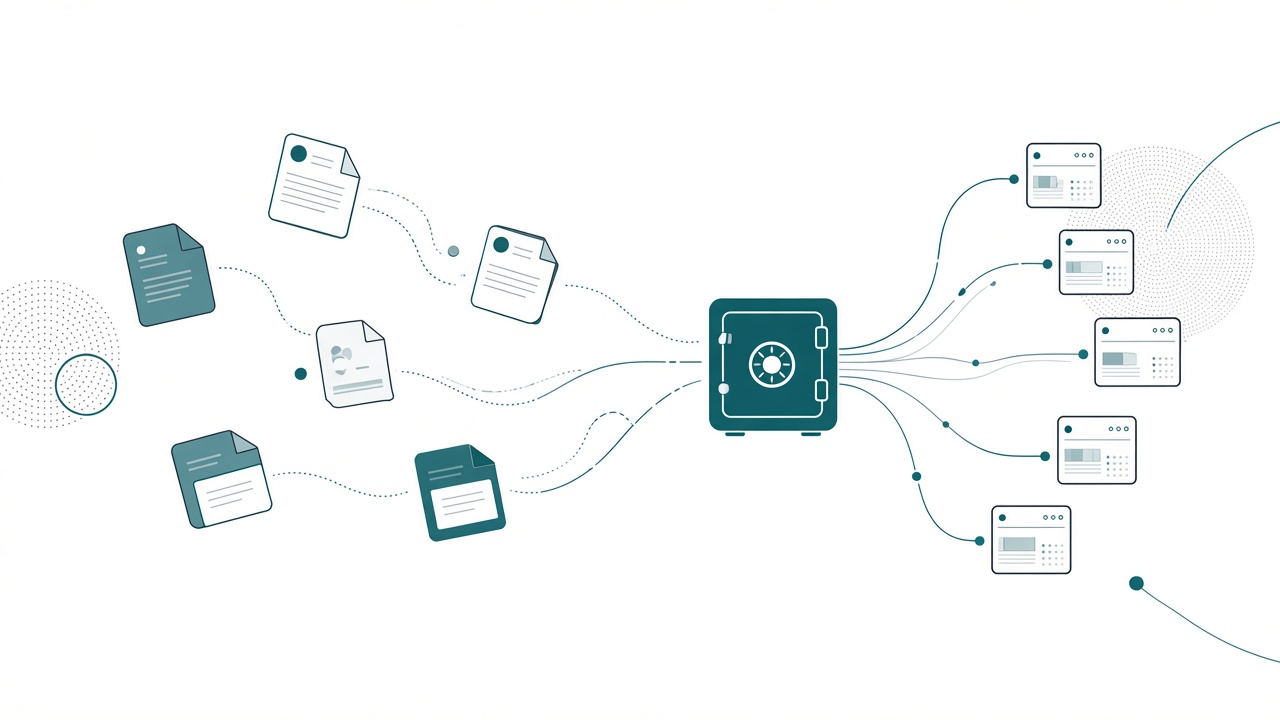
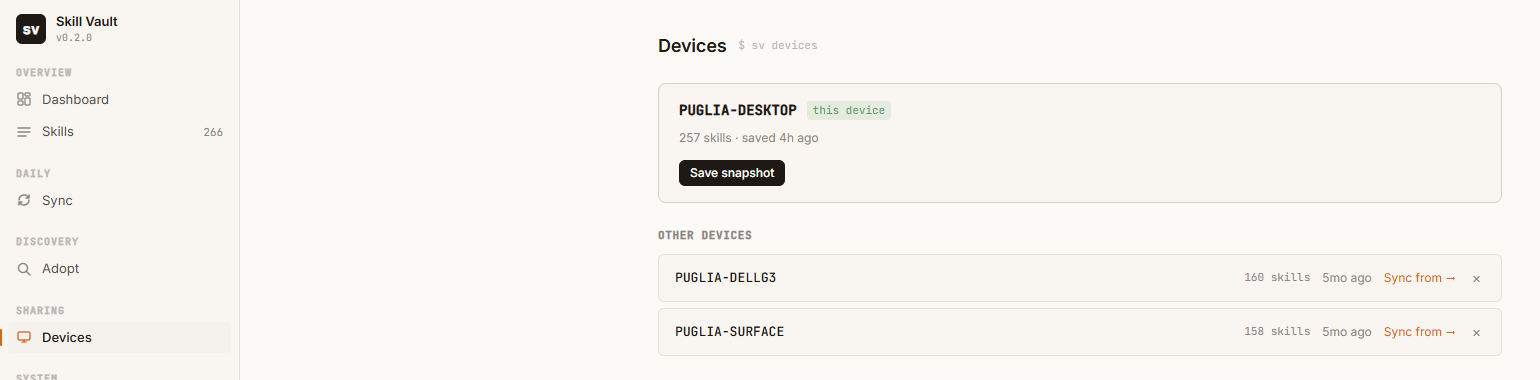
I have three computers. My desktop has 257 skills on it. My Dell has 160. My Surface has 158.
Which machine has the right version of my semantic model skill? Honestly, I couldn’t tell you, and that’s the problem. Skills are the most useful thing I’ve built with agents this year, and for most of the year they had no home. They lived wherever I happened to create them, in whatever tool I was using that day, and they drifted apart.
So I built them one. Skill Vault is a free, open source app that keeps one library of agent skills and syncs it to every tool and every machine that needs it. Here’s why it exists.
Every harness wants its own copy
A skill is a folder with a SKILL.md and whatever references and scripts the agent needs. Simple. The catch is that every agent tool reads skills from its own location. Claude Code has a folder. Cursor has a folder. GitHub Copilot has a folder. A project repo can have its own skills folder too, and I have a few of those (one for this blog, one for my Northside Baseball demos).
Claude Desktop is worse. It doesn’t read from a local folder at all; skills live on your claude.ai account. Claude Desktop and Claude Code used to share a library. They don’t anymore, so a skill has to be packaged and uploaded separately.
A family’s Sunday gravy recipe goes the same way. It starts as one card in Nonna’s kitchen. Every cousin copies it onto their own card. One adds more garlic, another swaps the wine, and twenty years later there are eleven “original” recipes and nobody agrees on which one is right. A skill that lives in more than one place ends up there too.
Skills drift in four directions:
- Across harnesses. I update a skill in Claude Code. Cursor still has the old one.
- Across devices. I improve a skill on my desktop. My laptop never hears about it.
- From upstream. Microsoft or a community author updates the repo I copied from. My copy is frozen in time.
- From my own edits. I tweak a skill I adopted, and now it’s neither the original nor tracked as mine.
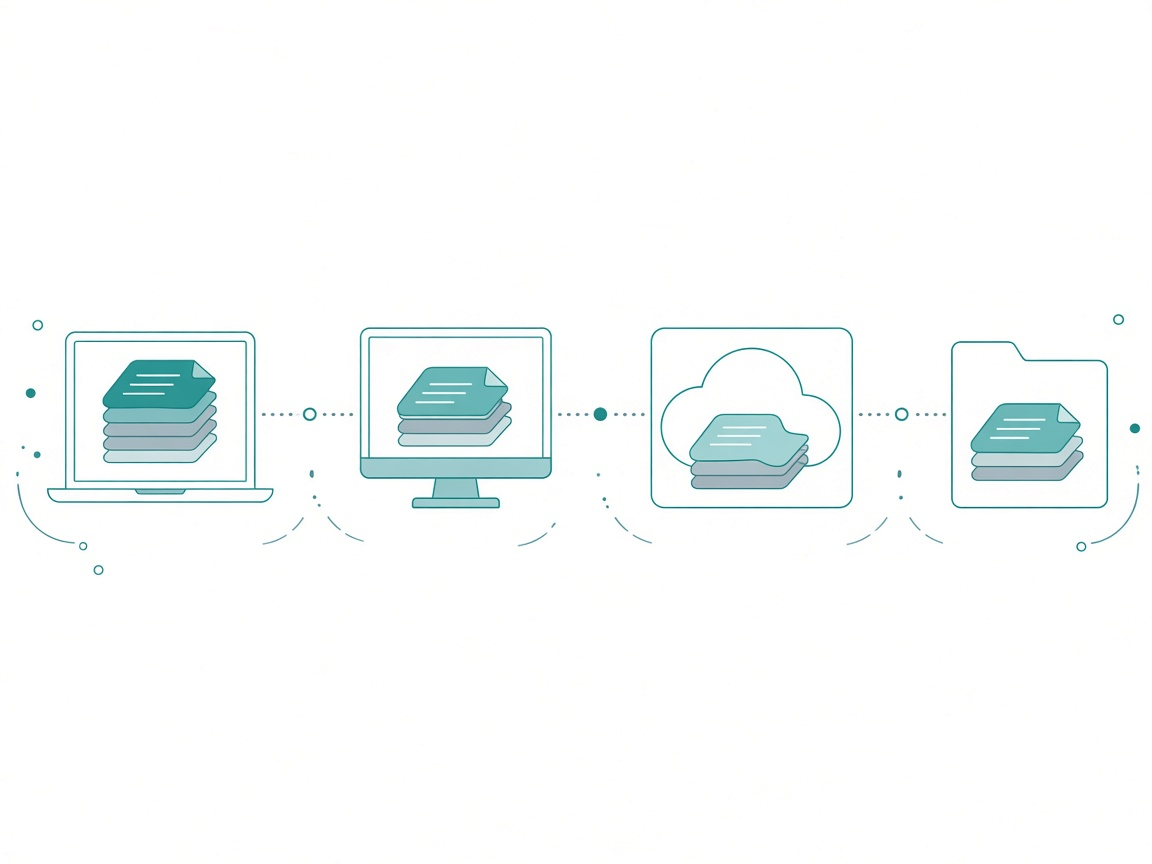
When I tell one harness to “update this skill” or “create a skill,” I want every other tool to get that exact skill.
Stale clones
Of those four, upstream drift bothered me most.
Here’s how most people get skills today. You find a good repo, maybe Microsoft’s skills for Fabric or Kurt Buhler’s Power BI agentic development skills, and you clone it or copy the folders you want. Great. You now own a snapshot.
Two weeks later Kurt pushes an improvement to his PBIR skill. Microsoft reworks a batch of the report skills. You’ll never know. Your copy keeps working, a little worse every week, and the agent keeps following instructions the author has already fixed.
That has always been my biggest issue with skills. When I copy a skill, I still want the author’s updates.
One vault, linked everywhere
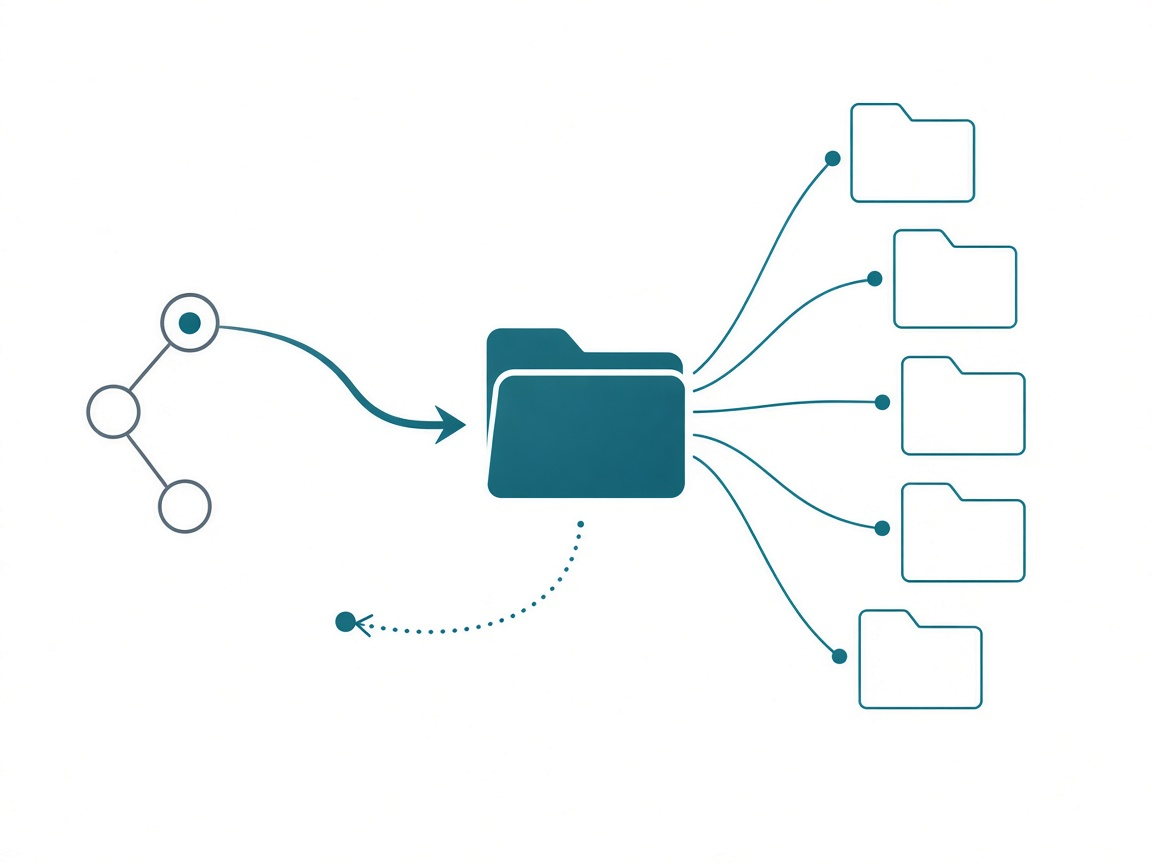
The core idea is boring on purpose. You pick one folder on disk as your vault (mine is a private git repo), and Skill Vault pushes each skill out to the tools you choose. A push creates a symlink (a junction on Windows) that points back at the vault folder. When I edit a skill in the vault, every tool that has it sees the change immediately, because there’s only one file.
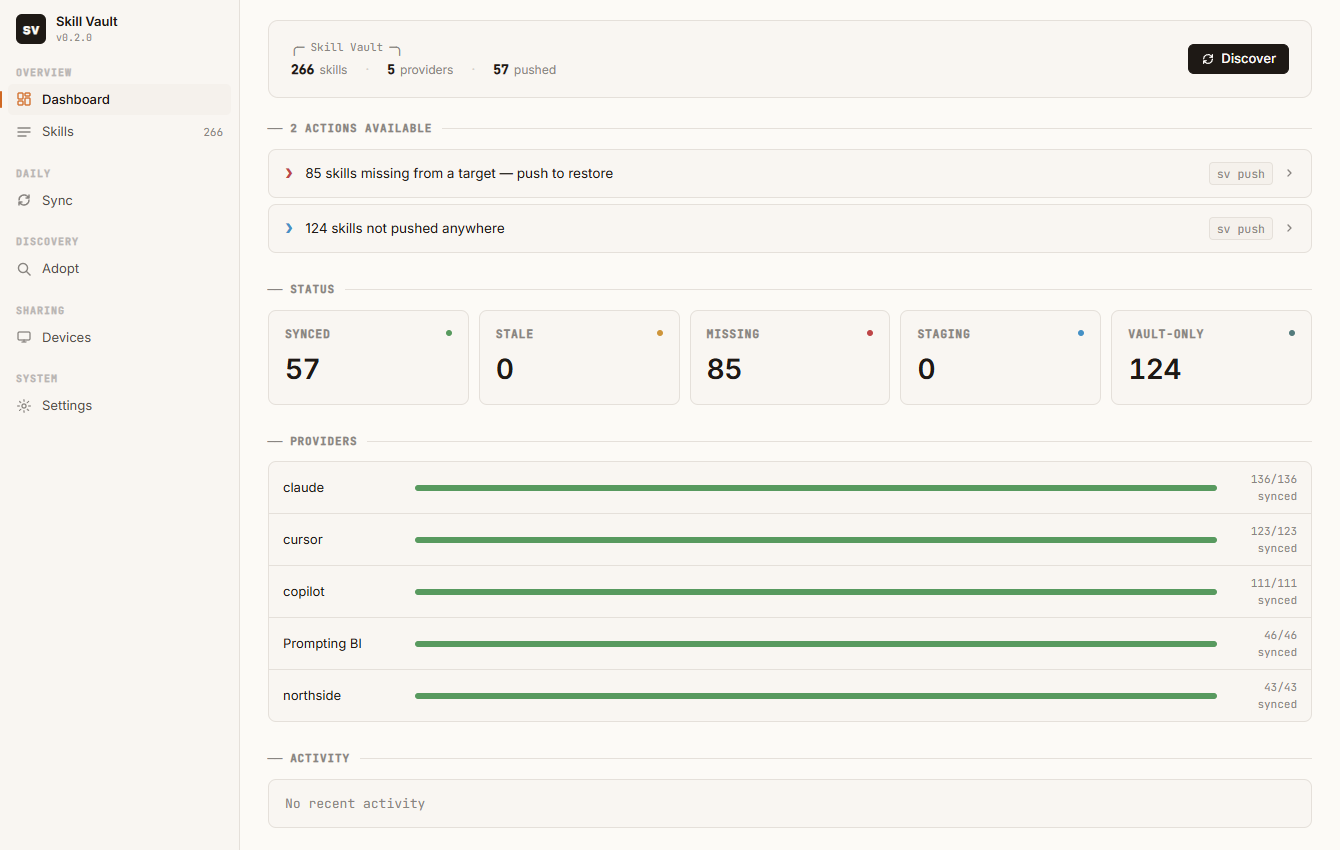
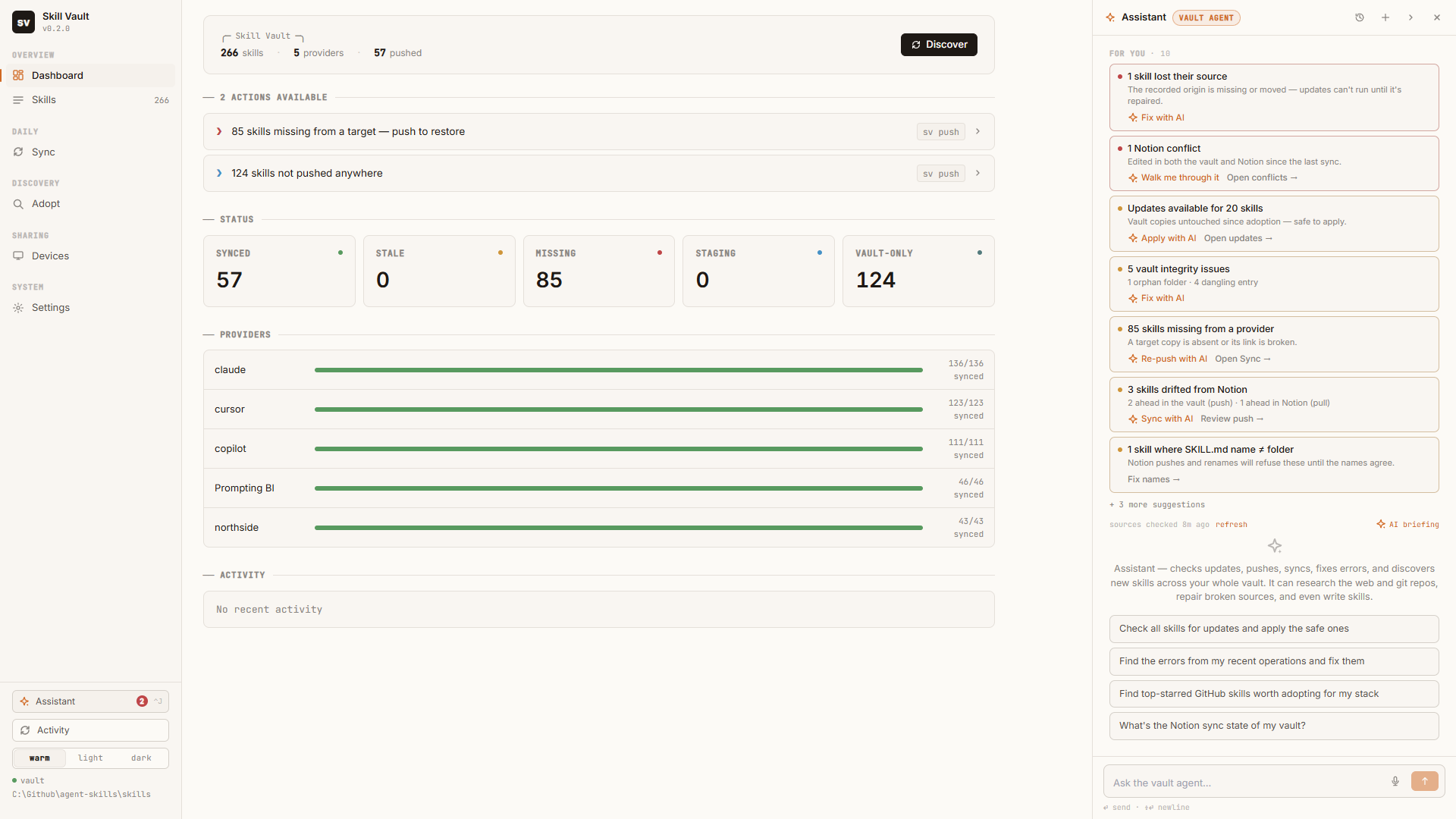
The dashboard is where I start. It shows how many skills are synced, stale, missing from a target, or sitting in the vault without being pushed anywhere, and every problem row is a one-click fix.
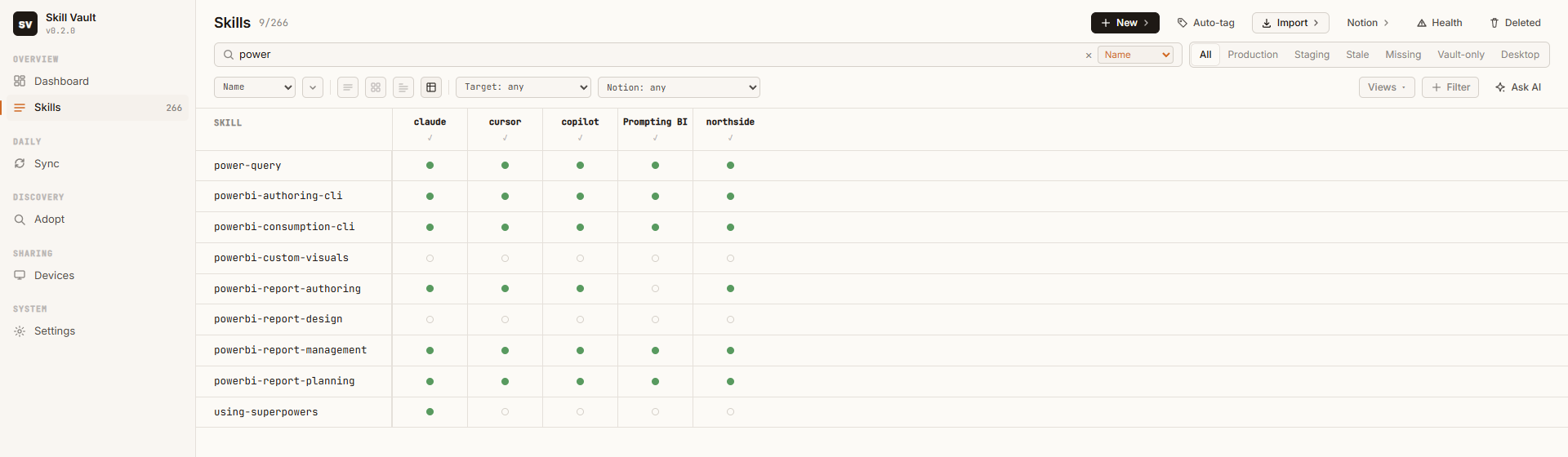
The view I use most is the coverage matrix: skills down the side, tools across the top, a dot wherever the skill is synced. Search “power” and I can see in one glance that my report design skill isn’t pushed anywhere and my report authoring skill is in every tool except the Prompting BI repo.
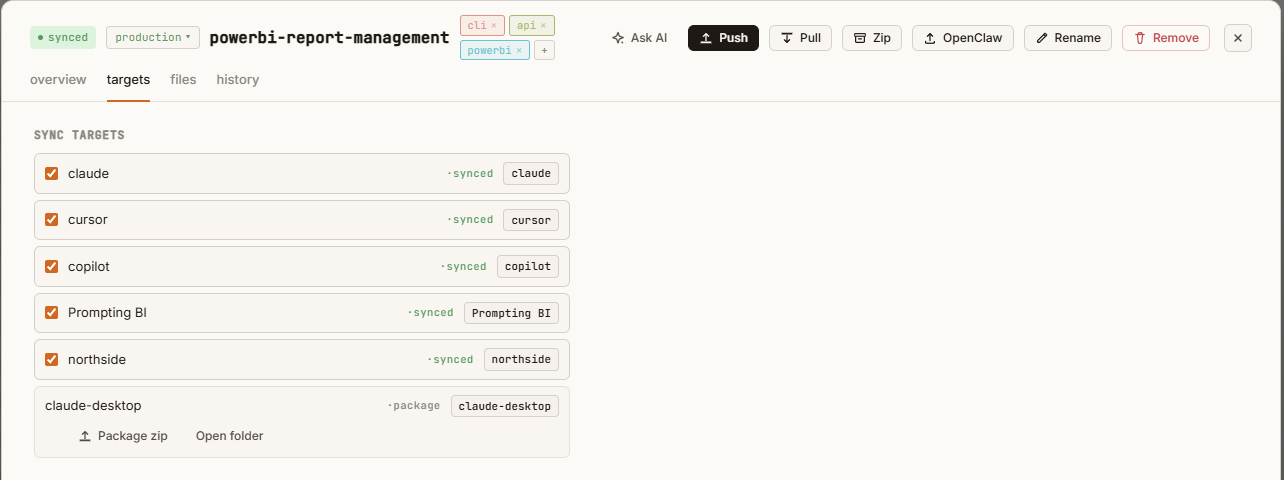
Open any skill and the targets tab shows the same thing for that one skill. Claude Desktop shows up as a package target. Since there’s no folder to link into, Skill Vault builds an upload-ready zip instead.
Zipping and uploading by hand got old, so I added a second route. Skill Vault can push skills, including their folders, scripts, and reference files, into the Notion skills library through Notion’s skills API. From a different device or a different tool, I point the Notion MCP at that library and pull the skills in, with no repackaging.
One design decision I’d make again: I built the CLI first. Every action in the app maps to an sv command, so an agent can do anything in the vault that I can do with a click. I get the UI to watch what’s happening.
Adopting skills
Adopt is how skills get into the vault, and it’s my favorite feature. You can scan a local folder, scan a single tool’s skills directory, scan every tool at once, or paste a git URL. Skill Vault clones the repo, harvests every SKILL.md it finds, flags duplicates and anything already in the vault, and lets you tick the ones you want.
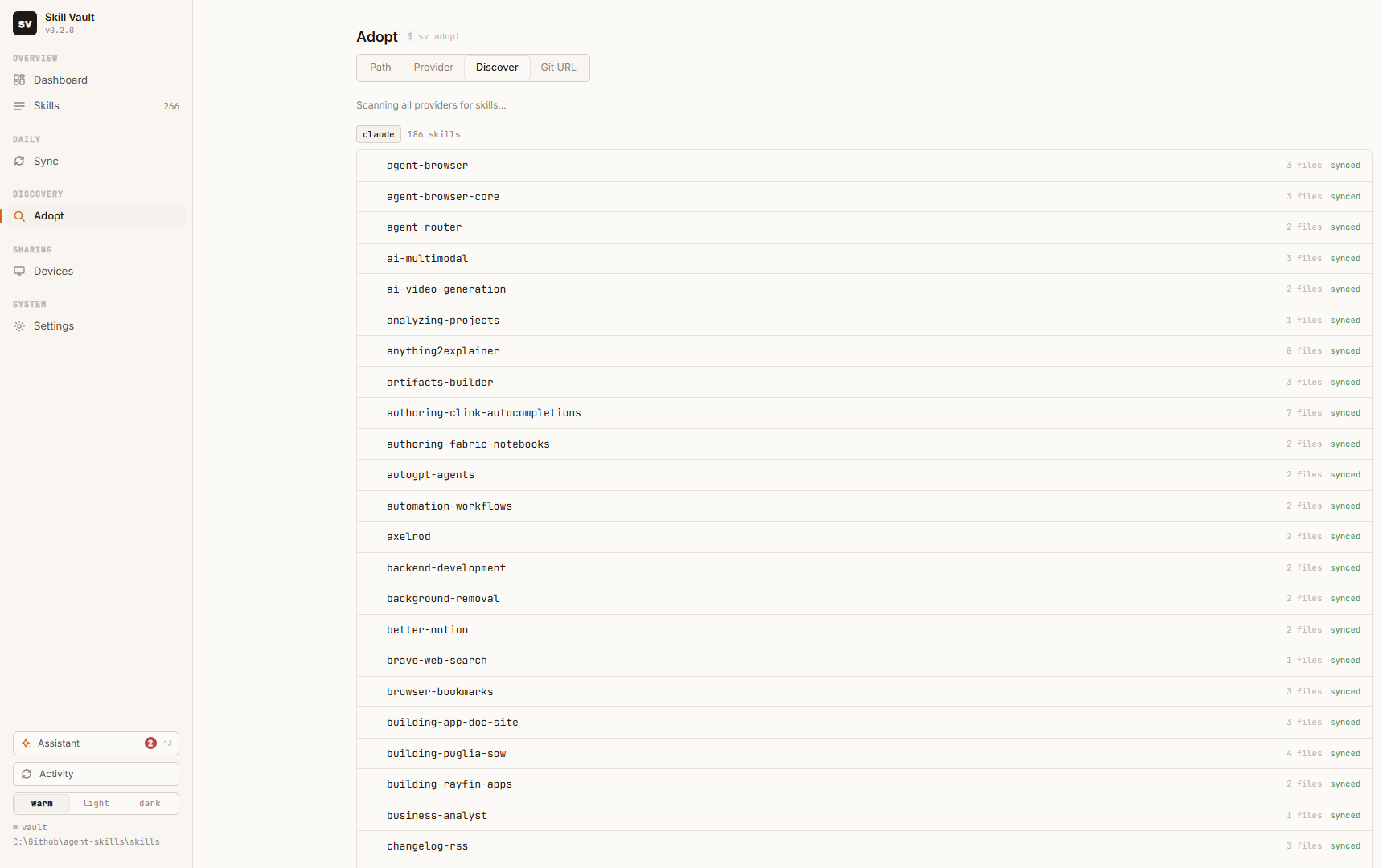
After you adopt, Skill Vault remembers where the skill came from. A background check runs shortly after the app starts and every six hours after that, comparing each adopted skill against its source. When Kurt updates his PBIR skill, I see it. When Microsoft reworks the Fabric skills, I see that too.
Every change is versioned, too. Opening Kurt’s PBIR skill, I can see that it was updated from source, then edited in Notion, then edited outside the vault by me, and I can restore any of those versions.
Once you have 257 skills, you also need to find them. Auto-tag sends untagged skills to Claude with a tag list I designed and asks it to classify them. It’s a cheap, fast classification job, and then I can filter the whole library down to “semantic modeling” or “automation” in two clicks.
Sync with a plan you approve
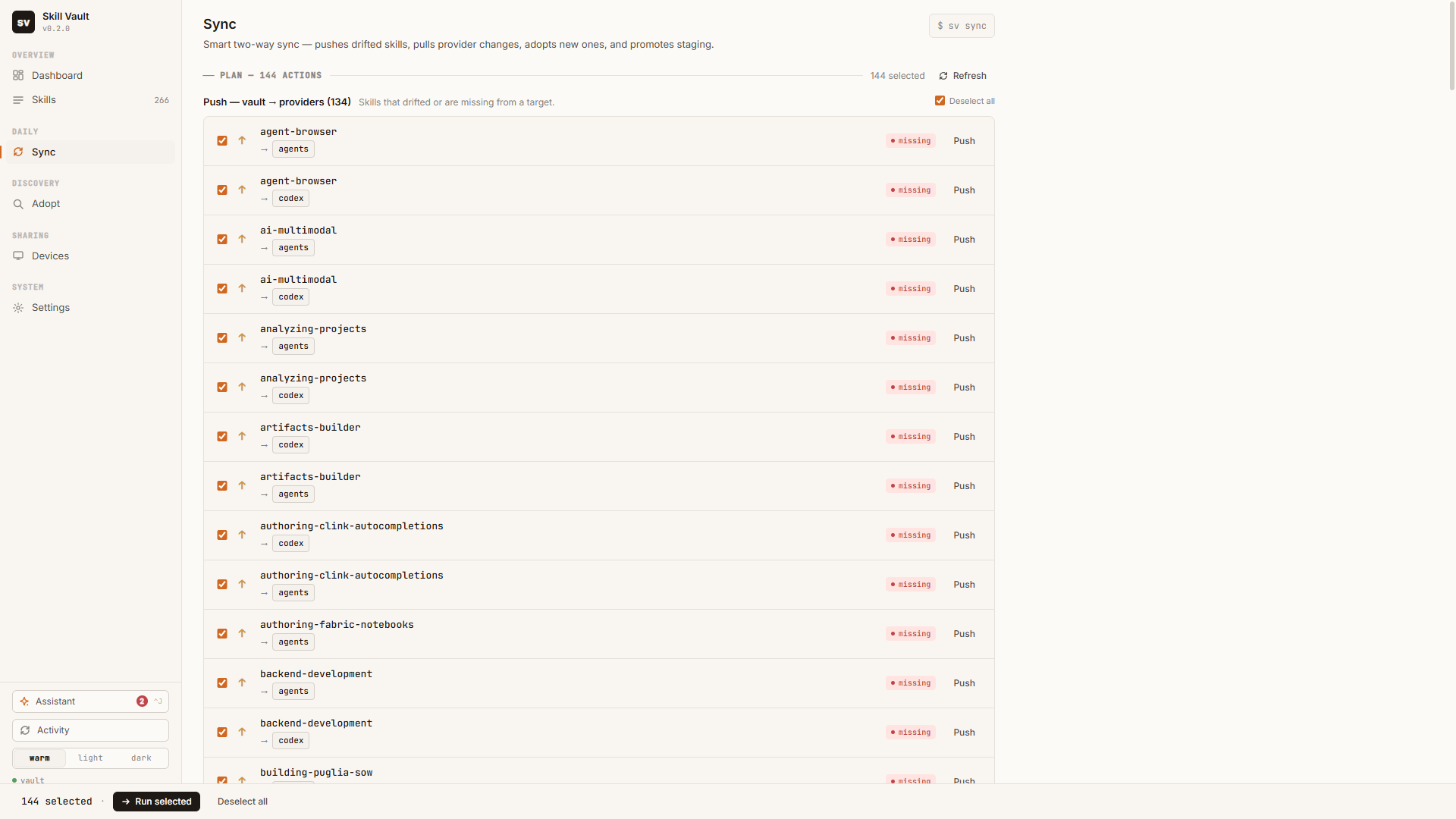
Skills also need to move back into the vault. Sometimes the newest version of a skill is the one I edited directly in a tool’s folder. Sync computes a two-way plan: push skills that drifted or are missing from a target, pull edits made in a tool back into the vault, adopt new skills it finds, and promote anything sitting in staging. Nothing runs until I approve it, and each row has a diff.
For devices, I keep the vault in git. Each machine saves a snapshot of its state, and from any other machine I can compare against that snapshot and pick what to bring over. That’s how my Dell and my Surface catch up to my desktop.
An assistant that manages skills with skills
This is where it got fun. Skill Vault has a built-in assistant, a custom agent running on your local Claude Code with five subagents and ten skills of its own. Skills for managing skills. Yes, it’s meta. Building it confused Claude Code more than once. I borrowed the architecture pattern, a lead agent that loads the right skill and hands heavy work to subagents, from what Alex Powers built for Fabric task flows.
You don’t have to ask it what’s wrong. When it opens, it already has a For you list built from the app’s own signals: a skill whose source moved, a Notion conflict, 20 skills with upstream updates that are safe to apply, integrity issues, skills missing from a tool. Every card has a Fix with AI button.
Conflicts are where it helps most. Say I edited Kurt’s skill and then Kurt pushed his own update. The assistant reads what my change did and what his did, then helps me decide whether to merge them, keep mine, or take his. When the decision is mine, it stops and gives me numbered options.
It also goes looking. Ask it to find the top skills for something and it searches GitHub, checks which repos contain skills, ranks them by stars, marks the ones I already have, and offers to adopt the rest. I set limits on purpose: it can’t delete skills or force-overwrite Notion. Those stay with me in the UI.
The last piece is a skill I wrote called skill-vault-bridge. Push it to any harness and that agent knows the vault exists. From Claude Desktop or anywhere else, I can say “go get the latest skills” and it knows how.
Start your own vault this week
Skill Vault runs on Node 20+ and is Windows-first today. Four commands get it running:
git clone https://github.com/pugliabi/skill-vault.git
cd skill-vault/app
npm install
npm run dev- Pick one vault folder and make it a git repo. This is the single source of truth. Everything else is a link.
- Add every place an agent reads skills as a target. Claude Code, Cursor, Copilot, plus any project repo that has its own skills folder.
- Run Discover and adopt what you already have. You’ll probably find duplicates you forgot about. Pick a winner and adopt that one.
- Re-adopt your community skills from their git URLs. After this step, a skill tells you when its author updates it.
- Save a snapshot on every machine. Then sync your laptop from your desktop and see how far apart they were.
Takeaways
- Every agent tool reads skills from its own place, and Claude Desktop doesn’t use a local folder at all. Copies are the default, and copies drift.
- Skills drift four ways: across harnesses, across devices, from upstream, and from your own edits.
- A cloned skill is a frozen skill. Adopting it with its source recorded keeps it current.
- With one vault and links into every tool, one edit updates all of them.
- An assistant that runs on skills is good at managing skills, as long as you keep the destructive buttons for yourself.
Key takeaway: this week, count your copies. Pick one skill you use daily, find every place it lives across your tools and machines, and check whether they match. I’d bet they don’t.
My prediction: within a year, your skill library will be treated like your semantic model, a governed asset with a source of truth, version history, and an owner. The people who manage it that way will get better output from every agent they use. Skill Vault is free on GitHub. Try it, break it, and open an issue if your tool isn’t covered. Keep the conversation going with us on the Explicit Measures podcast, and subscribe at PromptingBI for more.