
Anonymous Access Lets Fabric Apps Leave the Tenant
October 14, 2026 · Tommy Puglia
Somewhere in my Fabric tenant lives a dragon named Throttlor. He throttles your capacity during the nightly refreshes, and the only way past him is to climb the Peaks and say one thing to his face. (It’s the same thing every Power BI consultant wants said. Bring a star schema.)
That’s Fabric Quest, a text adventure I built as a tribute to the old Sierra parser games and to Peasant’s Quest from Homestar Runner. You type two-word commands, a snarky narrator tells you what happened, and you die a lot. Drink the water at the bronze layer and you die, because it isn’t clean enough. Try to pick up the report on your desk and the narrator tells you it’s 2.3 GB, so you’re going to need another license.
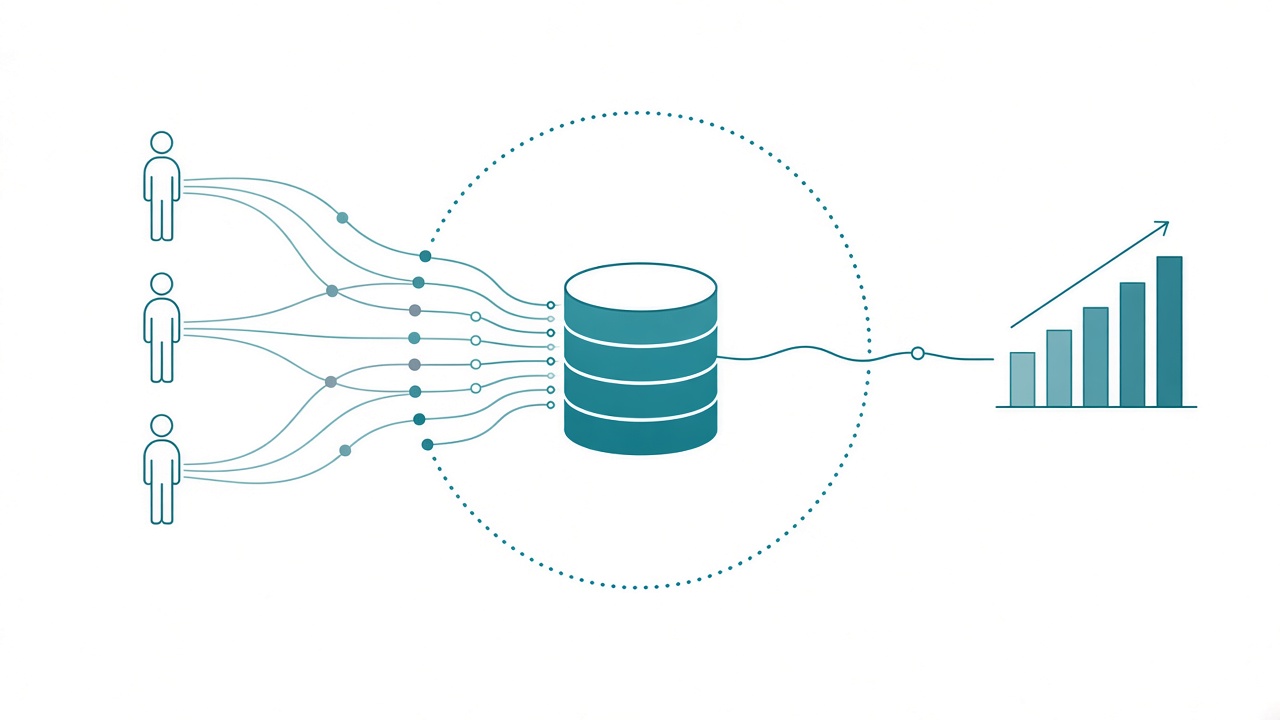
Anybody can play it. There’s no sign-in and no Entra account. Every command every player types lands as a row in a SQL database in my Fabric workspace.
I couldn’t have built that until anonymous data access showed up in Fabric Apps.
Anonymous access is the first time Fabric has let something you build take input from people outside your tenant. Publish to web lets the public read your data. Anonymous access lets them send you data, which means a Fabric App can now be built for customers, residents, and anyone else who will never have an account in your tenant.
Everything assumed you were in the tenant
Think about how Power BI and Fabric have always worked. Reports, Fabric items, and Fabric Apps by default all start the same way: someone signs in with Entra ID. The app knows who you are, passes that identity down to the data, and row-level security decides what you see. That’s good system design, and for internal work I’d never argue against it.
The trouble is that a lot of the people who need the app aren’t in your organization. Nobody has to join MLB’s tenant to download the MLB app. Customers, vendors, residents, event attendees: the other side of plenty of business processes will never have a login to your Fabric.
For years the only public door was Publish to web. Counties and states use it constantly to post their data on a public page. It’s read-only. The public can look at a report and that’s all. If the job needed someone outside the tenant to type something in, you left Fabric for a Microsoft Form, a Google Form, an embedded app you wired up yourself, or a separate Azure stack. Then you spent the rest of the project getting that data back in.
Publish to web vs. anonymous access
Here’s how the two compare for a public project:
| Publish to web | Fabric App with anonymous access | |
|---|---|---|
| Direction | Read-only | Read and write |
| What the public gets | A report | Whatever you build |
| Scope | Anyone with the link sees the whole report | Set per table, per action, per column |
| Where input lands | Nowhere | A SQL database in Fabric |
| Sign-in | None | Optional, and you can mix both |
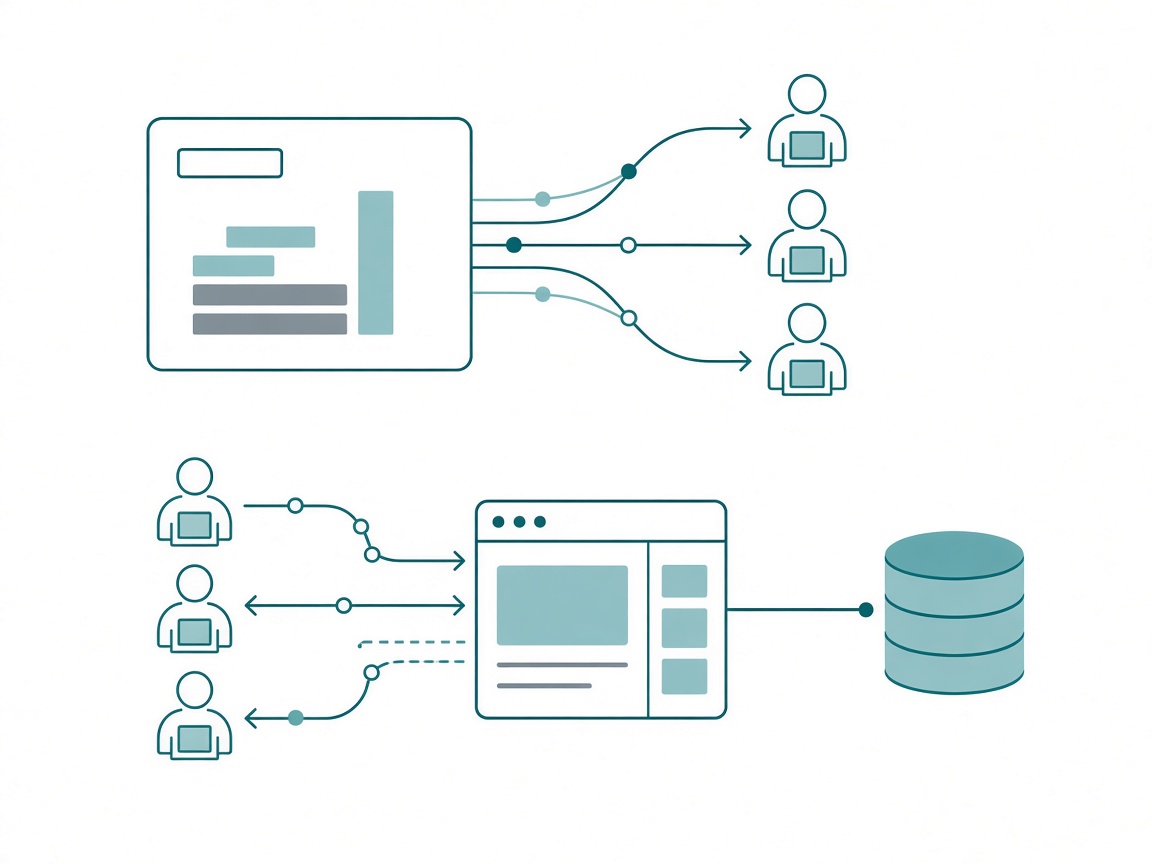
One line in Microsoft’s documentation is worth taping to your monitor: anonymous access is an authorization option, not a replacement for authentication. Security stays on. You decide, table by table, what a caller with no identity is allowed to do, and most of the time the answer is “insert a row and nothing else.”
And yes, a form will collect a one-time answer for zero capacity units. I’ve made that point before. The difference is where the answer ends up. A form goes to Excel or a Google Sheet, and every round trip from a flat file back into Fabric is ugly. An anonymous Fabric App writes straight into the place your models and reports already read.
What I learned building Fabric Quest
Fabric Quest has 31 rooms, 134 items, and 15 characters, including the Duke of DAX and Jeff from Finance, who would still like an Excel export whenever you get a sec. Behind it sit three tables in the app’s SQL database:
- Quests: one row per game started.
- Activities: one row per command typed, with the room, the raw input, the parsed verb and noun, the outcome, the narrator’s reply, and the score afterward.
- HallOfFames: one row per finished game, which feeds the public leaderboard.
Players write to all three anonymously. They can read back only the leaderboard columns. Everything else needs a signed-in Fabric identity.
Setup took three switches. Your tenant admin turns on two settings, Fabric App Items (preview) and Anonymous data access for Fabric Apps (preview). Both are off by default, which is the right default. Then the app’s config sets static hosting to assetAccess: public. The default, protected, makes everyone sign in before the page loads.
The permissions sit on the data model itself. With the Rayfin SDK you define each table as a TypeScript class, and the roles are decorators:
@entity()
@authenticated('read')
@anonymous('create')
@anonymous('read', {
  include: ['id', 'quest_id', 'player_name', 'score', 'bonus', 'turns', 'elapsed_seconds', 'finished_at'],
})
export class HallOfFame {
  @uuid() id!: string;
  @text({ max: 64 }) quest_id!: string;
  @text({ max: 40 }) player_name!: string;
  @int() score!: number;
  @int({ optional: true }) bonus?: number;
  @int() turns!: number;
  @int() elapsed_seconds!: number;
  @date() finished_at!: Date;
}
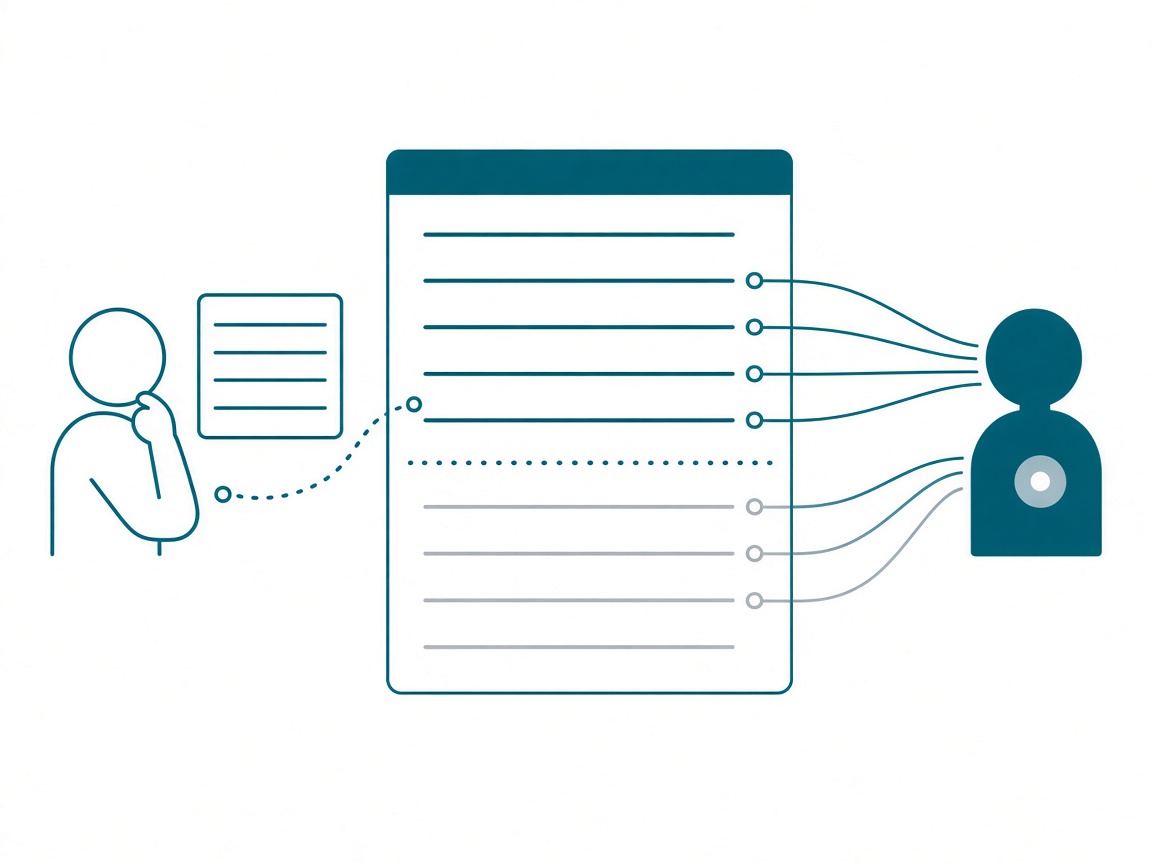
The top four lines are the whole security model for that table. Signed-in users can read it. Anyone can create a row. Anyone can read back only the columns listed. Activities has the first two roles and not the third, so the public can write commands and never read them.
Two things bit me. Know both before you start:
- Never leave an entity with only anonymous roles. When one did, the entire data API returned “Internal server error” for every request on every table. Keep
@authenticated('read')on everything. - Anything the public writes, the public has to be able to read. A create echoes the row back, and that echo gets checked against the caller’s read permission. Leave a written column out of the anonymous
includelist and the insert fails with “not authorized to access this resource.” On a table with no anonymous read at all, the insert succeeds but reports that you can’t view the response. My code treats that as a success.
Capacity was the other lesson. A small capacity that’s been throttled can take 20 seconds or more to serve the first byte of a page, which is a terrible first impression for a game. (Throttlor, it turns out, is real.) So the game also runs as a static copy on GitHub Pages that calls the Fabric App’s API for scores and telemetry. The page loads instantly and the database still gets every row. The browser batches commands too, sending them every 10 seconds or every 25 rows, so a busy night doesn’t hammer a small SKU.
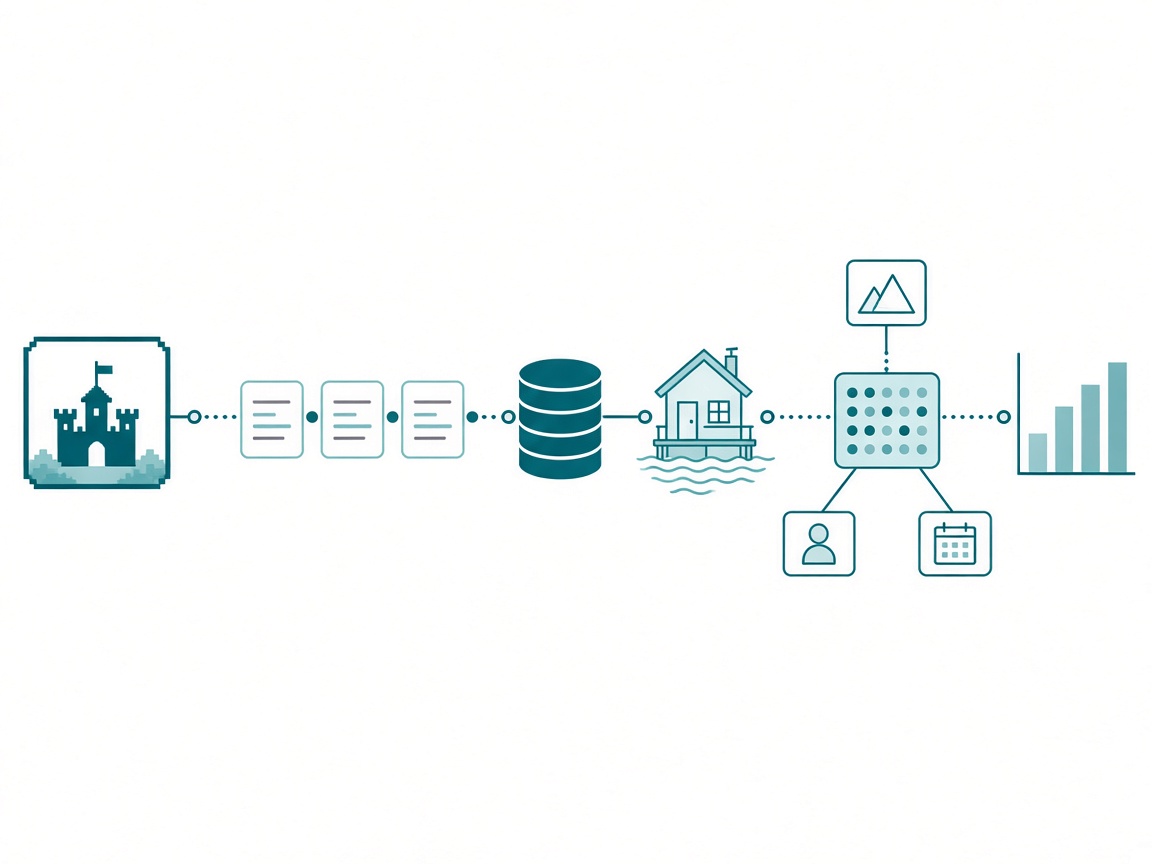
Then point a OneLake shortcut from a Lakehouse at the app’s database. Activities becomes a fact table, with Quests and HallOfFames as its dimensions. I can chart deaths by cause and pull the commands the parser didn’t understand most often. A silly game produced a star schema.
What else you can build
A contact form is the easy example, and it undersells this. Here’s what I’d build when people outside the tenant can put data into Fabric directly:
- Outage reporting. After a tornado came through Chicago this summer, I kept thinking about how bad most utility outage maps are. Any customer could enter an address and report an outage with no sign-in, and the map would update from the same database the operations team already queries.
- Public data that takes submissions. A county that publishes a report to the web today could take resident submissions in the same app, and the requests would sit right next to the data they’re about.
- Vendors and partners. Some external users should still log in. Give them their own accounts, separate from Entra, since they’ll never get one in your tenant. Rayfin’s auth config lists a password method next to Fabric sign-in (Fabric Quest leaves it off).
- Registrations, event intake, leaderboards, and surveys you’ll actually analyze. Anything where the input is what you’re after.
How I’d pitch it to a CTO
No CTO hears “anonymous data access” and gets excited. They hear “anonymous” and get nervous, and they should be careful, especially if the database sits anywhere near private information.
I’d pitch the round trip: the public’s input lands in the same governed place as everything else, with no flat file in the middle and no second platform to secure. Then I’d prove it with something small enough to build before lunch. With an agent and the Rayfin skill loaded, that’s realistic. Fabric Quest’s repo ships that skill for exactly this reason.
I’d also keep it boring on purpose. Fabric Quest lives in its own workspace with its own database, and nothing public shares a workspace with client data. Check your capacity’s region first. Fabric Apps have rolled out region by region, and I moved Fabric Quest to an East US 2 capacity once it had them.
Before you flip the switch
- Ask your tenant admin to enable Fabric App Items and Anonymous data access for Fabric Apps. Both are preview settings and both start off.
- Put public apps in their own workspace with their own database, away from private data.
- Default every table to anonymous create only. Add anonymous read only for columns you’d be happy to print on a billboard.
- Keep
@authenticated('read')on every entity, and put every anonymously written column in the anonymous readincludelist. - Set
assetAccess: public, or nobody gets past the sign-in page. - Batch writes from the browser, and host the static frontend somewhere else if your capacity is small.
- Plan cleanup. Anonymous callers can only insert, so spam and test rows are yours to delete by hand. A launch-date cutoff in your queries beats deleting rows.
- Shortcut the database into a Lakehouse before launch, so the analytics are ready the day the data starts.
Takeaways
- Anonymous data access is the first way to take input from people outside your tenant straight into Fabric.
- Publish to web is read-only and exposes the whole report. An anonymous Fabric App reads and writes, scoped per table and per column.
- Anonymous roles and signed-in roles sit side by side on the same table. Authentication stays on.
- Two gotchas: never ship an anonymous-only entity, and anything the public writes must be in its anonymous read list.
- A throttled small capacity is slow to serve pages. Host the frontend elsewhere and batch the writes.
- Pitch the round trip: public input landing where the rest of your data already lives.
Key takeaway: this week, pick one external process that currently ends in a form and an Excel file. Rebuild it as a Fabric App with anonymous create on a single table, put it in its own workspace, and point a Lakehouse shortcut at it. Then go play Fabric Quest and see how far you get before the narrator kills you.
My prediction: within a year, people will use Fabric Apps every day without knowing it, on outage maps and event signups. The only person who’ll know it’s Fabric is whoever analyzes the data afterward. If you build one, I want to see it. Keep the conversation going with us on the Explicit Measures podcast, and subscribe at PromptingBI for more.