
Stop Hitting Reply on Your Data
October 21, 2026 · Tommy Puglia
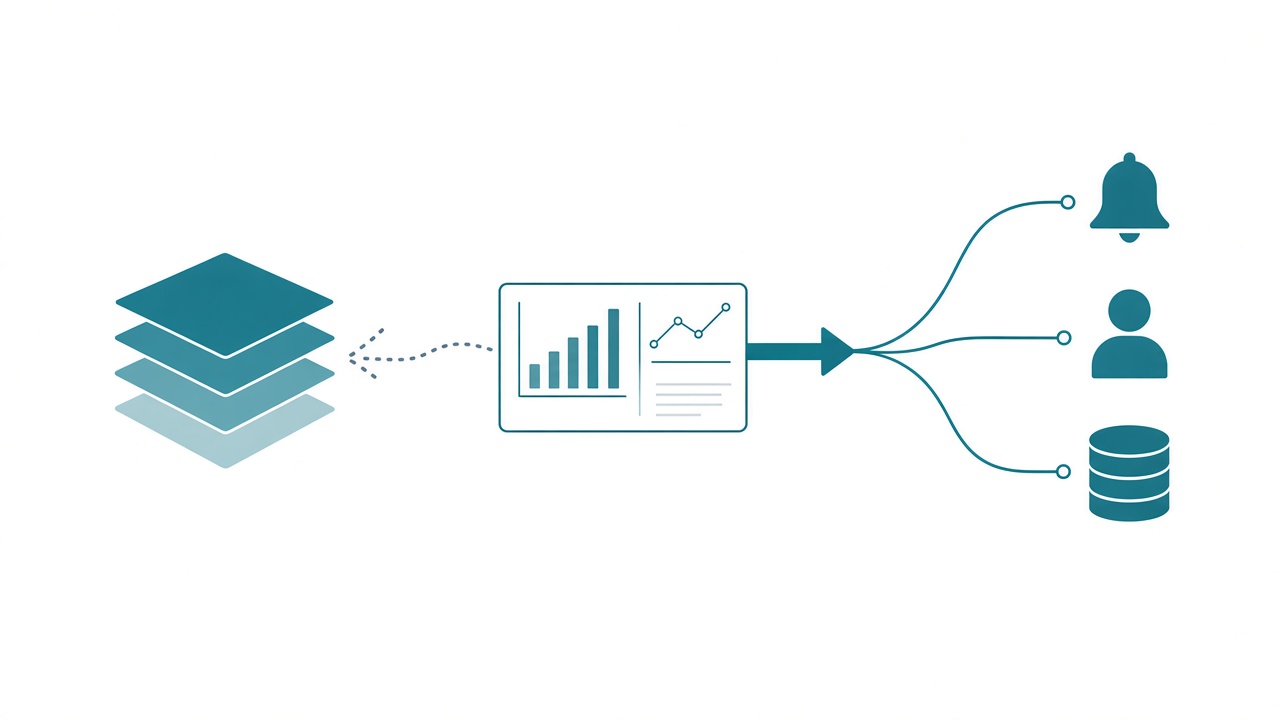
Writeback is one of the most requested things I hear about in Power BI. Look back over five years of questions people have sent me and it’s always near the top: top five most years, top ten at worst. Custom visuals tried to solve it before Fabric existed. Translytical task flows tried again. The requests keep coming.
Every email you get has two buttons that matter. Reply sends your answer back to whoever wrote it. Forward sends the message on to someone who can do something about it. For years, writeback has been the reply button on a Power BI report, and when I look at what people do with it, almost all of them wanted forward.
So I’m putting my foot down. Write forward. Don’t write to the semantic model, and don’t write to the gold layer of your lakehouse. Period. Power BI is for consumption and interaction, and the write belongs in something built to take one.
Writeback made sense when the report sat on the source
Back in the day, a Power BI report sat almost directly on the system of record. The semantic model connected straight to the SQL database that ran the business, so the number on the screen was effectively the row in that database. When someone said “this value should be 7, not 5,” writing back made a kind of sense. You updated the source and the report showed the change.
Even then, Power BI was never good at writeback. It was the only tool in reach. I keep coming back to the Steve Jobs test from Fabric Is Best as a Backend: a new device in the middle has to be better at something, or it has no reason to exist. A report doing writeback was never better at it than an application.
And honestly, the Power Apps visual, which got demoed endlessly as the writeback answer, mostly did something else. You’d take values from the model and act on them by sending an email or starting an approval. That was writing forward before anyone had a name for it.
Gold is read-only now
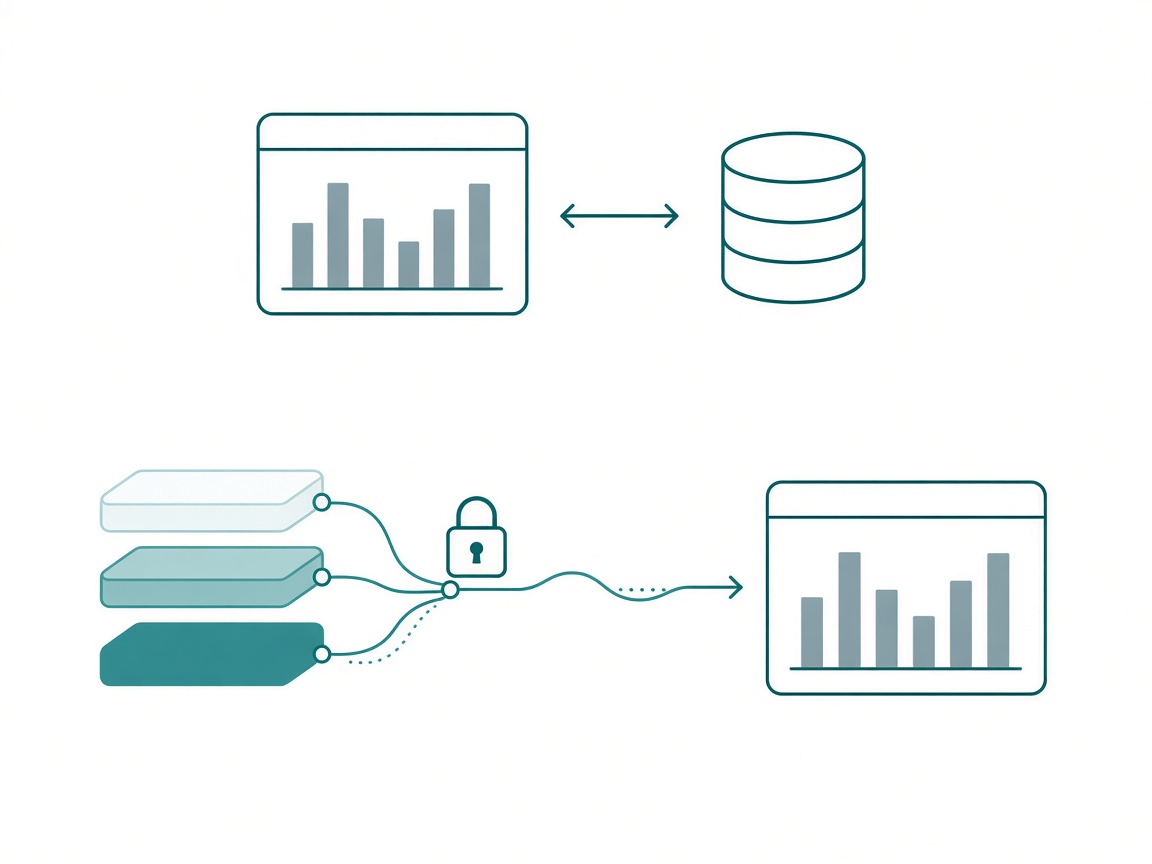
Lakehouses and Direct Lake are how most of us build now, and the report no longer reads the source.
A Direct Lake model reads Delta tables straight out of OneLake, and in a medallion setup those are your gold tables. Raw data lands in bronze, gets cleaned in silver, and gets shaped for reporting in gold. Gold is a product, rebuilt from the layers underneath it every time the pipeline runs.
Say someone edits a gold row from a report. Either the next load rebuilds gold from silver and the edit quietly disappears, or the edit survives and gold stops matching the data it came from. Nobody will be able to tell you why the numbers drifted. Neither outcome is a feature.
That’s why writeback inside a report on Direct Lake is a non-starter for me. A deal breaker. I don’t want anyone modifying data in gold, and I don’t want anyone writing into the semantic model either. The semantic model is the governed layer, where the organization agreed on what a number means, and a visual shouldn’t be able to change that.
Gold is read-only.
Ask what happens after the click
When somebody asks me for writeback, I ask what happens after they click. They’re usually looking at orders, a sales figure, or a machine on the plant floor, and what they need is to send an alert, notify someone, update a different system, or start a workflow. The number is what tells them to act.
Take a report on plant equipment. A machine on line three has been running hot for two days.
In the writeback version, someone changes a status cell in the report from OK to Needs Service. Anyone who can see the visual can flip it. There’s no record of why, nothing happens next, and the change sits in a table that something upstream will overwrite.
In the write forward version, a maintenance lead (and only a maintenance lead) clicks Open Work Order. That writes a new row to a SQL database built for writes, recording who opened it and why. A function notifies the on-call technician. The work order table is shortcut into the lakehouse, so tomorrow’s gold shows an open work order next to the machine that needed one.
Both start with the same click. The first edits the past. The second starts a work order, and the result comes back through the pipeline like any other source.
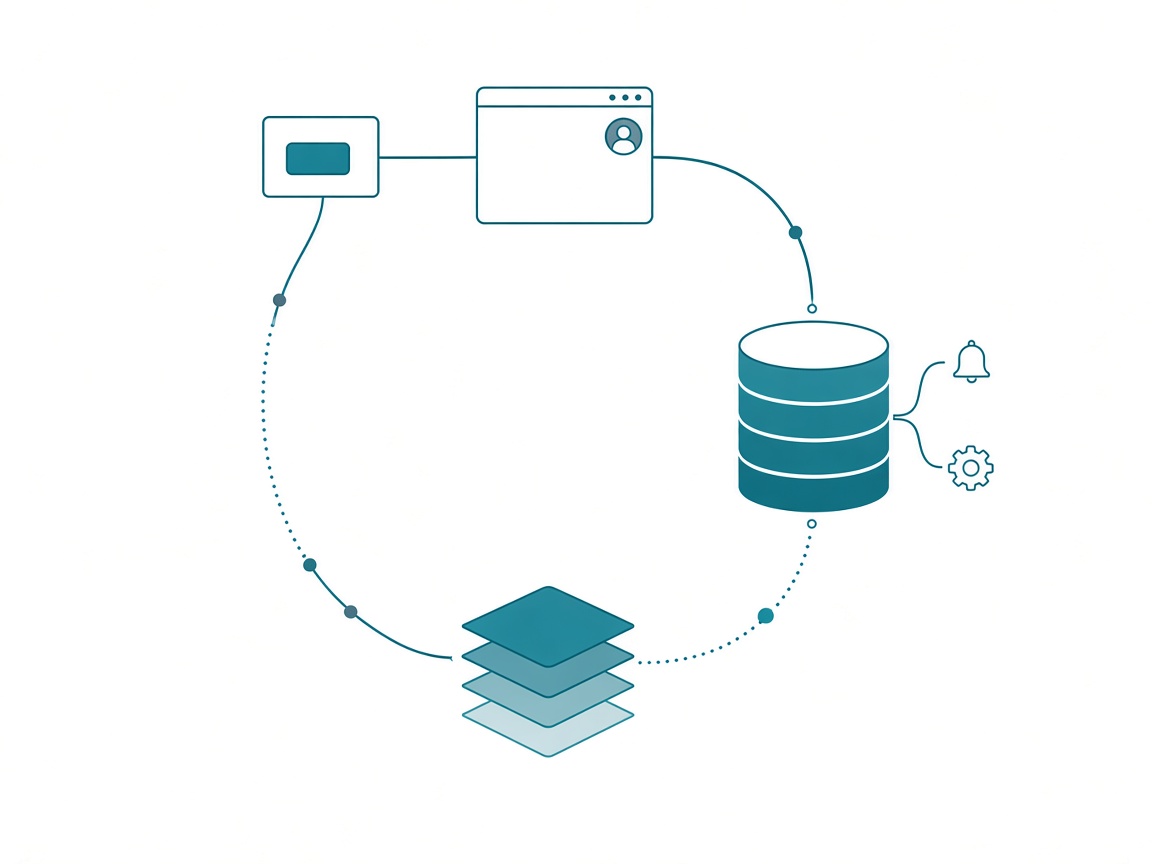
What about budgets? Planning is the case people will throw at me, and I think it proves the point. A budget is new data, entered by specific people on a schedule, and it never touches your actuals. It belongs in a table built for writes and flows into the model like any other source. That’s writing forward too.
Where the write belongs
Here’s where I’m putting this to bed.
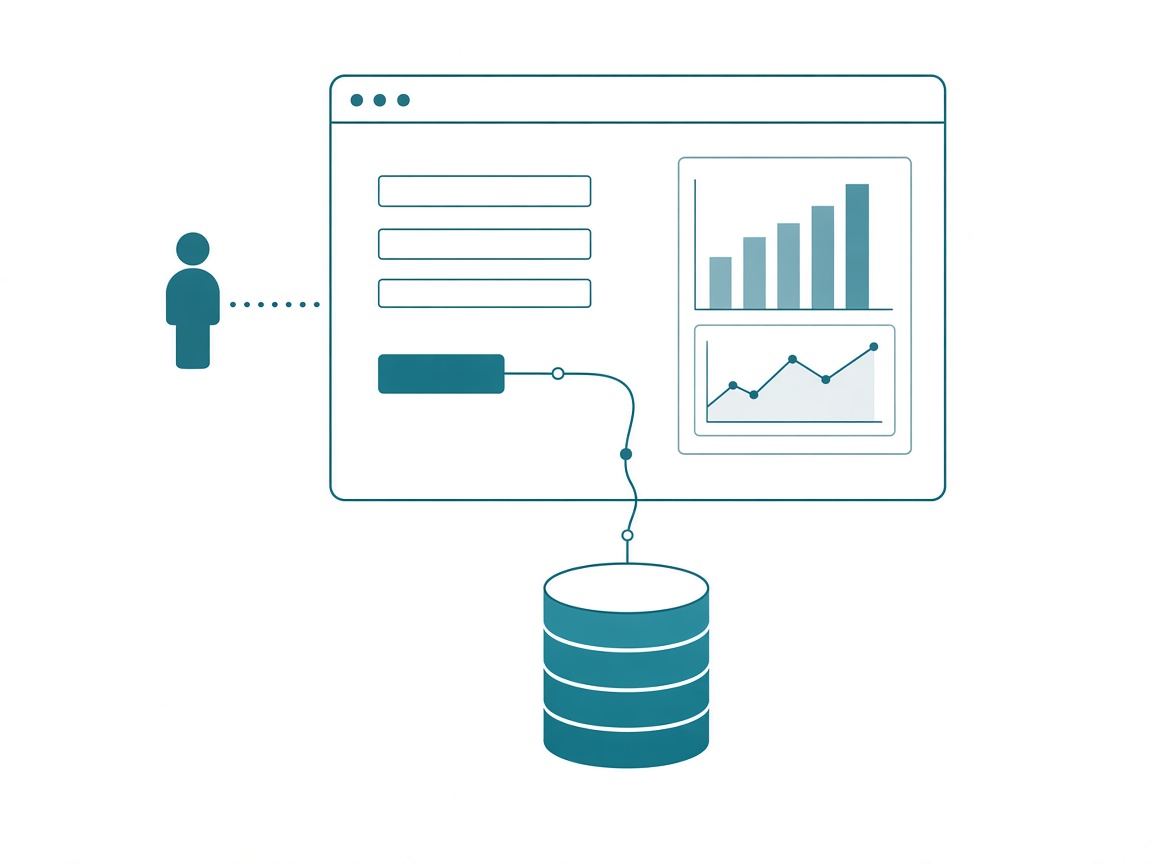
Fabric Apps get the write. A Fabric App can show the same data as your report and still be built around the action. It signs people in with Entra, and it can show or hide parts of the screen based on who you are, the way Power Apps always could. It writes to a SQL database and calls functions. It also doesn’t take three months. If you’ve never built one, give it an hour with an agent. It’ll blow your mind.
Translytical task flows are for the odd case. If you need one button inside an existing report and the action is simple, a task flow is fine. I’d guess that’s one scenario in ten. For the other nine, the app does it better and builds faster.
I wouldn’t use a custom visual at all. A real write is a specific person, with specific permissions and responsibilities, triggering a specific action. Doing that inside a visual means rebuilding user access and business logic in every custom visual you ship, and that’s the wrong layer. At least one vendor put serious money into a writeback table visual. A generic visual will always be a compromise, because every writing scenario is unique to the customer and the process.
And stop waiting for Power BI to grow a writeback feature. It doesn’t need one when the app already does the writing.
Put the report inside the app
When I was building a lot of Power Apps, almost every app I shipped had a View Report button.
One was for event planning. The app handled registrations: who’s coming and who hasn’t replied. People also wanted the totals, so the button opened a few embedded pages of the regular Power BI report. You’d see that 25 people still hadn’t responded, then go back into the app and follow up on that event.
Nobody ever looked at that report and thought, “It says 15, let me change it to 16.” The workflow needed both pieces, and each one did the job it was good at.
That’s how I’d build it today, with a Fabric App where the Power App used to be. The app owns the records and the actions, and the report pages get embedded wherever people need the totals.
Five questions before you build writeback
If you have Fabric in a region that has Fabric Apps, build a proof of concept this week. Use Claude Code or whatever agent you work in and point it at the repo or an MCP server. You don’t have to install anything yourself. Then run every writeback request in your backlog through these:
- What happens after the click? If someone gets told or another system changes, you’re writing forward.
- Who’s allowed to do it? If the answer isn’t “everyone who can see the report,” it belongs in an app with Entra sign-in.
- Where does the write land? In a table built for writes, like a SQL database in Fabric. Never in a gold table, and never in the semantic model.
- How does it come back? Through a shortcut or pipeline into the lakehouse, so gold picks it up on the next load with its lineage intact.
- Does it have to live in the report? One simple button in an existing report can be a translytical task flow. Anything bigger is a Fabric App, with the report embedded if people need it.
Takeaways
- Writeback made sense when reports sat directly on the source database. With lakehouses and Direct Lake, the report reads gold, and gold gets rebuilt from the layers below it.
- Don’t write to gold or to the semantic model. Period.
- Most writeback requests are forward requests: alert someone, or update another system.
- Fabric Apps get the write and translytical task flows get the odd case. Custom visuals get nothing.
- Embed the report in the app.
Key takeaway: this week, take one writeback request from your backlog and write down what’s supposed to happen after the click. If the answer isn’t “this exact cell changes,” build it as a Fabric App proof of concept.
I’m done saying writeback. It’s dead to me. My prediction: within a couple of years, writeback stops showing up as a Power BI request, because building the app will take less time than arguing about the visual. If you’ve got a writeback request sitting in your backlog right now, keep the conversation going with us on the Explicit Measures podcast, and subscribe at PromptingBI for more.
And yes, I know it’s cheesy, but I’m writing forward.