
Don't Let Your Agent Touch Fabric Until It Reports Back
August 17, 2026 · Tommy Puglia
When I write bad PySpark, I know within about four seconds. I get the red lines. I get the squiggly underline sitting beneath the exact character that ruined my afternoon. The notebook refuses to cooperate and tells me why.
When an agent writes bad PySpark, here is what I get instead: data in my lakehouse.
And my honest first reaction is not suspicion. It’s holy crap, an agent did that. The tables are there. The row counts look plausible. The column names are the ones I would have picked. Nothing looks wrong.
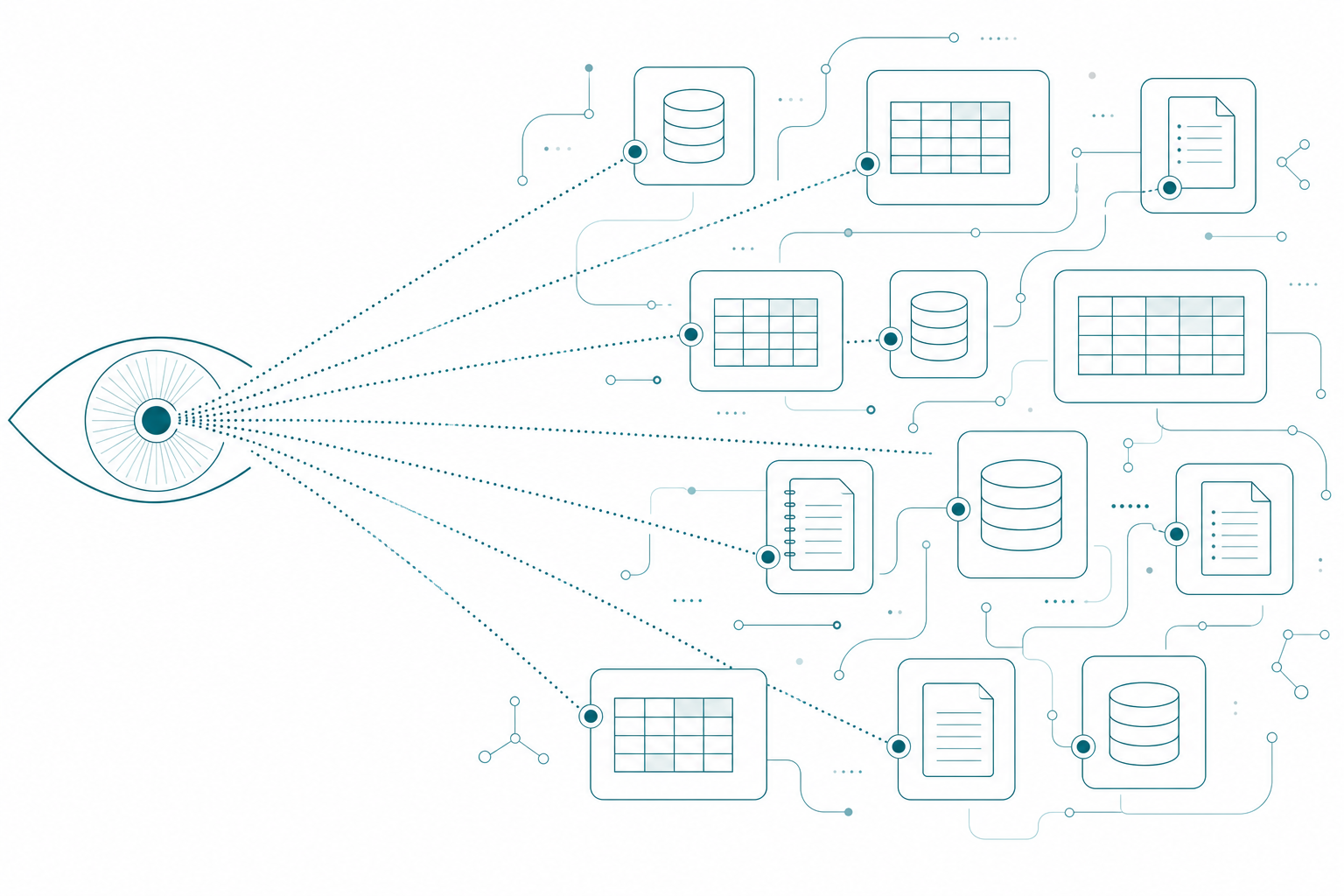
That feeling is the single most dangerous thing in agentic data engineering, and it’s why every Fabric MCP session I open starts the same way. The first prompt doesn’t build, doesn’t edit, doesn’t run anything. It asks the agent to report back on what it sees, and nothing gets touched until it does.
The Failure Mode With No Red Squiggly Line
The risk is not that the agent writes bad code. Give a modern model decent instructions and it writes genuinely good PySpark. It authenticates properly, it factors shared logic into helpers, and it doesn’t dump seventeen operations into one giant cell. Review it the way you’d review a colleague’s pull request and you won’t find much to complain about, because there isn’t much. The code is direct and efficient and it does exactly what it says.
The risk is that the code is correct and the result is wrong.
An agent joins a dimension to a fact table. The join is clean, the syntax is right, and it silently triples your row count because that dimension is slowly changing and nobody told the agent that. Does the agent know? No. And if you didn’t know either, then the output is wrong and nobody in this transaction made a mistake you could point at. It isn’t the agent being wrong. The agent didn’t know.
The devil is really in the specifications.
This is why “I’ll just review the code” fails as a strategy. You are reviewing the artifact that is fine, to catch a defect that lives somewhere else entirely: in the gap between what the agent assumed about your data and what is true about your data. Reading PySpark will not close that gap. Only reading the data closes that gap.
A pro doesn’t interrogate the code. A pro looks at the tables, hunts for slowly changing dimensions, checks the outliers, and asks whether that number could possibly be right. A novice looks at output that loaded successfully and calls it done.
Your agent is the novice. Every single time, in every tenant, on day one.
It is day one every time. Your agent doesn’t carry yesterday’s understanding of your workspace into this morning’s session. A new chat starts with no memory of the shortcut you explained, the stale description you warned it about, or the notebook you told it not to trust. You re-onboard it every session, which is why the opening prompt has to be cheap enough to run that often.
Same Room, Different Room
Years ago, back when my wife and I had just started dating, she walked into my home office for the first time. She’s an interior designer. She stood there for maybe thirty seconds and started narrating: if we flip those old lamps around, the room reads larger. That green on the wall is what’s making the space feel thin.
I was standing in the same room. I could not see any of it. I remember thinking, what are you seeing right now? I’m looking at everything you’re looking at and I’ve got nothing.
She made the changes. It was a completely different room, and I still could not have told you in advance which changes would do it.
That’s the situation you’re in with an agent in your Fabric workspace, with the roles reversed. You’re the designer now. You know that a table named dim_date showing up in five different lakehouses is one table, because you built it that way. You know which notebook is load-bearing and which one is a leftover. The agent is standing in your room with total confidence and no ability to see any of it.
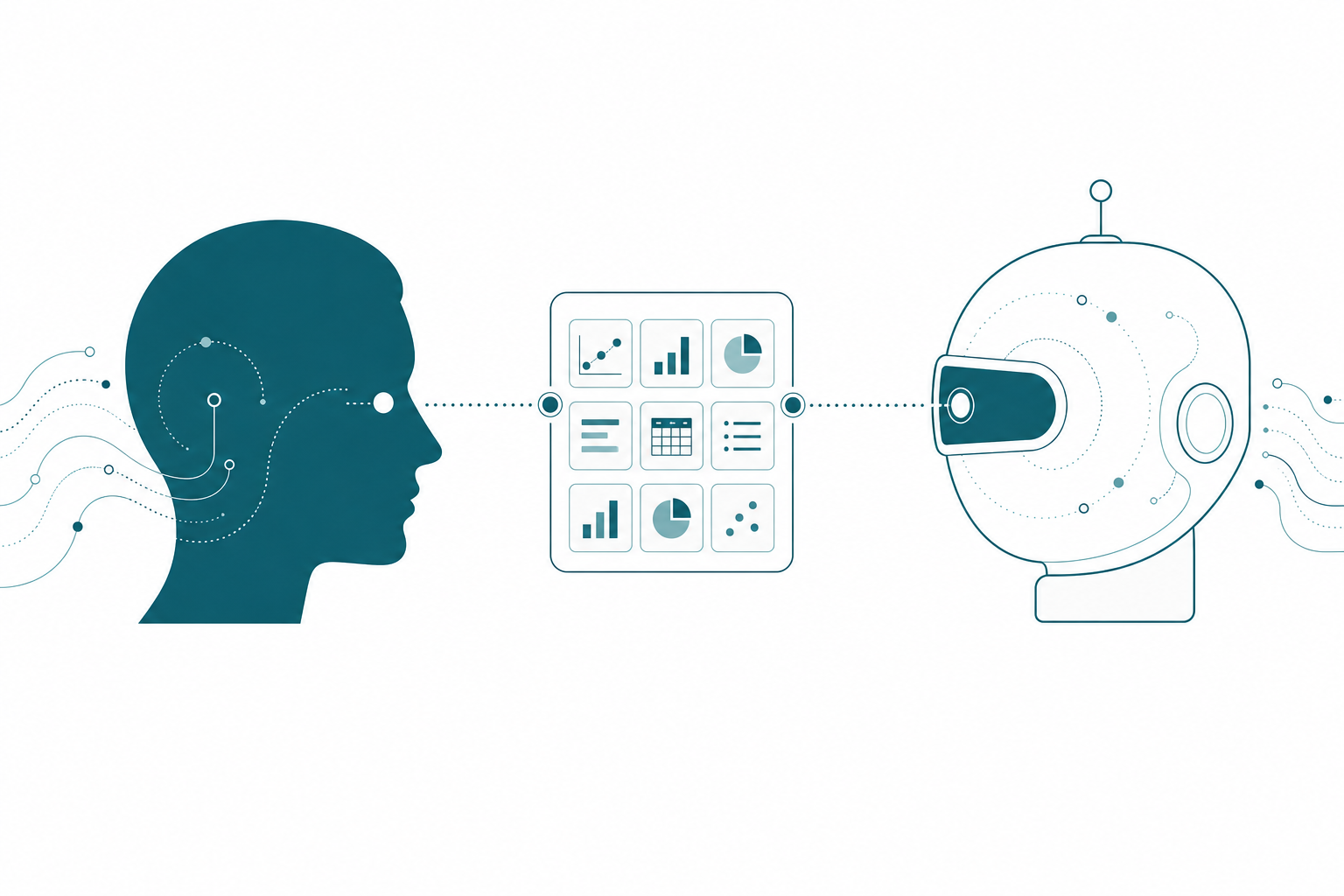
Two parties, same room, two completely different rooms. There is exactly one way out of that, and it’s for one of you to say out loud what you see so the other can correct it. That is the entire job of the first prompt.
What the Survey Actually Comes Back With
Let’s take a project. We’ll call it Northside Baseball, an independent league club I run a Fabric and Power BI engagement for. The workspace is a medallion build with a department layer on top: bronze holding raw tables landed from ticketing, CRM, financials, point of sale, and survey feeds, silver holding the conformed star schema, gold holding the analytics tables, and four department lakehouses so ticketing, CRM, concessions, and operations each see only their own slice.
I connected an agent and asked it to survey the workspace. Read only. Build nothing.
It came back organized, confident, and accurate: seven lakehouses, 113 tables, a complete medallion with gold built and marts serving four teams. It also volunteered a next step I hadn’t asked for, which was that the platform looks ready to point Power BI at gold.
Every number in that report came straight off the API. Three of them were still going to hurt me.
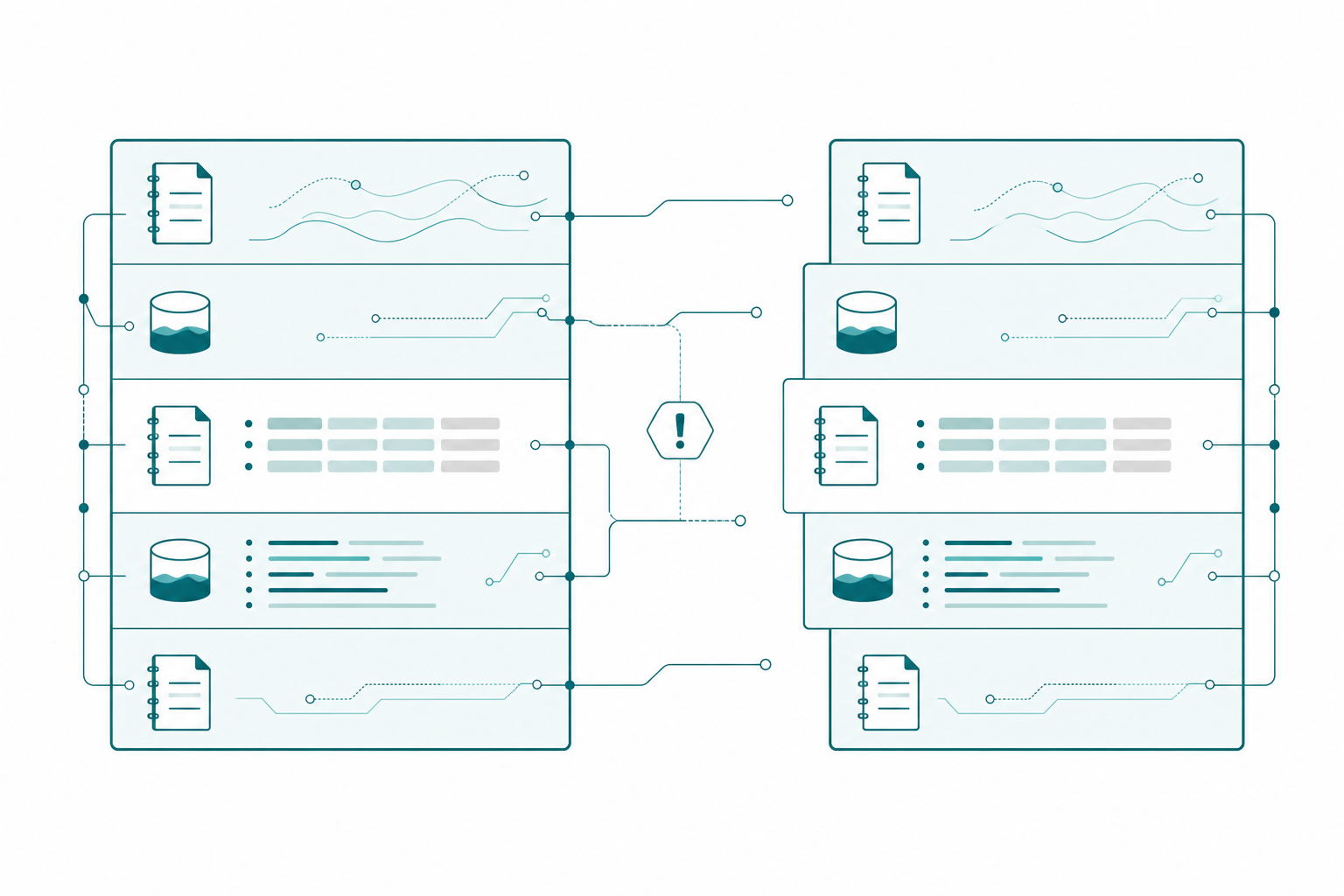
113 tables is actually 71. Forty-two are shortcuts. The four department lakehouses hold no data at all; they point at silver and gold. dim_date is one physical table that resolves five times across the workspace. dim_event resolves three times. Every gold table resolves twice. Ask an agent to profile row counts lakehouse by lakehouse and sum them, and it hands you a total inflated by more than half, with total confidence, sourced from real API responses.
The metadata contradicts itself. The silver_lakehouse item carries the description “Delta Lake storage for Gold layer.” The name says silver, the description says gold. One of them is wrong, and nothing in the tenant tells an agent which field wins.
The documentation was worse than the metadata. This is the one that actually stung. My own notebook standards page, the page the agent reads before it writes a line of code, still described this workspace as “bronze plus serve,” listed the silver layer FK alignment as an open blocker on gold, and specified a notebook naming convention that three of my shipped notebooks don’t follow. Silver and gold have been done for weeks. An agent trusting my documentation would have concluded that gold was blocked and named its output wrong, and it would have been reasoning faithfully from the best source available to it.
Every one of those reads was defensible from what the agent could see. The agent cannot tell a table that exists from a table that holds data, and it cannot tell a notebook that runs from a notebook I trust.
Now run the counterfactual. If my first prompt had been “build the gold aggregations,” I’d have gotten tables written somewhere reasonable-looking, quite possibly duplicating what nb_gold_transform already produces, validated against row counts that quintuple-count my date dimension. It would have looked like a win.
Recon Is a Page, Not a Vibe
Typing “what do you see?” into a chat window is better than nothing, but it’s improvisation, and you get a different answer every time. If a step matters enough to run at the start of every session, it matters enough to write down.
So the survey gets a brief. It lives next to the notebook standards, and the agent reads it over the Notion MCP server before it touches Fabric:
## Reconnaissance Pass: Northside Fabric Workspace

You are performing a read-only survey. Create nothing. Modify nothing.
Run nothing. If a tool call would write, stop and report instead.

### Read these first
| Source                    | What to look for                           |
| Notebook standards        | naming conventions, validation rules       |
| Fabric data platform plan | which layers are signed off vs. in sprint  |
| Latest project recap      | anything that moved since this was written |

### Report back in this shape
1. Lakehouses you can reach, and which you CANNOT
2. Per lakehouse: physical tables and shortcuts, counted separately
3. Items whose name, description, and contents disagree
4. Operations you have, and operations you expected but do not have
5. Per layer: what you believe is complete, and the evidence you used
6. Your open questions, before any build

### Rules
- A shortcut is a pointer, not data. Never sum row counts across lakehouses.
- Names beat descriptions. Flag the conflict, do not resolve it yourself.
- Existence is not completion. A notebook that runs is not one I trust.
- Cite the source for every status claim. No inference stated as fact.
- End with what you would need in order to be wrong.
Four lines do most of the work. “Which you CANNOT” turns a missing permission into a reported finding instead of a silent failure two hours later. Counting shortcuts separately is the highest-value line on the page, and I only learned to write it after watching an agent confidently double-count my date dimension. “Names beat descriptions, flag the conflict” stops the agent from quietly picking a side in my metadata’s argument with itself. And the last line, asking what it would take to be wrong, is the difference between a status report and a conversation.
The brief doesn’t restate the validation rules or the naming conventions. It points at the standards page, the same way the instructions pages that drive my MCP modeling sessions point at the data dictionary instead of duplicating it.
Write Down What You Expect Before It Builds
I’ve gotten pushy with clients about this. Before we build a new pipeline, I ask for a starter kit: a slice of real data, up front, so I can find out what their data actually looks like instead of discovering it through an API in production. Then I let the agent read that slice and the semantic model, and I have it write what it learned back into the project brain as facts. There are seven values for country. There are two thousand rows in the state range. That table has a natural key and this one doesn’t.
Those are the numbers every future assert compares against.
For Northside, the survey findings and the starter-kit profile now live at the top of the standards page as a dated block:
## Verified Tenant State

Counts read from the Fabric REST API, not carried forward from this page's
history. Verified 2026-08-17. If you are running later, re-verify first.

| Fact                       | Value                                     |
| Lakehouses                 | 7 (bronze, silver, gold + 4 dept marts)   |
| Tables reported by the API | 113                                       |
| Physical Delta tables      | 71                                        |
| OneLake shortcuts          | 42                                        |
| Notebooks                  | 9 items, 8 of which do actual work        |

**Rules that follow from this:**
- A shortcut is a pointer, not data. NEVER sum row counts across lakehouses.
  `dim_date` resolves 5 times, `dim_event` 3 times, every gold table twice.
- The four department marts hold zero physical tables. Writing to a mart
  means writing to silver or gold.
- Trust item names and contents over descriptions. `silver_lakehouse` is
  described as "Delta Lake storage for Gold layer" and that is wrong.
- `notebook`, `report`, and `semantic_model` are scaffolding placeholders,
  not work. Do not count them and do not build on them.
That block took ten minutes to write and it does more work than any other page on the project, because it converts “the agent might misunderstand my workspace” into “the agent has been told the specific ways this workspace is misleading.” Note the verification date. A reference point with no date is a future trap, which is precisely the mistake my own standards page made.
Let It Prove Itself Where Nothing Is Watching
Now the agent can build. Not in silver, though.
Every transform notebook on this project opens with the same four lines, and they’re the most important four lines in the file:
import os
from pyspark.sql import functions as F

LOCAL = os.environ.get("NB_TEST") == "1"
WS = "<workspace-guid>"
BRONZE = "<bronze-lakehouse-guid>"
BR = f"abfss://{WS}@onelake.dfs.fabric.microsoft.com/{BRONZE}/Tables/"

def br(t):
    return spark.table(t) if LOCAL else spark.read.format("delta").load(BR + t)

def save(df, name):
    df.write.mode("overwrite").option("overwriteSchema", "true").format("delta").saveAsTable(name)
    print(f"  wrote {name}")
Every read goes through br(). Every write goes through save(). Which means the entire notebook has exactly one switch, NB_TEST, and flipping it moves the whole thing off my real lakehouses and onto local tables where a wrong answer costs me nothing.
This is what “start small” looks like when you stop treating it as a philosophy and make it a variable. The agent doesn’t get to negotiate its way into production. It runs the full logic against a small local set, the validation fires, and only then does the same code touch OneLake. Same notebook, same asserts, no separate throwaway test script that drifts out of sync with the real one.
There’s a side benefit. An agent that has to route every read and write through two helpers cannot casually scatter side effects through a notebook. It has to declare its writes.
The Validation Cell Is the Gate
Every notebook on this project ends with a cell that begins # ---- Validation ----. A notebook without one is not done, regardless of how good its output looks.
Start with referential integrity, because a left anti join is the cheapest lie detector in data engineering:
# ---- Validation ----
sth = spark.table("dim_sth_account")
orphans = {
    "fact_tix.STH_ID->dim_sth": spark.table("fact_ticket_sales")
        .where(F.col("STH_ID").isNotNull()).join(sth, "STH_ID", "left_anti").count(),
    "fact_tix.EventID->dim_event": spark.table("fact_ticket_sales")
        .join(spark.table("dim_event"), "EventID", "left_anti").count(),
    "fact_merch.ProductKey->dim_product": spark.table("fact_merchandise_sales")
        .join(spark.table("dim_product"), "ProductKey", "left_anti").count(),
    "dim_event.OpponentID->dim_opponent": spark.table("dim_event")
        .join(spark.table("dim_opponent"), "OpponentID", "left_anti").count(),
}
print("=== REFERENTIAL INTEGRITY (orphan counts, expect 0) ===")
for k, v in orphans.items(): print(f"{k}: {v}")
assert all(v == 0 for v in orphans.values()), f"RI violations: {orphans}"
The assert is doing the work on that last line. A printed warning gets narrated past and a log row gets ignored, but an exception stops the notebook cold, and the dictionary tells you exactly which relationship broke.
Then the domain asserts, which are the ones only you can write:
SEASON_YEARS = [2021, 2022, 2023, 2024, 2025, 2026]

seasons = sorted(r[0] for r in spark.table("fact_ticket_sales")
                 .select("SeasonYear").distinct().collect())
assert seasons == SEASON_YEARS, f"unexpected seasons {seasons}"

yrs = sorted(r[0] for r in spark.table("fact_survey_nps")
             .select("SeasonYear").distinct().collect())
assert max(yrs) == 2025, "future-dated NPS survey present"
When that first assert fires, the agent doesn’t shrug and continue. It stops mid-pipeline and reports: I found seven seasons, the reference point says six, we need to pause before I continue. That is a wildly different outcome from “there’s an error, moving on,” and the difference is entirely because somebody wrote the number six down before the build started.
The NPS check is my favorite because it encodes something no model could infer. This is a baseball club. Surveys are observed history, so a survey dated in a future season isn’t a data quality quirk, it’s a fabrication, and it means something upstream is generating rows instead of reading them. One line, and a whole class of silent nonsense becomes a hard stop.
Nobody Should Be a Professional QA Architect
If your process is that a senior developer reads every pipeline an agent produces, you did not build an AI workflow. You built a professional QA architect. I know that’s a strong version of it.
Run the math on that role. Half the senior’s time goes to reviewing agent code. Another chunk goes to sitting with juniors explaining what went wrong. Your most expensive, most experienced person now spends two thirds of their week not doing architecture, not doing solution design, not doing the thing you hired them for. I would not pay a consultant for that. I would not ask my senior architect to do it. And I’ll say the uncomfortable part too: in that arrangement the senior could have run the agent themselves and gotten it right the first time, and the junior didn’t learn anything either. Everybody lost.
The way out is moving the check from a person’s eyeballs into the notebook, where it runs every time, for free, without an opinion or a calendar invite.
Your seniors should be writing the asserts, the standards page, and the reference points. Write those once and they protect every run by every person on the team forever. Reading diffs is a tax that grows with every notebook your agents produce. A validation cell is a fixed cost that covers all of them.
Every Bug It Finds Becomes a Permanent Assert
The Northside event cost table had a real bug. TotalCost was summing StaffingCost and PayrollCost, which are two views of the same labor. Every event was carrying its labor twice. Margins were wrong, and they were wrong in a direction that looked believable, which is why they survived a while.
The agent found it, and the fix produced three artifacts. First, corrected logic in silver. Second, a note in the notebook header, which is where I now require agents to declare what they changed and why:
# nb_gold_transform - analytics-ready gold tables (gold_lakehouse default).
# FIXES SHIPPED HERE: (1) event P&L uses the corrected TotalCost (no labor
# double-count), (2) churn model consumes the MEASURED payment rate, (3) risk
# tiers are cut at score quantiles computed from the live distribution instead
# of stale hard-coded thresholds.
Third, and this is the durable one, the bug became an assert that will outlive everyone’s memory of it:
ep = spark.table("gold_event_pnl")

# TotalCost must exclude PayrollCost. This assert exists because it did not, once.
bad_tc = ep.where(F.abs(F.col("TotalCost") - (F.col("StaffingCost") + F.col("ConcessionCost")
                        + F.col("OperationalOverhead") + F.col("BaseballOpsCost"))) > 0.02).count()
assert bad_tc == 0, "labor double-count regression in gold"
The same cell also guards coverage and shape, not just correctness, because “it ran” and “it covered everything it should have” are different claims:
ch = spark.table("gold_sth_churn_features")

# Coverage: every active account must get a score, no silent drops
assert ch.count() == sl("dim_sth_account").where("AccountStatus='Active'").count(), \
    "churn features must cover every ACTIVE account"

# Shape: a risk model that tiers everyone the same way is broken, not confident
tiers = {r["RiskTier"]: r["n"] for r in ch.groupBy("RiskTier")
         .agg(F.count("*").alias("n")).collect()}
tot = sum(tiers.values())
assert set(tiers) == {"High", "Moderate", "Likely Renew"}, f"missing tiers: {tiers}"
assert 0.15 <= tiers["High"] / tot <= 0.35, f"High tier share off: {tiers['High']/tot:.0%}"
That distribution assert is the most agent-specific check on the project. A row count can’t catch a model that quietly collapsed into one bucket. A percentage band can, and it will catch it the first time it happens rather than in the meeting where someone asks why every account is suddenly high risk.
Then the check I’d hand anyone working with agents on a star schema. A dimension attribute that is derived from a fact must still equal that fact:
real = (spark.table("fact_sth_payments").groupBy("STH_ID")
        .agg(F.round(F.avg(F.col("OnTime").cast("double")), 3).alias("RealOnTimeRate")))
mismatch = (real.join(sth.select("STH_ID", "PaymentOnTimeRate"), "STH_ID")
            .where(F.abs(F.col("RealOnTimeRate") - F.col("PaymentOnTimeRate")) > 0.001).count())
assert mismatch == 0, "PaymentOnTimeRate is not the measured rate"
PaymentOnTimeRate used to be a synthetic value from a scaffolding pass. It looked completely reasonable. It was feeding a churn model. Nothing about it was flagged as fake, and an agent building on top of it had no way to know it was reading a placeholder instead of a measurement. That assert is the tripwire that makes the substitution impossible to repeat.
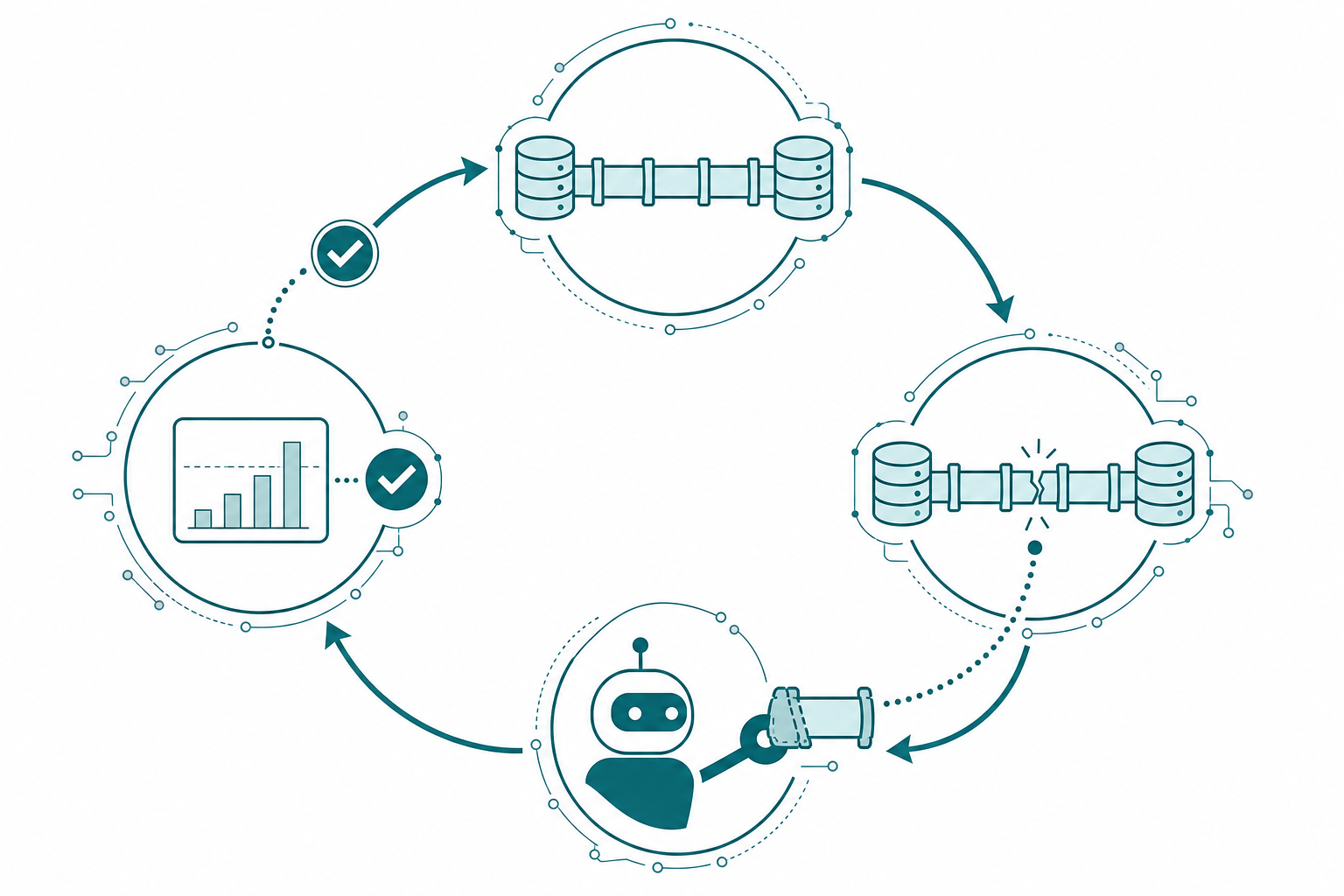
Make It Part of Your Workstream
Here’s what I’d do this week, in order:
- Write the recon brief once. Read-only guardrail, a required report shape, a citation rule, and the line about what it would take to be wrong. It’s reusable across every tenant you touch.
- Make it count shortcuts separately. If your workspace has department marts or any OneLake shortcuts, this one line prevents the most confident wrong number an agent will ever hand you.
- Read the survey like a code review, then fix what it caught. Not just the tenant metadata. Check whether your own standards page still describes the workspace you actually have, because mine didn’t.
- Publish a dated verified-state block. Physical table counts, shortcut counts, known-bad descriptions, placeholder items. Ten minutes, and it’s the reference point everything else compares against.
- Put
NB_TESTin your standards. One switch, all reads through one helper, all writes through another. Local proof before OneLake, same code both times. - Require a validation cell to call a notebook done. Referential integrity via left anti joins, then the domain asserts only you can write.
- Assert shape and coverage, not just counts. Distribution bands and “every active row got processed” catch the failures a row count sleeps through.
- Turn every bug into a permanent assert with the reason in the message.
"labor double-count regression in gold"tells the next person, or the next agent, exactly what it’s guarding. - Scale delegation only as fast as you can validate. Not one step faster.
Takeaways
- An agent’s mistakes don’t produce a red squiggly line, they produce data. Plan your verification around silent wrong answers, not loud failures.
- Reviewing the code doesn’t work, because the code is usually good. The defect lives in the gap between what the agent assumed about your data and what’s true.
- Spend the first prompt on a read-only survey, and write it down as a brief so you get the same answer every time instead of an improvised one.
- Agents don’t remember your workspace between sessions, so the survey is a standing habit rather than a one-time onboarding step.
- Shortcuts make an agent’s table count lie. Demand physical tables and pointers counted separately, and never let it sum row counts across lakehouses.
- Check your own documentation during recon. Stale standards are more dangerous than stale metadata, because the agent trusts them more.
- Write the expected counts, ranges, and boundaries down before the build. An assert is only as good as the number you recorded ahead of it.
- One environment switch beats a separate test script.
NB_TESTproves the real notebook, not a copy of it that drifts. - Validation belongs in the notebook, not in a senior developer’s afternoon. Reviewing diffs costs more with every notebook your agents write; a validation cell costs the same forever.
- Every bug your agent finds should end as an assert with the reason in the failure message, so it can never come back quietly.
Within a couple of years, the read-only survey will be the SELECT TOP 100 of the agent era. The little thing you run first, every single time, before you trust anything with the real work. If this way of thinking about agents and Fabric sparked something, keep the conversation going with us on the Explicit Measures podcast, and subscribe at PromptingBI for more.