
Don't Spend Fable on the Schema: How I Match the Model to the Fabric Job
October 28, 2026 · Tommy Puglia
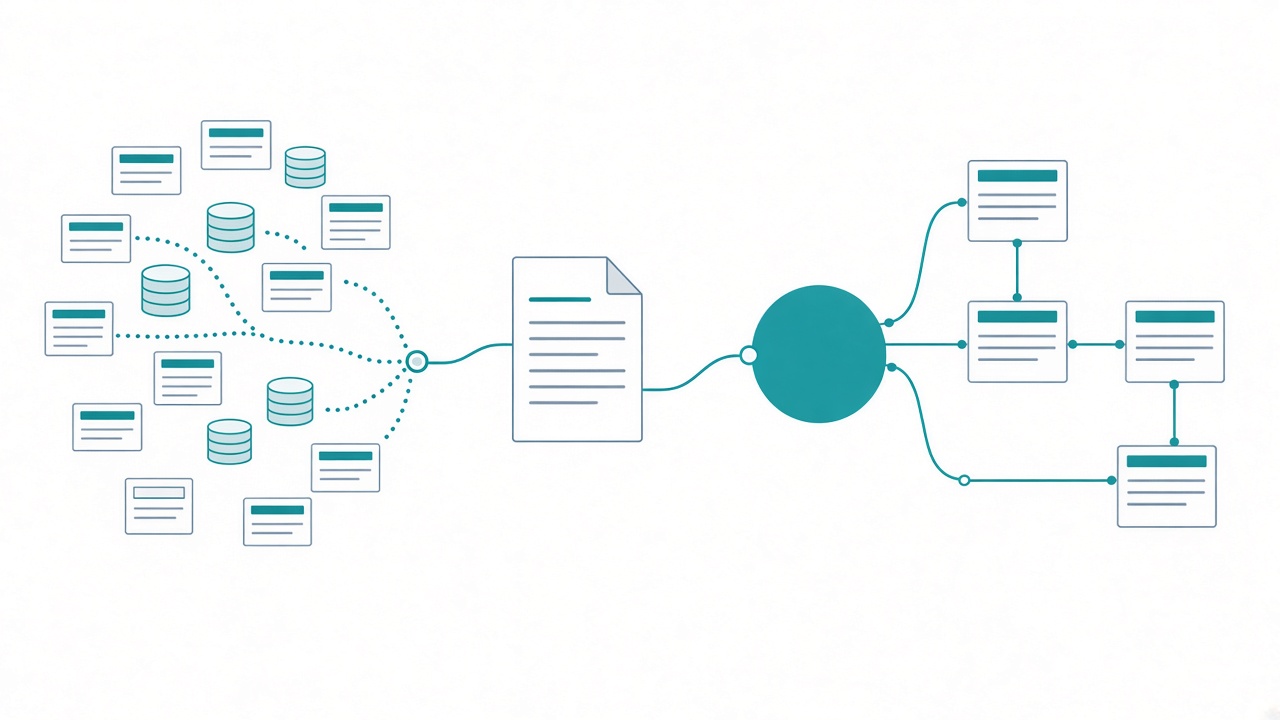
A project I see a lot: a client has 3 or 4 source systems and a stack of API calls that need to land in Fabric notebooks, and nobody can tell me how any of it fits together. Two of the systems both have a customer ID. Are they the same customer? Nobody knows.
The instinct is to open the biggest model, push the effort to max, connect it to Fabric, and tell it to look at everything and figure it out. It’s complicated, after all.
I know that instinct because I had it. For a while it was Fable for everything. Once I started connecting MCP servers to Fabric and running my own projects through agents, my logic was simple: if this is going to be done right, the model has to reason, so give it the most reasoning money can buy.
I had it backwards. Pointing the top model at raw data and letting it work out your schema is about the least efficient way to use it.
I save the expensive model for the suggestion pass. I split Fabric work into sessions and pick the model and effort for each one by what I don’t know yet. The high model doesn’t start until the schema is written down, and the dictionary is all it reads.
Name what’s hard before you pick
The rule I hear most: notebooks are complicated, so notebooks get the highest model at the highest effort. Sometimes that’s true. Usually it isn’t.
“Fabric work” covers at least 5 jobs. Executing a notebook. Finding data. Analyzing data. Planning the architecture. Designing a report through Desktop Bridge or the new npm visual packages. Each one has a different shape, and calling it “complicated” doesn’t tell you which one you’re doing.
Everyone repeats the saying: use a bigger model for harder tasks. Fine. Define the harder task. Most people say “complex” and reach for the big model without naming what’s hard about it. Is it a lot of code? Fuzzy requirements? Two systems that don’t line up, where somebody has to decide how they relate? Those need very different amounts of thinking.
One caveat. If you only use Copilot inside Fabric, you don’t get much say here. You can’t pick the model per session, and Anthropic models only show up if an admin turns them on. Everything below assumes a harness where you choose, like Claude Desktop, Cursor, or VS Code with MCP servers.
Fable will show its work on 2 + 2
Say money is no object. Why not run the top model at max effort on everything?
Because it takes a while, and it can think too much for the job. Set Fable to its highest effort and ask it what 2 + 2 is. You’ll get 4. You’ll also get a lot of thinking you never needed.
If your dad was an engineer, you know this one. You’d bring him your math homework with the right answer, he’d tell you you did it wrong, and then he’d hand you 3 pages on how to get from 2 + 2 to 4. Right answer. Way too much thinking.
Now scale that up. Connect the highest model at the highest effort to Fabric, have it look at all the data, reason about all of it, and push the results back. It’ll get there. It will also take a long time and burn a lot of consumption on work a lighter session could have done. I try to stay conscious of how much I’m consuming on a model, and overthinking is the hardest cost to notice, because the answer still comes back right.
Split the job before you pick the model
For me, pulling the data in and reasoning about it are separate sessions, and I think they should be for everyone. Before I pick a model, I sort the work into what needs time to think and what’s just execution.
Back to that multi-system project. Here’s how it breaks out.
The listen. Connect to each system, pull the data, land it. For me that’s an Opus job at medium effort. It’s basic coding, more or less, and it has no reason to think about how the systems relate. Its whole job is getting the data in.
The dictionary. Before Fable sees any of it, I pull the data into a data dictionary: every table, its columns, where it lives, and what it’s for. That page exists before any high-model session starts.
The recommendations. Once I know the schema, I’ll usually bring in a higher model, and only to reason about suggestions. These two tables kind of relate, so can we test merging them? These keys don’t line up cleanly, so what are the options? I run that brainstorm on the higher model with the Superpowers plugin for Claude, which takes its time and writes the plan out as one document per task. Task 14, its dependencies, the works.
The execution. Building the notebooks from those task documents goes back to Opus. A lot of the time you can get away with a lower model and lower effort here, because the session is following instructions someone already wrote.
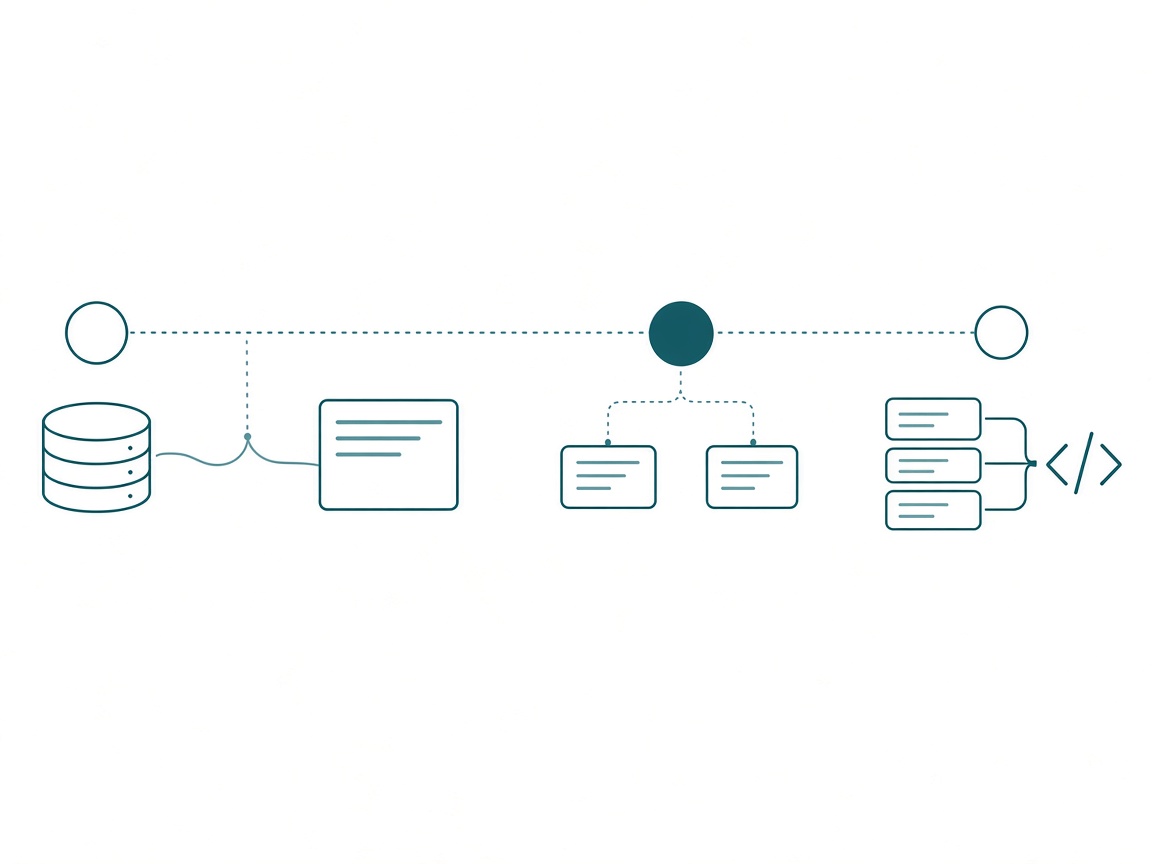
I write that map out before the first session runs. Here’s roughly what it looks like for this project:
## Session map: source APIs to Fabric notebooks

1. Listen: Opus, medium effort
   Connect to each source system, pull the data, land it.
   Do not reason about how the systems relate.

2. Dictionary: before any high-model session
   Every table: columns, location, and purpose.
   This page is the only schema later sessions read.

3. Recommendations: higher model, after step 2 only
   Read the dictionary, not the raw data.
   Known unknowns: which keys join, which tables merge,
   what needs a test before we trust it.
   Output: one task document per step, with dependencies.

4. Execution: Opus, or a lower model at lower effort
   Build the notebooks from the task documents.
   Stop at scope edges. Write back anything the plan missed.
The map lives with the rest of the project context, where every session reads it, so nobody (me included) has to remember which model the recommendations pass was supposed to get.
Don’t send the head chef to count the pantry
I explain this with a kitchen. You don’t have to be the best chef in the world to put out a great plate of pasta. You need someone to write the right recipe with the right ingredients, and someone to follow it. The recipe is where the judgment lives: too sweet, add salt; skip the sugar and use carrots. Following it is salting the water and letting the sauce go for an hour. A good line cook does that well.
Nobody sends the head chef to count cans in the pantry, though. Someone counts the shelves and writes it down, and the chef plans from the list. In my sessions, the listen does the counting, the dictionary is the list, and the high model plans from it.
The dictionary is also what makes the cheap sessions possible. If every session has to rediscover the data, even Fable will take a long time, and the result may not be great. If the lakehouse schema, where the lakehouse lives, and what each table is for are already documented, the next session doesn’t need to do much reasoning. It references what exists, and that’s a much lower model.
So I won’t let an agent start exploring until a schema is available to it, whatever harness I’m in. I keep mine in Notion; a GitHub repo works just as well. It’s the context harness I wrote about in The Context Harness and the Execution Harness, and the data dictionary is one of the first pages it gets. The better that harness is, the cheaper every session after it can be.
Known unknowns get the big model
I decide which session gets the expensive model by what I don’t know.
When there are known unknowns, the higher model comes in. I know there are things I don’t know about this data. I know the keys between two systems aren’t quick and easy, and I need to figure out how they fit. That’s reasoning, and it’s worth paying for.
When it’s known knowns, it’s the lower model. The schema is documented and the plan is written. Somebody just has to do it.
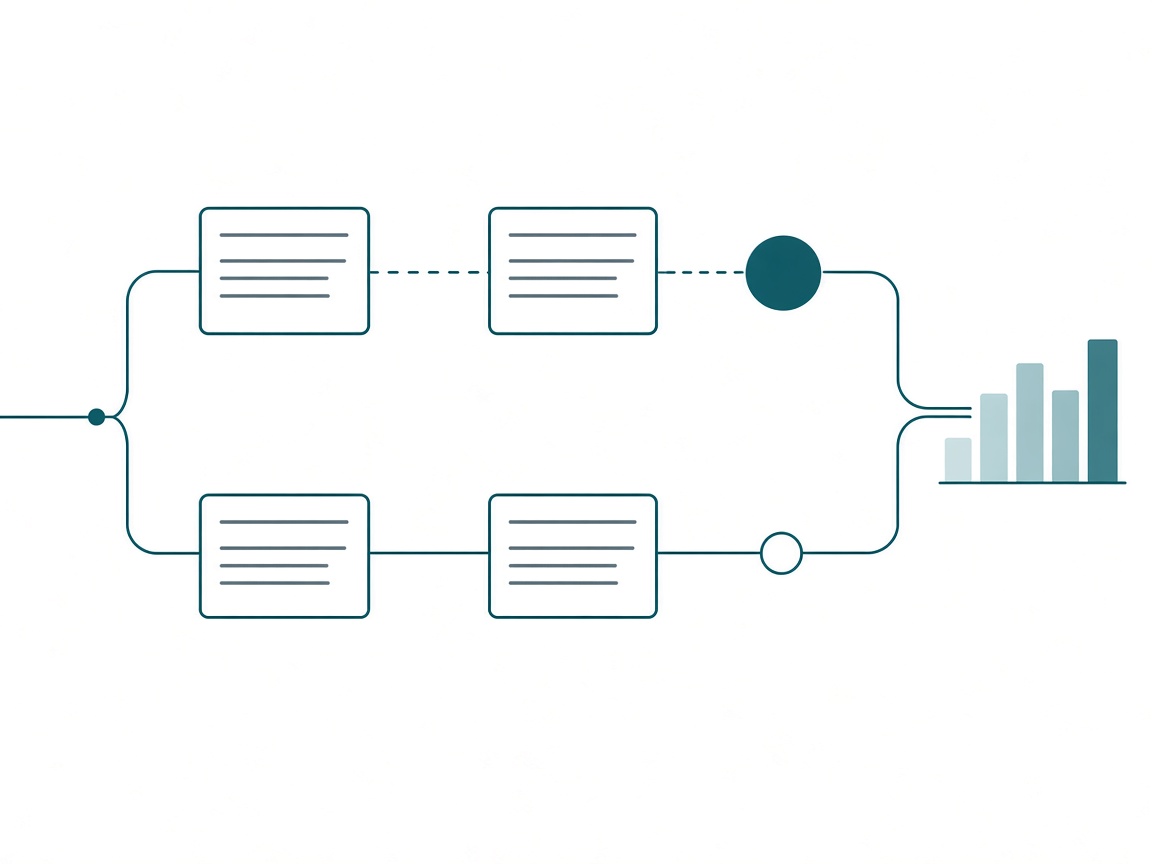
How hard a job is and how much I don’t know about it are separate questions. A notebook can be long and fiddly and completely known. Whether two customer tables hold the same customer fits in one sentence and can be completely unknown.
Here’s how it shakes out across the Fabric jobs I run most. These are the lowest settings I think get each job done:
| Job | Model and effort | Why |
|---|---|---|
| Inventory the artifacts in a tenant (no descriptions) | Low | It’s a search. |
| Relationships on a ~10-table model with clear requirements | Medium | The requirements already answer most of it. |
| DAX measures on a bare model | High to plan, high to write | A measure can run and still have the wrong context. |
| Report design with skills or Desktop Bridge | Medium | More model over-complicates the page. |
| Notebook into a lakehouse with transformations | Medium, low with good examples | Agents copy patterns. |
| Naming a chat session or tagging content | Haiku | Quick, and it doesn’t need to be perfect. |
Three of those rows need a word.
DAX breaks the plan-high, execute-cheap rule. With a cheaper model, the risk is a measure that runs cleanly with the wrong filter context. Nothing errors, so you find out when a number looks off, and then you’re back in the chat saying “no, for us this should be that.” That refinement loop costs more than the tokens I’d save, so DAX stays high through the write.
Report design goes the other way. I’ve been running it at medium. A high model keeps adding, and the page gets busier with every pass. The spec you hand it matters more than the model, which I dug into in Same Prompt, Two Reports.
Notebooks drop a tier when you give them examples. The details that get missed are the house patterns: how you connect to SQL or a lakehouse, how you store things in variable libraries. Point the session at a notebook that already does it right, and a medium or low model picks those up.
The Haiku row is there on purpose. Haiku and Sonnet get written off a lot. They’re good for a lot of things, just not most of your situations. When a new Claude chat names itself a second after you start typing, that’s a Haiku job. It’s quick and doesn’t need to be perfect; it just needs a tag. Lower models are great when the job is already defined, like organizing files or searching a tenant. Point them at something fuzzy and you get more hallucination and more of your own time cleaning up after them.
Brand comes after harness and effort
I’m an Anthropic guy. Claude is my tool for most of my work. But I’ve come around on this: the model and the provider matter less than the harness, and less than the effort setting. Put a great model in the wrong job and the brand won’t save you.
That’s also why I like that Microsoft’s newer Fabric tooling is model agnostic and harness agnostic. The Fabric Notebook Toolkit runs end to end from GitHub Copilot, Codex, or Claude Code. Pick your harness, then pick the model per session inside it.
A few habits make the rest of this work.
Read the provider’s docs. Most providers do a really good job on their doc sites explaining each model, what it’s for, and when to use it. When Fable came out, Anthropic published a whole page on how best to prompt it. Most people won’t read those. Read them anyway, once per model you adopt. For a broader comparison of how the models differ, Eugene Meidinger and Kurt Buhler wrote a solid breakdown on the Tabular Editor blog: How to pick the right AI model for agentic development.
Check the work at every tier. When a cheaper model tells me it’s done, I think of a colleague who published a report. Did you verify everything? Did you make sure it all lines up? “Well, no, the report’s done.” Whatever model ran the session, the validation still has to happen, and I made the case for who should own it in Don’t Hire a Senior to QA the Agent.
Admit it’s still partly feel. I don’t have a tracker that logs which prompt I used, how many times I refined it, and what it cost, and I don’t know anyone who does. So some of this is judgment, which is exactly why I write the session map down. Next time I’m adjusting a written plan instead of a memory.
Before your next Fabric session
- Name the session’s job in one line: listen, dictionary, recommend, or execute. If the line needs an “and,” it’s two sessions.
- List what you don’t know. If the list is real, that’s the high-model session. If it’s empty, drop a tier.
- Hand the high model the dictionary. Keep it off the raw data.
- Write the session map before the first session, and keep it where every session reads it.
- Pick the lowest setting that gets the job done.
- Keep DAX high through the write and report design at medium.
- Read the provider’s page for any new model before you lean on it.
Picking per session
Every few weeks there’s a new model tier or a new effort setting. The people who get the most out of them will be the ones who know which job each session is doing.
My prediction: within a year, picking the model per session will be as ordinary as picking a storage mode per table. Nobody puts every table in DirectQuery because one table needs to be live, and nobody will run every session on the top model because one session needs to think.
Key takeaway: this week, take one Fabric task you’d normally hand straight to the biggest model. Split it into a listen session and a recommendations session, and write the dictionary in between. Watch how much less the expensive session has to do.
Takeaways
- Define what’s hard about a job before you reach for the big model.
- The top model at max effort can overthink a simple job, and it takes its time doing it.
- Split Fabric work into sessions: listen, dictionary, recommendations, execution.
- The high model reads the data dictionary. Keep it off the raw data.
- Known unknowns get the higher model. Known knowns get the lower one.
- DAX stays high through the write. Report design runs better at medium. Notebooks drop a tier with good examples.
- The harness and the effort setting matter more than the brand.
If this sparked something, keep the conversation going with us on the Explicit Measures podcast, and subscribe at PromptingBI for more.