
No Black Boxes Either Way: Sharing Skills When Agents Are on Your Fabric Team
November 10, 2026 · Tommy Puglia
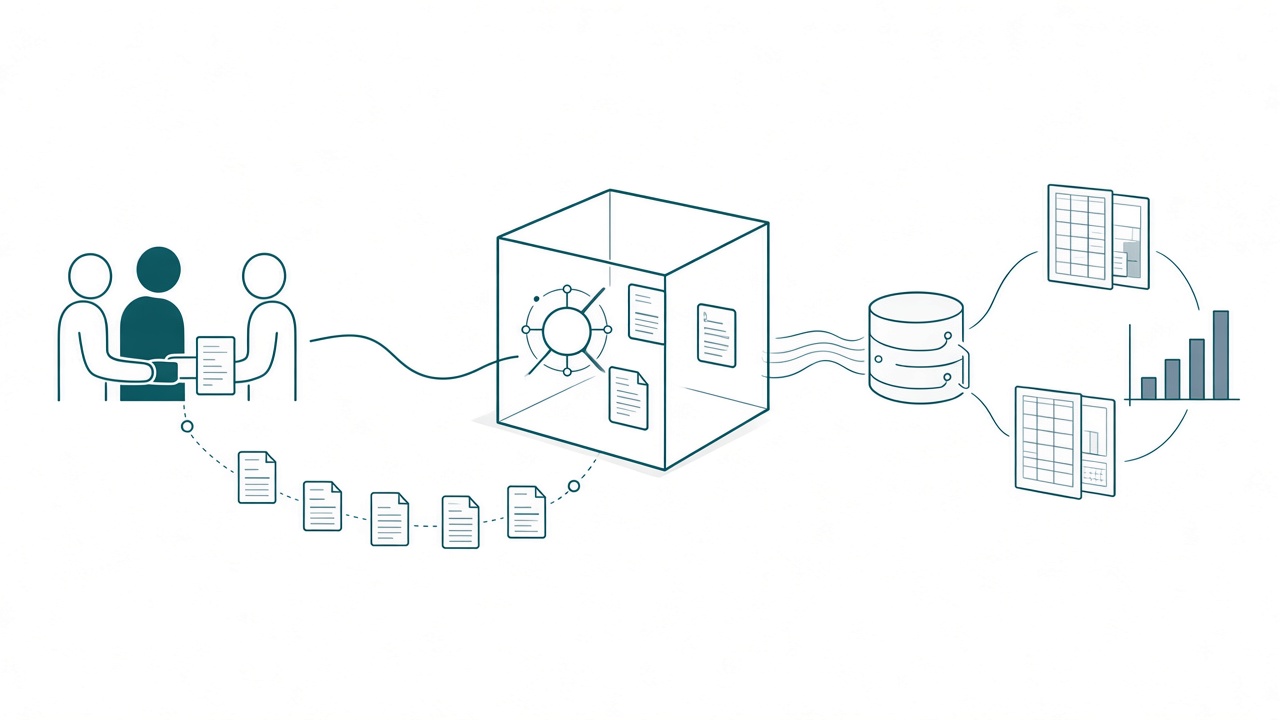
Say it’s Friday afternoon and I hand the semantic model to a teammate so I can get back to the pipelines. Monday morning, my teammate’s agent opens the project and finds half a model and a notebook my agent wrote Thursday night. Then the questions start. Which skill wrote that notebook? Why does the date table have that filter?
I’m still on the project. I’m one Teams message away. The agent can’t send me that message, though, and if my teammate has to send it for them, the handoff didn’t work.
When I was the internal BI person, consultants usually handed me a black box on their way out. I promised myself I’d never do that to a client, and I’ve written about that exit. What I didn’t expect was how often a black box shows up in the middle of a project once agents are doing the work. It shows up in two directions.
So here’s the rule I work by now: you can’t hand your agents a black box, and your agents can’t hand you one. Everything that goes into an agent has to be visible to the team, and everything that comes out of one has to leave a trail. On a Fabric team, the handoffs decide whether distributed wisdom works.
Every session is a handoff
In part one, I argued your team and your agents need the same brain. This part is about the handoffs, the moments when work moves from one place to another.
There are more of them than most teams count. I hand you the model and take the pipelines. You give your agent the next item on the list. One agent session runs out of room, and another picks up the task. And every new chat starts from whatever the last one left behind.
Put two people and their agents on one Fabric project and that adds up to dozens of handoffs a week. Almost none of them get a meeting. I talk to agents all day, and I love it, but on a larger project you can’t do that well unless the context and the skills are shared. Each handoff runs on what got written down and where.
Your agents are on the team
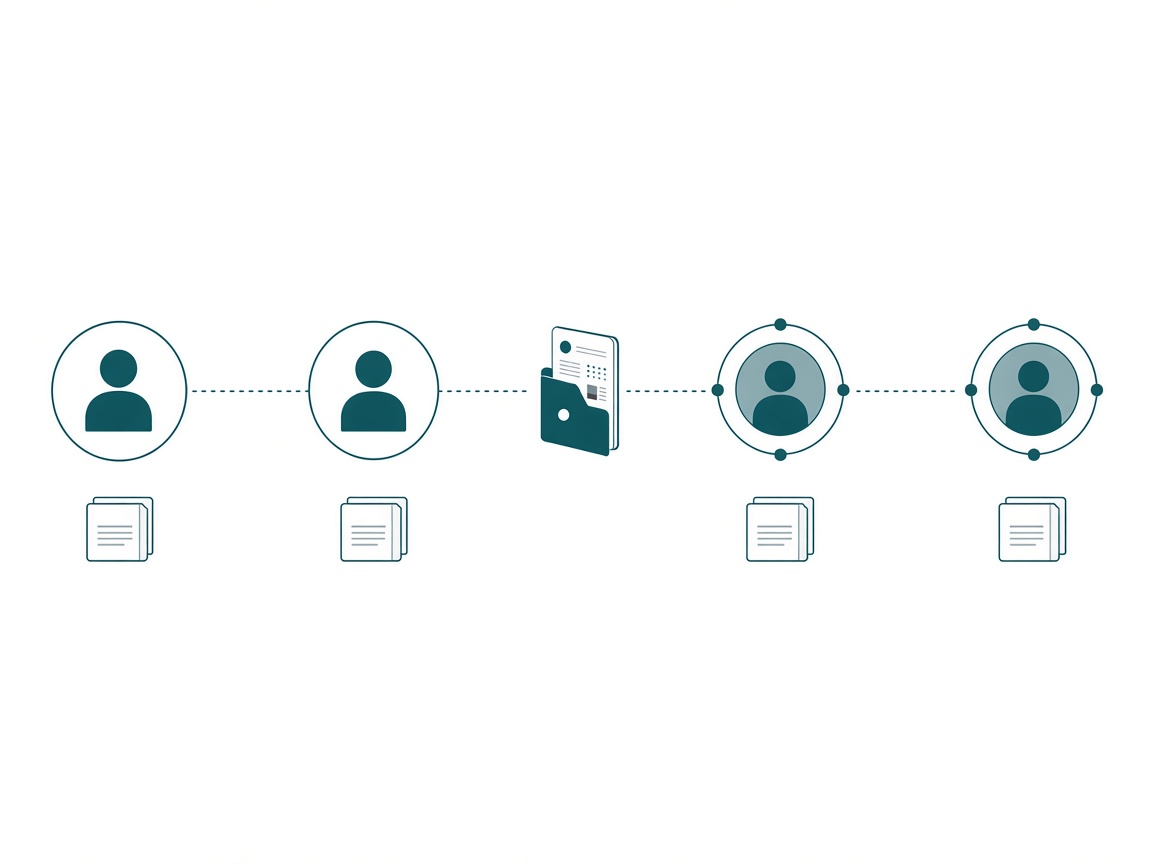
I treat agents as members of the team who carry skills. When a new analyst joins a Fabric project, I expect 4 things. They use our standards and templates. They know where the project stands. Somebody checks their work. And when they hand something off, they leave notes.
An agent owes the team the same 4 things, and the team has to be able to see them. I want to know what training an agent has, which means its skills. I want to read its notes.
One more thing about that team: not everyone on it uses agents. Say there are 6 people, 4 using AI and 2 who never have. Those 2 still pick up work an agent touched. Whatever the agent leaves behind has to make sense to someone who never opens Claude, so a chat history can’t be the record.
What goes in: skills the whole team can see
When a teammate’s agent writes a different revenue measure than mine, my first question is which skill it used, and which version. If nobody can answer, we handed the agent a black box.
Those hidden inputs sit in ordinary places. A skill cloned from a community repo 3 months ago and never updated. A skill someone tweaked locally and never mentioned. If I’m the only one running my custom report design skill, my output is going to look drastically different from everyone else’s, and nobody on the team can see why.
Every skill a team shares should answer 4 questions:
- Where did it come from? Written in-house, or adopted from Microsoft’s skills for Fabric or a community author.
- Who owns it? Somebody has to be the person who says yes to a change.
- Which version is everyone running? There should be exactly one copy.
- What changed, and who approved it?
If those sound like the questions you’d ask about a certified semantic model, good. A governed skill changes how every agent on the team builds. It deserves at least the scrutiny we give a measure.
Where Skill Vault fits, and where git does
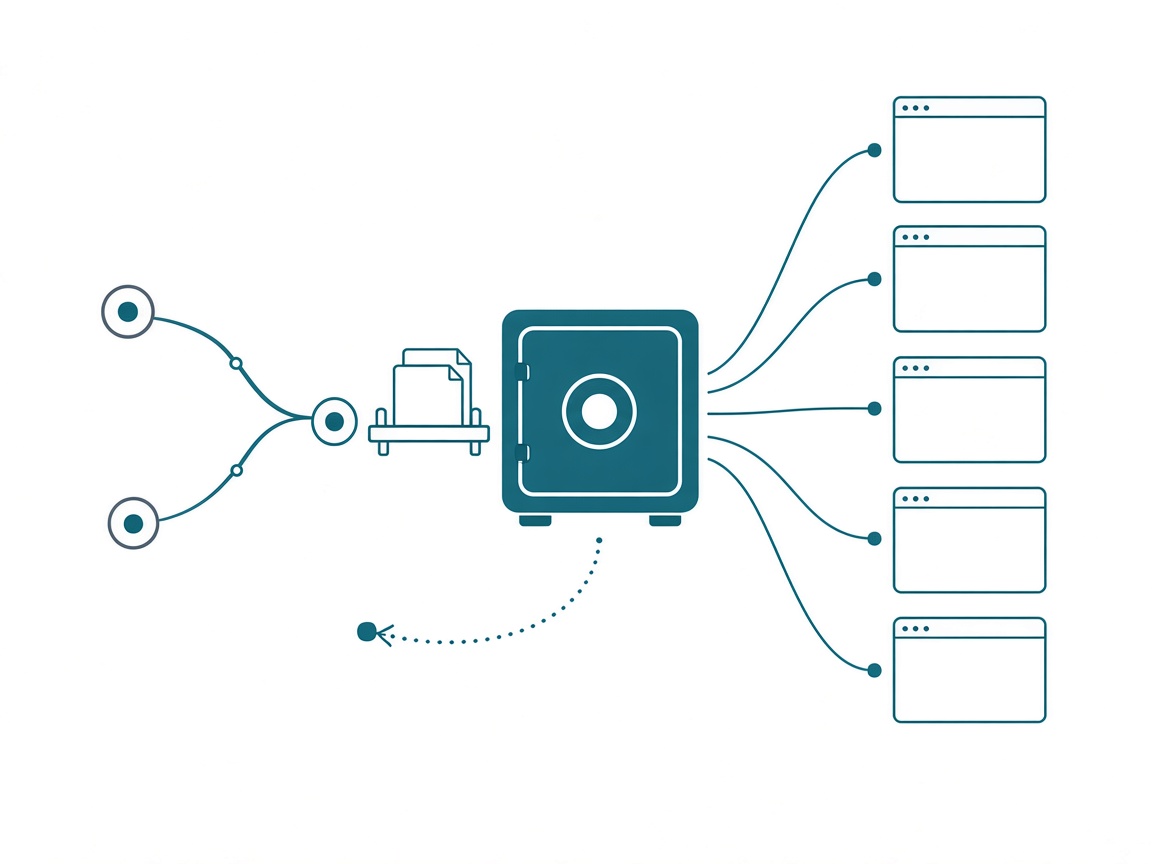
I built Skill Vault because my own 3 computers disagreed about my skills. Looking at it now, most of what it does answers one of those 4 questions.
- Source. When you adopt a skill, the vault records where it came from and checks that source every 6 hours.
- One version. The vault is one folder linked into every tool, so Claude Code, Cursor, and Copilot all read the same file.
- History. Every version is labeled with where the change came from: updated from source, edited in Notion, edited outside the vault. I can restore any of them.
- A holding area. A new skill sits in staging, in the vault only, until I push it to a tool. I treat the tools as production, so nothing reaches an agent until I decide it should.
- No silent changes. Sync builds a plan with a diff on every row, and nothing runs until I approve it.
I’ll be straight about the limits. Skill Vault has no user accounts and no approval step between teammates. For a team, the vault goes in a git repo, and the approval process lives there: commits, a dev branch, a main branch, and a review before anything merges. That’s where the line-level diff earns its keep. “I noticed you changed the knowledge center skill in your commit. Let’s talk about it.”
Know one thing before you share a vault. A push is a link, so an edit in the vault reaches every tool that has the skill right away. On my own machines, that’s the whole point. On a team, it’s why the shared vault sits behind a branch and a review.
I also haven’t settled one question. Should a governed skill have to pass a benchmark before it merges, the same way a model change has to match the validation numbers? I don’t have a final answer, and I’d like to hear how your team handles it.
What comes out: agents leave a trail
Teams miss the other direction more often. An agent that builds a silver table at 11 p.m. and leaves no notes just made a black box with your name on it. In Fabric, that black box looks fine. Bad PySpark from an agent throws no red squiggly line. It writes data, and the result looks like any other table.
Restaurant kitchens worked this out a long time ago. At shift change on the line, the cook going off tells the cook coming on what’s on the stove, what’s been seasoned, and what’s about to burn. Nobody lifts lids and guesses. Every agent session on my projects ends the same way, with a write-back. Here’s the core of the protocol from my master sequence page:
## Write-back (every session, before you stop)
1. What you found, what you did, results with validation numbers, open items. Date it.
2. Flip the item's status on the master sequence.
3. If anything contradicts the data dictionary, flag it on both pages. Don't overwrite silently.
4. Anything outside this item's scope goes down as an open item, and work stops there.
Two lines carry the most weight. “Don’t overwrite silently” means the agent can’t quietly edit the docs to match what it built. “Work stops there” keeps it out of somebody else’s item. I walked through the full setup in Context Harness, Execution Harness.
The trail also has to show where the agent stopped. I write pauses into the instructions. If the spec says 7 countries and the agent finds 9, I want it to say “we need to pause here before we continue.” Logging the error and moving on is the wrong response. An agent that keeps going past a surprise is building you a black box one step at a time.
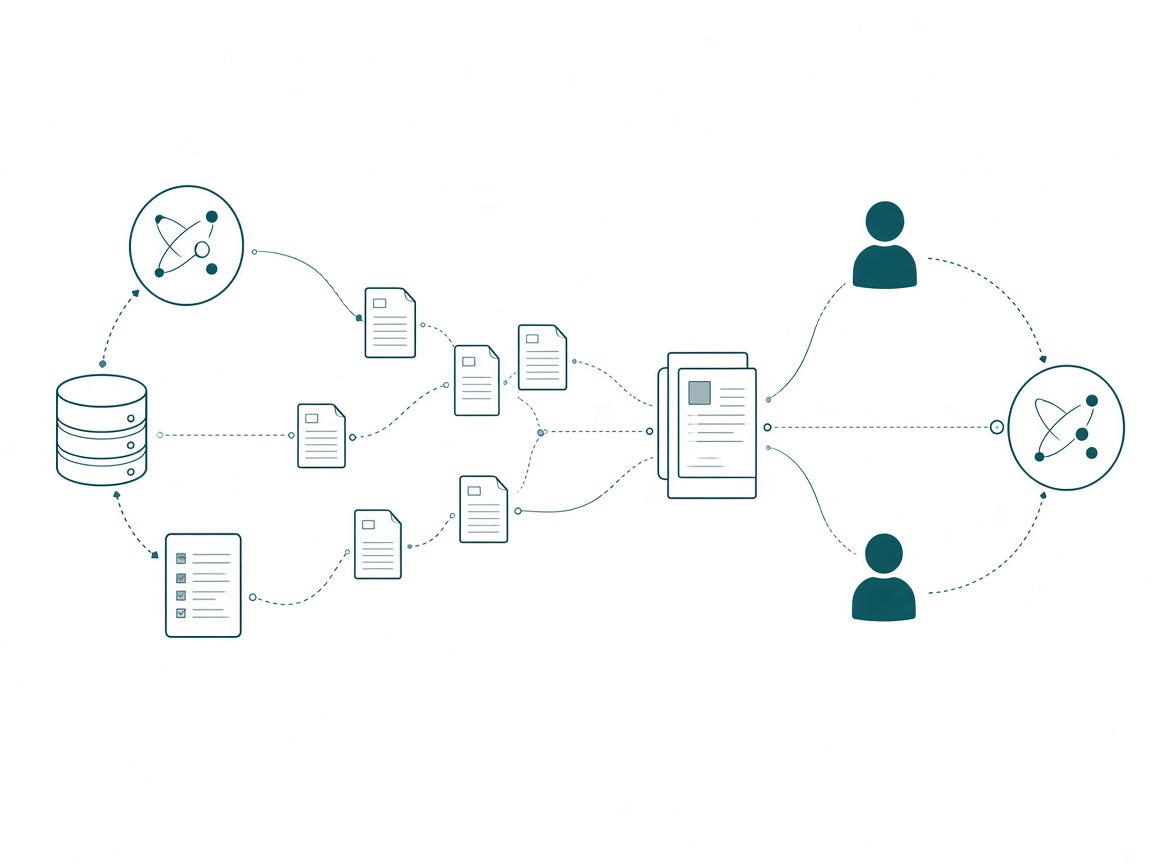
Skill Vault’s own assistant follows the same rules, on purpose. Everything it does goes through the app’s API, so it shows up in Activity and can be undone from version history. It can’t delete skills or force-overwrite Notion. When a decision is mine, it stops and gives me numbered options. That’s what I want from every agent on a team. I can see and undo everything it did, and it asks before it decides.
Governance is what lets a second person in
Here’s the part I keep chewing on. Once agents are on the team, governance is what lets a second person work on the project at all.
One person and an agent can run on trust. I know what my agent did because I was there for it. Add a teammate and their agent, and the only thing that carries over is the record.
That record keeps review cheap, too. I don’t want to pay a senior to re-read everything an agent produced; I’ve argued that’s the wrong job for them. A write-back with validation numbers and open items lets a reviewer check what matters and skip the rest.
People should still be able to improve a governed skill. The best change usually comes from whoever uses it most. Governance gives that change a path: a branch, a diff, a review, and a name on the merge.
Start this week
- Run a cold handoff. Give one workstream to a teammate’s agent with only the shared skills and the last write-back, and no conversation. Write down every question it has to ask. Each one marks a black box.
- Answer the 4 questions for the skill your team uses most: source, owner, version, last change. If you can’t answer all 4, that skill is your first vault entry.
- Put shared skills in a git repo with a main branch and a review before merge. Skill Vault links them into each tool, and git handles the approvals. Keep new skills in staging until someone other than the author has read them.
- End every instructions page with a write-back, and add a line for which skills the session used.
- Write down what your agents may never decide on their own, like deleting, overwriting, certifying, or deploying to production. Make them stop and ask.
Takeaways
- Most handoffs on an agentic Fabric project happen mid-project, and almost none of them get a meeting.
- Agents are members of the team who carry skills. The team should be able to see their skills and read their notes.
- Going in, every shared skill says where it came from, who owns it, which version everyone runs, and what changed. Skill Vault keeps the source and history; git holds the review.
- Coming out, every agent session ends with a write-back, flags contradictions on both pages, and stops at surprises.
Key takeaway: this week, run one cold handoff. Give a teammate’s agent a workstream with nothing but the shared skills and the last write-back, and count the questions it has to ask. That count is how many black boxes your team has.
My prediction: within a year, “show me what your agent did yesterday” becomes a standard question in BI reviews and governance meetings, the way “who certified this model?” is today. The teams that can answer it in one click are the ones that will trust their agents with more. Keep the conversation going with us on the Explicit Measures podcast, and subscribe at PromptingBI for more.