
You Don't Have an AI Strategy. You Have AI Theater.
September 9, 2026 · Tommy Puglia

Try explaining the Copilot situation to a client out loud. There’s standalone Copilot. There’s Copilot in the reporting layer. There’s Copilot in Fabric. Is it the Microsoft 365 one? No. Well, yes, but you need a license. Unless you’re using a data agent, and then where do you actually run that?
I’ve had that conversation more than once and I’ve watched the client’s face while I had it. Microsoft has started consolidating some of it, which I’m genuinely happy about. The pile still sat there for a good while, and every piece of it shipped with an announcement attached.
Microsoft can afford that pile. I can’t, and neither can you, once it moves onto your laptop.
Open your MCP config. Open your skills folder. Count the entries, then write one sentence for each one naming the job it does and the check that proves it did the job. I tried this in July and I couldn’t finish the list.
A tool that arrives before the job does is theater. Companies buy Copilot licenses and stand up pilots. I did the same thing with GitHub.
I Was the Theater
For a stretch this year my routine was to look at what was trending on GitHub, install it, and try it. Every new skill anybody published, I read and adapted. Anthropic shipped a new capability and I built a custom agent for it, usually inside the same week. I keep a repo for data analysis experiments and vibe coding. It got a lot of traffic.
Each of those decisions made sense by itself. Added up, they cost me something specific.
I had already built the thing I needed. Two harnesses: my second brain writes the instructions, the agent executes against Power BI and Fabric. I whiteboarded that before I built any of it, and it works. Then I drifted away from it, one interesting new thing at a time. Nothing broke. I just stopped reaching for it.
The tokens and the install time came to almost nothing. What I lost was the habit of a workflow I had already proven. Habits take much longer to rebuild than tooling does.
What job does it do?
Almost every conversation I have about AI tooling opens on the model. Which one is smartest this month, which IDE wraps it best.
Name the job first. An agent working on your Power BI or Fabric project can only be missing four things, so there are only four jobs a tool can hold.
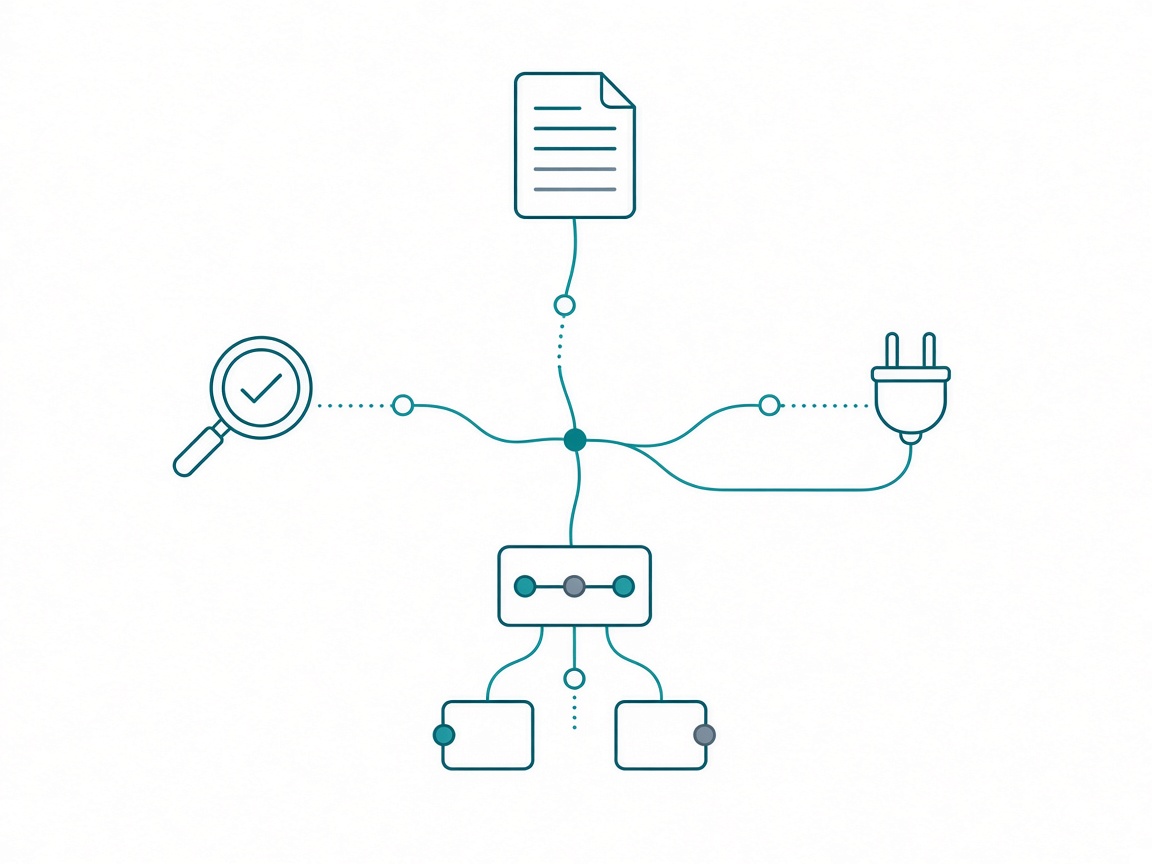
Knowledge is a skill. Packaged expertise the agent loads so it stops improvising. I converted Microsoft’s Fabric skills into skills my hub can use, because I was not going to let a generic model guess at how semantic model objects get built on a client’s tenant.
Hands is an MCP server. create table becomes a tool with defined inputs instead of the agent writing TMDL from memory. The Fabric MCP and the Power BI Modeling MCP are the two I would fight to keep.
Memory is the harness. Context that survives the chat window: instruction pages, the project hub, the write-back at the end of a session.
Eyes is verification. The Desktop Bridge reloads a report and takes a screenshot of the page. A DAX query returns a row count you compare against a number you knew in advance.
Run your own stack through those four and the duplicates show up fast. Two MCP servers with hands on the same model is one MCP server plus a tax on every prompt. Three note systems give you no memory, because context split three ways is context you’ll end up typing back in by hand.
Two lanes
I try new things constantly. I run two lanes, and the admission standards are nothing alike.
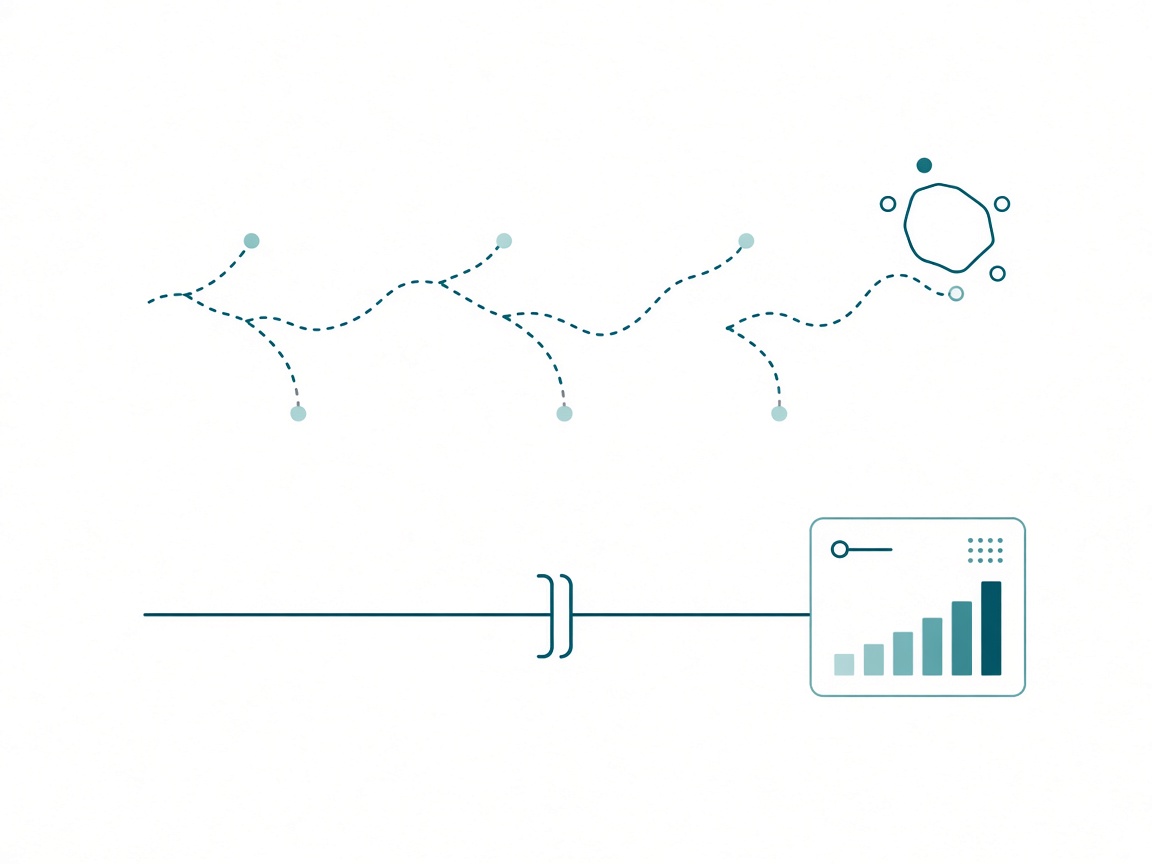
The weekend lane is side projects, vibe coding, that experiments repo. The admission standard is whether it looks interesting. That’s the entire standard. Failure is free there. It’s also the only place you learn what a tool is actually for. The launch post tells you what the vendor wants you to think it does.
The client lane is Fabric and Power BI work with somebody’s name on the invoice. Admission runs through a test. I’ll give you the whole thing further down.
Tools do graduate between the two. The remote Fabric MCP is my clearest example. I was skeptical of it for a while and left it in the weekend lane on purpose. What moved it across was pairing it with the Fabric skills and my own instruction pages, and then opening with a question: what do you see, and what can you do? Once it answered that honestly, it earned real work.
Promotion happens at the intake test. Nowhere else.
The mess I actually see, including in my own July, is running one policy across both lanes. Weekend rules on a client model is how you end up with an agent roaming a production workspace. Client rules on your weekend is how you learn nothing all year.
Microsoft already published the answer for Power BI
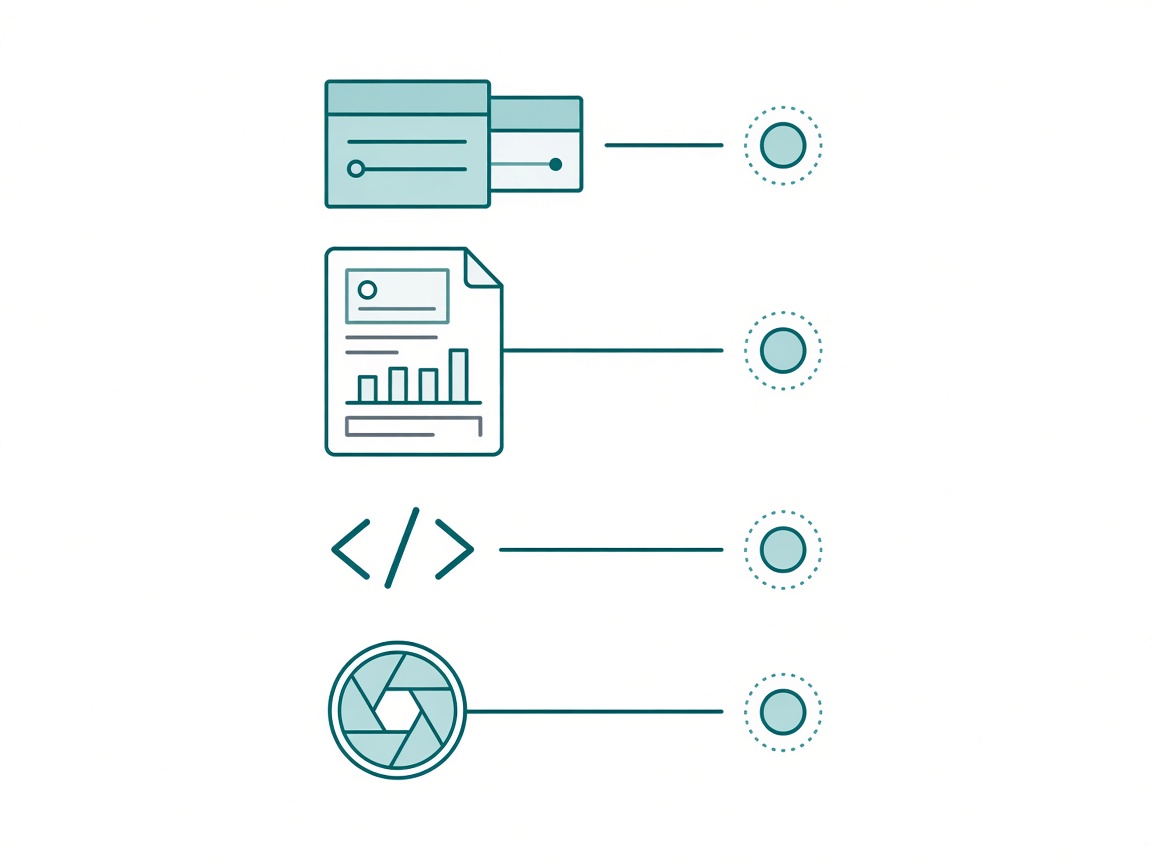
If you want to see a tool strategy written down, read the Power BI MCP and agentic docs. Microsoft assigned one tool per layer. That table is the most useful thing in the entire stack.
| Layer | Tool | Job |
|---|---|---|
| Semantic model: tables, columns, measures, DAX | Power BI Modeling MCP server | create and update the model |
| Data queries and insights | remote Power BI MCP server | generate and run DAX |
| Report layer (PBIR / PBIP files) | Power BI Report Authoring skill | pages, visuals, filters, formatting, themes |
| Live verification | Power BI Desktop CLI (Desktop Bridge) | open, reload, status, screenshot |
| Greenfield planning and design | Report Planner and Report Design skills | requirements, archetypes, layout, color |
One layer, one tool, one job. The Desktop Bridge authors nothing at all. It reloads and takes a picture, which makes it eyes and only eyes. The Modeling MCP never designs a page. Nothing on that list overlaps with anything else on it. That’s why it works.
Now watch what people do with it. They install all five, then ask which one they’re supposed to use. The docs already answered that.
Order matters as much as the list does. Someone who has been asking a chatbot for a rolling 12-month measure does not need VS Code, PBIP, and an introduction to TMDL handed to them on the same afternoon. That’s four new things to learn before the first win, and it breaks the motion they already had. They quit.
Specify, bound, validate
A tool with no verification path stays a weekend tool permanently. A demo is not evidence.
Three words carry the approach.
Specify. The more you put in up front, the better the requirements get. My Fabric instruction pages aren’t a page. They scroll, and they reference other pages. I won’t run a Fabric project without them.
Bound. Don’t let an agent roam freely across your workspace. Scope it to the items it needs and nothing past that.
Validate. Ruthlessly, and never by reading. Reading an agent’s output tells you the output is plausible. Plausible and right are different facts. Validate by integrating the data.
I’ve gotten pushy with clients about handing over a starter kit of data, and this is the reason. I want known values in hand BEFORE anything runs. Country has seven values. Order status has four. Then the agent runs, and when it comes back holding nine countries I stop it right there: the spec says seven, you found nine, we pause. Two seconds of checking catches a whole class of silent join problems.
Write the check into the instruction so you don’t have to remember it:
This is the table we're starting with. After the join, the row count
should be identical. Make a test for this and report the before and
after counts.

Known values for testing:
  country       = 7 distinct
  order_status  = 4 distinct

If any count disagrees, stop and report. Do not continue the build.
On the report side I use the reload and screenshot loop. An agent that can only write files to disk will cheerfully tell you it built the page. I want the PNG. For anything touching a tenant, the read-only survey comes first.
The intake test
Five questions. Nothing gets near client work until I can answer all five.
- Which gap does it fill? Knowledge, hands, memory, or eyes. If the honest answer is “it looks cool,” it goes to the weekend lane.
- What does it displace? Name the thing it replaces. If you can’t, you’re accumulating.
- What’s the check? The specific artifact that proves it worked. A row count, a screenshot, a validate command that exits clean.
- Which lane? Write it down. Weekend is usually honest. Client is usually tempting.
- What’s the removal trigger? Decide on the way in what would make you uninstall it. Unused for 30 days. Failed its check twice. Skip this and it lives forever.
Two habits do most of the remaining work. I interrogate a tool before I trust it. Opening message: what do you see, and what can you do? If it can’t describe its own surface honestly, it doesn’t touch a model.
And a two-shot limit. If I don’t get what I want in one or two shots, I kill the session and start a fresh one. My instructions were the problem. Grinding forward burns context and tokens against a bad setup. I’ll ask Claude to write the prompt for the new window before I close the old one.
Then once a quarter, walk the list and cut. Anything you can’t write a one-sentence job for comes out. Doing exactly this got me back the two-harness workflow I had designed and stopped using. That was worth more than anything I removed.
Takeaways
- A tool that arrives before the job does is theater. Organizations do it with licenses and pilots. I did it with trending repos.
- Four gaps, and every tool fills one: knowledge (skills), hands (MCP servers), memory (the harness), eyes (verification). Two tools in one slot is a tax on every prompt.
- Run two lanes with different doors. Chase everything you want in the weekend lane. Nothing reaches client work without passing the intake test.
- Microsoft already assigned one tool per Power BI layer. Read that table before you install all five.
- Specify, bound, validate. Write the test into the instruction so running it isn’t optional. Integrate the data. Don’t grade the output by reading it.
- Give every tool a removal trigger on the way in, and hold a quarterly cut.
Key takeaway: open your MCP config today and write one sentence per entry naming the job it does and the check that proves it. Whatever you can’t write a sentence for, uninstall this week.
A year or two from now, the people who look strongest at this will be the ones who can say what each tool is for in a sentence, and who noticed the moment a new one made their existing workflow worse. Tool lists are cheap to grow and expensive to keep. Naming the job is the part that compounds.
If you’re auditing your own stack this week, keep the conversation going with us on the Explicit Measures podcast, and subscribe at PromptingBI for more.