
Central BI Is a Tiger Team Now
September 18, 2026 · Tommy Puglia
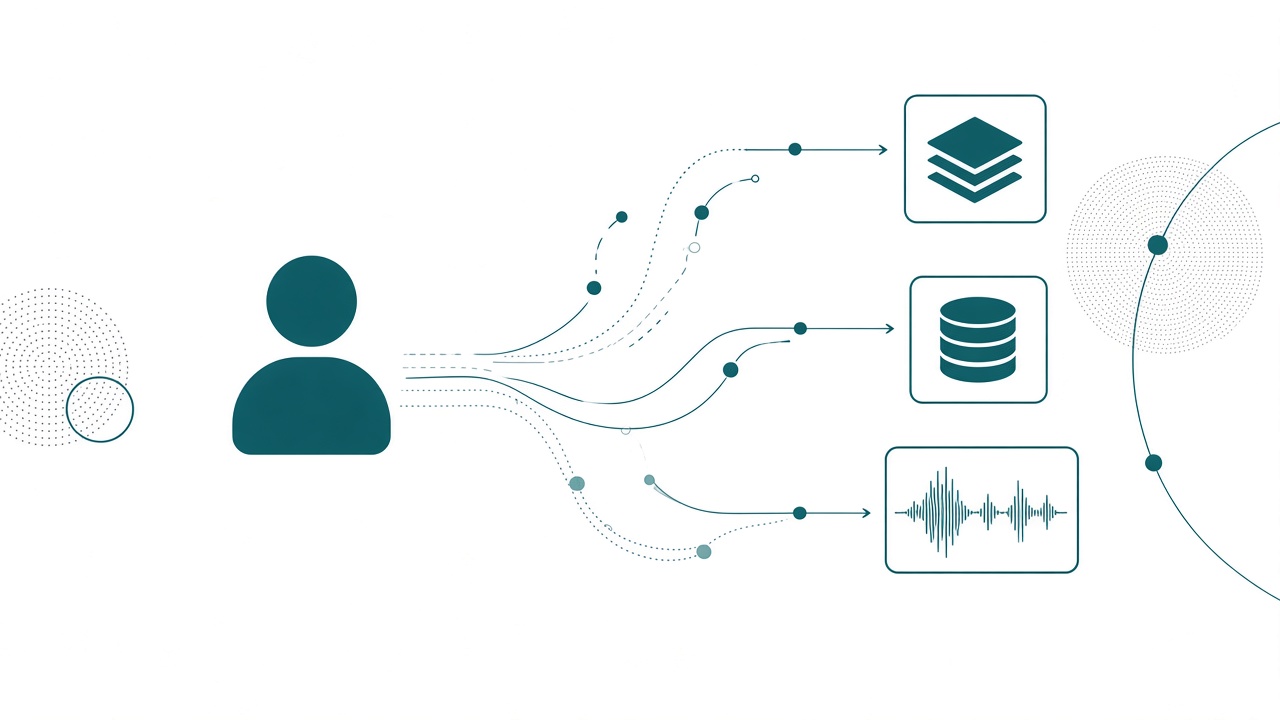
I’ve lived this week. Central BI owns tenant admin. Central BI owns a set of workspaces nobody else can touch. Every sprint runs the same loop: build the gold semantic model, update the gold semantic model, ship the gold reports, repeat. If a department asks nicely and you’re feeling gracious, you grant them contributor on something.
That was the job for a decade, and it was a reasonable job. Here’s the question I don’t hear enough BI leaders say out loud: in Fabric, should central BI even own workspaces?
My answer is no, not the way we used to. A central BI team earns its keep as a tiger team: your best people, aimed at whatever the biggest priority is right now, with no permanent home department. They go in, they solve it, they hand it off, they move to the next thing. The real estate they hold has nothing to do with it.
What a Tiger Team Actually Is
A tiger team is an old idea from outside our world. You pull together the best of the best, you point them at the most urgent problem in the company, and they fix it. Then they leave. They live wherever the priority is that quarter.
Now listen to how most of us introduce ourselves. “I’m the marketing BI guy.” “She’s the finance BI person.” We attached our identity to a department’s reports, because for years a department’s reports were the entire surface area of the job. When the only thing you can hand someone is a semantic model and a set of visuals, of course you organize around who owns which visuals.
Fabric broke that. The list of things I can hand a business team now includes a lakehouse, a warehouse, a SQL database, a notebook, an eventstream, a data agent. I ran an inventory against my own tenant while writing this and it came back with 28 distinct item types. A few years ago that list would have been three, and all three were reporting artifacts. We run a technology practice now, and technology practices don’t get permanently assigned to marketing.
Your Relationship With Your Users Already Changed
The bigger change is in the relationship itself. In the Power BI world, my relationship with a user ran one direction. They consumed. They couldn’t edit, they couldn’t build, they couldn’t reshape. In so many words, they were at the mercy of the semantic model and whatever I chose to put in the visuals. It was a view-and-update relationship, and both sides knew the script.
Now I can hand marketing a lakehouse they can connect to any day of the week. I can give a team table access and let them write their own SQL. And the second I do that, something changes that nobody budgets for: they’re going to want help. They’ll want to know what the grain is, whether that column means what they think it means, why their number is off by four percent.
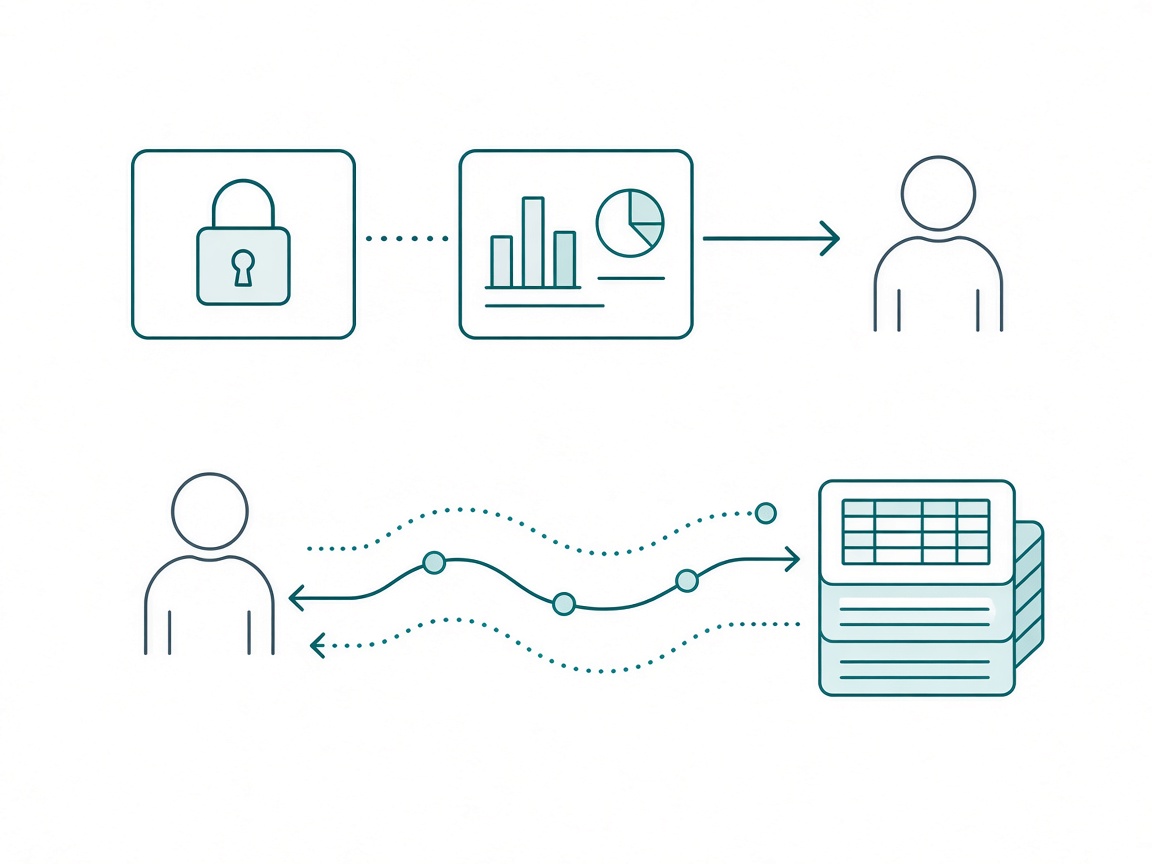
That’s not a support burden. That’s the opening. It’s the difference between shipping and guiding, and guiding is worth far more to the business than another gold model going out the door. Hand a team a lakehouse and then disappear and all you’ve done is move the failure downstream. It’s the same gap I wrote about when I argued that you can be AI ready while your organization isn’t: the tooling arrives well before the operating model does.
The Adoption Roadmap Is Still a Power BI Document
I went back and reread Microsoft’s implementation planning and adoption roadmap recently, specifically the content ownership section. Three models: business-led self-service, managed self-service, enterprise BI. Underneath it, three deployment patterns: single workspace on a capacity, multiple workspaces sharing a capacity, hub and spoke.
Here’s my read, and I’ll own that it’s a contested one. Those three ownership models describe content, and content meant reports and semantic models. They were written when the only question was who builds the model and who builds the report. They don’t cleanly describe a Fabric environment, because the interesting handoffs in Fabric happen a layer below the content.
There’s a fair counterargument, and it’s a good one. Most organizations should land somewhere in the middle, using both teams where each is strong, and that’s true with or without Fabric. I agree. What I’m disputing is whether the three boxes still tell you what to do on a Monday.
Take managed self-service, the model most of us actually run. In Power BI it was crisp. Enterprise builds the gold semantic models, departments can’t modify them, departments own their own reports in their own workspaces. And when somebody wants to mash in an Excel file or a SurveyMonkey export or some random API, that report can’t live in the marketing workspace anymore. It goes to a dedicated area that quietly announces to everyone: untrusted data lives here.
Now run that same pattern where the handoff is a lakehouse. Where does the untrusted Excel file go? What’s the quarantine workspace for a notebook? The old shape doesn’t translate, and pretending it does is how you end up with a workspace strategy that nobody follows.
Start With What the Lakehouse Is FOR
So if the template doesn’t tell you, what does? The question I ask first, every time: what is this lakehouse FOR, from the business user’s point of view? The architecture falls out of that answer, and if you can’t answer it, you’re not ready to draw workspaces yet.
There’s no one-size-fits-all Fabric workspace strategy. There isn’t even a highway version. It depends almost entirely on what that department already does with data. If a marketing team walks in running Google Analytics, an enterprise email campaign platform, and a display ad platform, the first conversation is “how do we get this in near real time,” because that’s the shape of their actual work. Semantic models are months away.
So the engagement starts with questions. This is the brief I run before anyone opens the Fabric portal:
# Discovery: Before We Draw A Single Workspace

Do not propose an architecture in this session. The output of this
conversation is a description of how this team works today. Nothing else.

## Ask, in this order
1. What does this team already do with data, without us? Name the tools.
2. Who manages the sources? Not who uses them. Who gets the call when
   the connection breaks.
3. Is reporting someone's dedicated job here, or is it everyone's job?
4. What decision are you trying to make that you can't make today?
5. What is the last thing that burned you in a report?

## Then, and only then
- What is the lakehouse FOR, for the people in this room? Write their
  answer in their words, not ours. If nobody can answer it, stop.
  There is no architecture to design yet.
- What's the shape of the data they need: point in time, daily, or
  near real time? A team living in campaign platforms is a real-time
  conversation, not a semantic model conversation.

## Hard rules
- Do not say the words medallion, bronze, or silver in this meeting.
- Do not promise a workspace. We don't know how many we need yet.
- If the answer to #3 is "everyone's job," that is a finding, not a
  detail. Write it down in bold.
That “do not say medallion” line is not a joke. The fastest way to lose a business team is to answer a question about their work with our architecture vocabulary. They asked how to see campaign performance and you said bronze layer. You just taught them that this conversation isn’t for them.
Personas Are Not People
Fabric multiplied the roles in the room. Data engineers, BI analysts, release managers, admins, data scientists, all building in the same tenant, and the tool blurs the lines between them enough that somebody needs to know where their job ends and the next person’s begins.
This is where teams get personas wrong. A persona is not a person. One person can absolutely hold four of them. I’ve been four of them on a Tuesday. The load-bearing part is accountability: whoever holds the persona is answerable for it.
And in Fabric, accountability attaches to a domain. Workspaces move around too much to carry it. Lakehouses built the wrong way are the hardest thing in the stack to migrate out of later, much harder than a bad semantic model, so naming an owner is the cheapest insurance you’ll ever buy. When we draw the data flow, the question I ask about each lakehouse is: who wants to take that on? If operations needs to be visible, there is an operations lakehouse, and somebody’s name goes next to it.
# Domain Accountability

One row per data domain. A domain with no name next to it is not a
domain, it's a folder. Reviewed quarterly.

| Domain     | Lakehouse         | Accountable        | Tiger team status |
| Operations | ops_lh            | D. Reyes, Ops      | Handed off 08/12  |
| Sales      | sales_lh          | M. Okafor, Sales   | Handed off 05/03  |
| Marketing  | mktg_lh           | OPEN               | ACTIVE, exits 10/9|
| Finance    | fin_lh            | J. Byrne, Finance  | Handed off 02/20  |

## What accountable means here
- You are answerable for what the tables in this domain mean. Not for
  building them. For the definitions being right and current.
- You approve who gets table-level access in your domain.
- You get the call when a number is disputed, and you get to say no.

## The rule with teeth
If your team's reporting is not sourcing from your domain's lakehouse,
that is a conversation, and it's a conversation with your manager in
it. Shadow tables are how fragmentation starts, and Fabric makes
fragmented data EASIER to create than Power BI ever did.

## Persona note
These are roles, not headcount. One person may hold three rows. That is
fine. A row with no person is not fine.
You Cannot Run the Estate From a Browser
Now the operational reality. If central BI is going to float between priorities, somebody still has to know what the estate looks like, and that somebody is still central BI. At any moment you should be able to say how many workspaces exist, who owns them, and which ones are orphaned. That’s a knowledge job, and it survives every handoff.
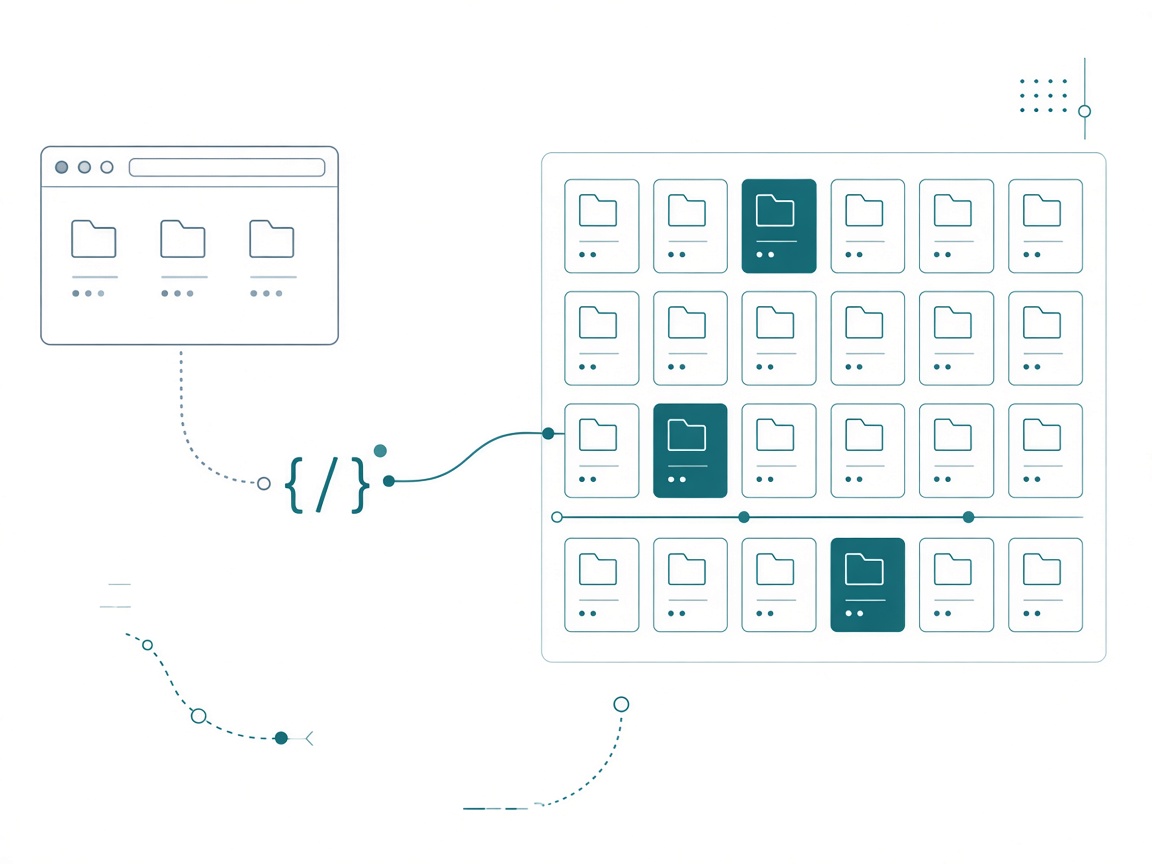
You are not doing that in the portal. Once you’re past a few dozen workspaces, the UI is for browsing, and you’re going to lean on the APIs instead. That’s the skill shift for central BI: we’re building software now, and you can’t assume you’re doing Fabric on an island.
Here’s the audit I actually run. It’s read-only, every call is a GET, and it’s safe to schedule:
# nb_estate_audit - central BI's read-only inventory of the Fabric estate.
# Creates nothing, fixes nothing. The asserts at the bottom are the deliverable.
import collections, json, time, urllib.error, urllib.parse, urllib.request
import notebookutils

API = "https://api.fabric.microsoft.com/v1"
TOKEN = notebookutils.credentials.getToken("https://api.fabric.microsoft.com")

def get(path, tries=6):
    """GET that honors Retry-After. The admin endpoints throttle, and they mean it."""
    for attempt in range(tries):
        req = urllib.request.Request(API + path, headers={"Authorization": f"Bearer {TOKEN}"})
        try:
            with urllib.request.urlopen(req) as r:
                return json.load(r)
        except urllib.error.HTTPError as e:
            if e.code == 429 and attempt < tries - 1:
                time.sleep(int(e.headers.get("Retry-After") or 2 ** attempt))
                continue
            raise

def page(path, key):
    """Admin list endpoints are paginated. An unpaginated call does not error, it lies."""
    out, token = [], None
    while True:
        sep = "&" if "?" in path else "?"
        suffix = f"{sep}continuationToken={urllib.parse.quote(token)}" if token else ""
        body = get(path + suffix)
        out += body.get(key, [])
        token = body.get("continuationToken")
        if not token:
            return out

workspaces = page("/admin/workspaces?type=Workspace", "workspaces")
domains = {d["id"]: d["displayName"] for d in get("/admin/domains")["domains"]}
items = page("/admin/items", "itemEntities")
That Retry-After line is there because I wrote it the lazy way first. A plain exponential backoff looks responsible and dies anyway: the admin endpoints handed back a Retry-After of 55 seconds while my code was politely sleeping for 8. The server tells you exactly how long to wait. Listen to it.
That page() helper earns its keep immediately. When I first ran this I called /admin/items straight, got 96 items back, and believed it. The paginated version returns 816. The naive call didn’t throw, didn’t warn, and didn’t hint that it had handed me twelve percent of my tenant. An admin API that quietly under-reports is worse than one that fails, because you’ll build a governance report on it and present the number in a meeting.
Then the part that matters, written the way I write every validation cell. It’s the same discipline that makes it safe to let an agent anywhere near Fabric: the assert is the deliverable.
# ---- Validation ----
kind = collections.Counter(i["type"] for i in items)
per_ws = collections.Counter(i["workspaceId"] for i in items)

undomained = [w["name"] for w in workspaces if not w.get("domainId")]
empty = [w["name"] for w in workspaces if per_ws[w["id"]] == 0]
stale = [i for i in items if i.get("lastUpdatedDate", "")[:4] < "2025"]

print(f"workspaces {len(workspaces)} | items {len(items)} | domains {len(domains)}")
print(f"undomained {len(undomained)} | empty {len(empty)} | untouched since 2025 {len(stale)}")
print(f"semantic models {kind['SemanticModel']} vs reports {kind['Report']}")

assert not undomained, f"{len(undomained)} workspaces carry no domain: {undomained[:5]}"
assert kind["SemanticModel"] <= kind["Report"] * 0.5, \
    f"model-per-report sprawl: {kind['SemanticModel']} models for {kind['Report']} reports"
assert not empty, f"empty workspaces, retire them or fill them: {empty}"
I’ll be honest about what it printed against my own tenant, because it’s more useful than a clean example:
workspaces 40 | items 816 | domains 3
undomained 39 | empty 3 | untouched since 2025 529
semantic models 267 vs reports 273
AssertionError: 39 workspaces carry no domain: ['Development - BI', 'Sales - BI', ...]
Thirty-nine of forty workspaces carry no domain. And look at that model-to-report ratio: 267 semantic models against 273 reports. That is almost exactly one model per report, which is the pattern I get genuinely fired up about when I see it at a client. Twenty-five models and twenty-five reports where eighty percent of the tables are identical is six models and a lot of wasted refresh. My own tenant is a decade of demos and training material, so I have an excuse, and you probably have one too. The point is that I didn’t KNOW any of it until the API told me, and no amount of scrolling the workspace list would have.
Write the asserts so they fail. A governance report that passes on day one wasn’t measuring anything.
Float to the Priority, Not the Department
So what replaces “I own these four workspaces”? Priority, with an expiration date.
You have to put your people and your capacity where you’ll get the biggest return, and the thing that makes that possible is deciding what the company is actually trying to do this quarter. Early in my career our team rule was that if the request came from someone whose title started with a C, you said yes and you did it. That is not a strategy, that’s a queue. Everything changed for me when we wrote down goals for the quarter and only picked up projects that moved one of them. Every request got measured against a goal instead of a title.
Getting those goals out of leadership’s head is its own piece of work. I’ve written before about asking your executives what actually keeps them up at night, and the answers are almost never the reports they’ve been requesting.
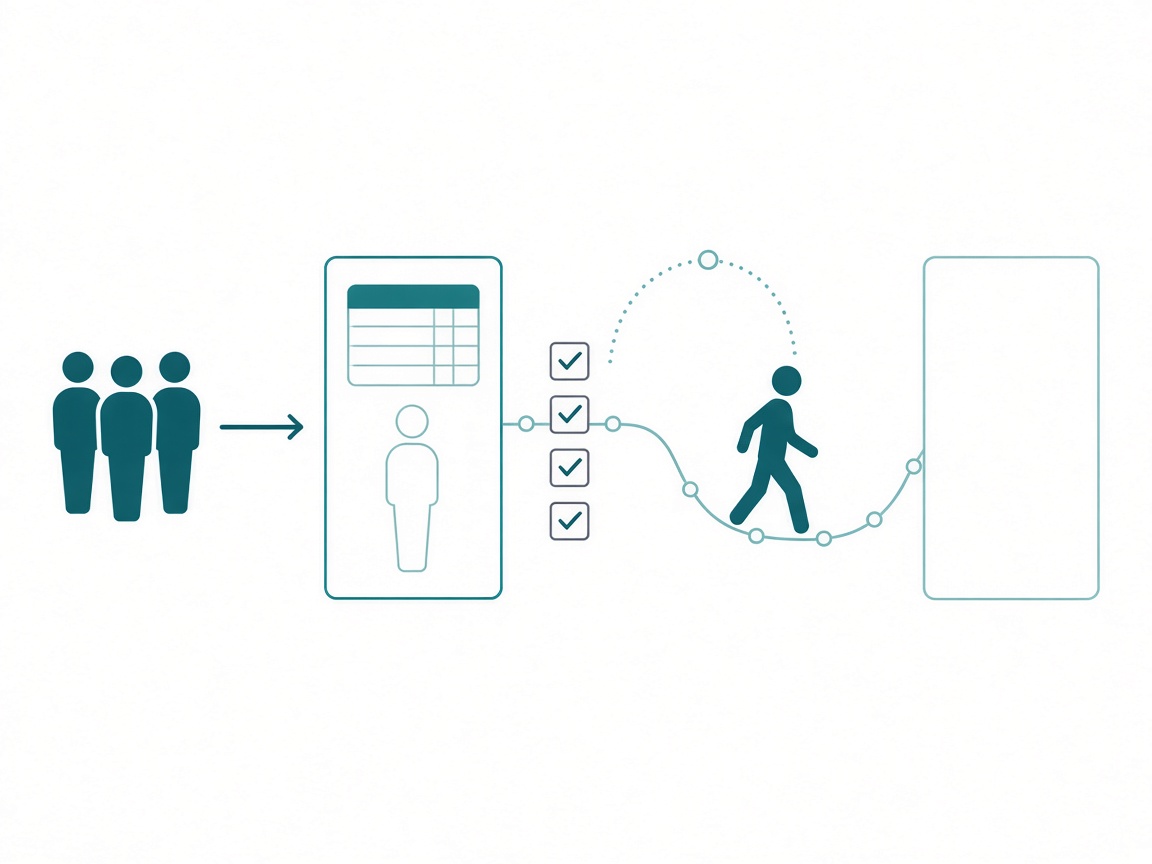
The other half, and the half tiger teams get wrong, is leaving. A team that shows up to solve marketing’s problem and then just stays has quietly become the marketing BI team again, and you’re back where you started with a new org chart. So the engagement needs an exit written down before it starts:
# Engagement Charter: Marketing Real-Time Campaign Data

## Why this one, now
Aligns to the Q4 goal: cut campaign reallocation time from 9 days to 2.
If that goal moves, this engagement ends. We do not finish work that
stopped mattering.

## What we are building
Eventstream into mktg_lh, and table access for two named analysts.
NOT a semantic model. NOT a report. They already know what they want
to see; the gap is latency, not visuals.

## Exit criteria (all four, or we are not done)
- [ ] Two analysts have queried the tables unaided, twice, in a week
      we did not attend.
- [ ] A named person in marketing is accountable for the domain and
      has signed the definitions.
- [ ] Runbook exists: what breaks, who gets called, how to reprocess.
- [ ] Estate audit passes for this workspace: domain tagged, group
      admin, no orphaned items.

## Hand-off, not hand-over
For 30 days after exit we answer questions and review their work. We
do not build. If we are still building in week three, the exit
criteria were wrong and we say so out loud.

## Standing rule
New requests during this engagement go on the list, not into the work.
The list gets read at the next quarterly planning. All of it.
Those exit criteria are the whole discipline. “Two analysts queried the tables in a week we did not attend” is a test you can fail, which is exactly what makes it worth writing down.
What Central BI Still Owns Forever
A few things never move, and they’re what let everything else move:
- Estate visibility. The audit above, scheduled. You should be able to answer how many workspaces exist and who owns them without a meeting.
- Policy and patterns. The naming convention, the domain structure, the deployment path. I number workspace and artifact prefixes (
001_project_category_description) purely because Fabric sorts alphabetically and a pipeline you can’t read in order is a pipeline you’ll rebuild. - Definitions and governance. I’m increasingly convinced governance and skill management are where the BI team’s job is heading. When a definition drifts, everything downstream of it silently degrades. I made the fuller argument for that in step zero before the Fabric adoption roadmap and in the CoE piece.
- Education. The reason to guide instead of just giving.
Notice what’s missing from that list. Building every gold model. That’s the thing everyone assumes is permanent, and it’s the most delegable thing you do.
How To Start This Quarter
- Run the estate audit. Read-only, one afternoon. Get your real workspace count, your real model-to-report ratio, and your undomained list before you decide anything.
- Write down the quarter’s goals. If they don’t exist, that’s your project, and odds are you don’t have an AI strategy either. Everything in this article depends on having something to align to.
- Pick ONE priority and staff it like a tiger team. Staff it with the people you can least afford to spare. One engagement at a time.
- Write the exit criteria before the kickoff. If you can’t describe what “done and gone” looks like, you’re adopting a department.
- Name a domain owner in the business. Not a BI person. The row with no name is the one that will cost you in eighteen months.
- Ask what the lakehouse is for. Out loud, in their words, before you draw a box.
Takeaways
- Central BI’s value is the ability to point your best people at the current priority and actually land it. Workspace count has nothing to do with it.
- A tiger team lives where the priority is. If your title is “the marketing BI guy,” you have an org chart problem.
- Your users stopped being at the mercy of the semantic model. Hand a team a lakehouse and they’ll want guidance, and guidance is worth more than another gold model.
- The three content ownership models were written for reports and semantic models. They don’t tell you where a notebook lives or what the quarantine workspace for a lakehouse is.
- Architecture starts with what the lakehouse is FOR, in the business user’s words. There is no one-size-fits-all Fabric workspace strategy and no highway version.
- Personas are not people. One person can hold four. The load-bearing part is that someone is accountable for a domain, by name.
- Past a few dozen workspaces the portal is a browsing tool. Use the admin APIs, paginate them, and write asserts that fail.
- Every engagement gets exit criteria. A tiger team that never leaves is just a department with better branding.
My prediction: within two years the strongest BI teams won’t be described by the content they own at all. They’ll be described by what they unblocked last quarter, and the org chart will stop trying to attach them to a department, because the work stopped fitting in one. So this week, run the audit, look at your model-to-report ratio, and ask yourself whether your team is aimed at the priority or just parked in the workspaces it inherited. If you’re working through this with your own team, keep the conversation going with us on the Explicit Measures podcast, and subscribe at PromptingBI for more.