
The Agent Builds the App Faster. That Doesn't Make It the Deliverable.
November 4, 2026 · Tommy Puglia
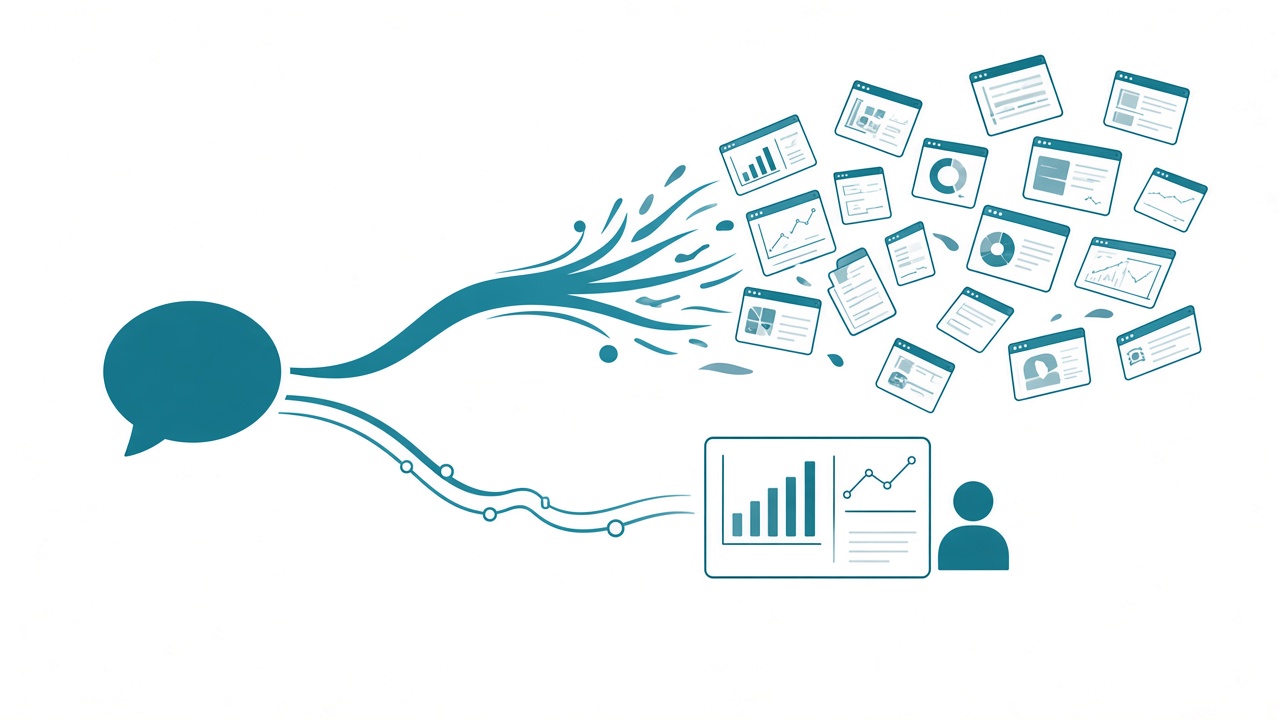
Microsoft has chased one idea since the first version of Power BI. Someone in the business types what they want in plain English, the visual shows up, and self-service finally means self-service. That’s been the holy grail for as long as I’ve worked in this space.
At FabCon Barcelona they showed something close to it: a new app building experience in Power BI Desktop. You start from a trusted semantic model, describe what you want in natural language, and publish what the agent generates. The result can accept inputs, write data, keep shared state, and run an operational workflow.
What it builds is a Fabric App.
I think Microsoft made the right call. I also think a lot of teams are about to take the wrong lesson from it.
Agents really are better at building apps than reports right now. Use that to learn when an app is the right deliverable, and keep the report as your default. The test I use for any deliverable is whether the person on the other end can consume it.
The agent really is better at the app
I’ll concede the point up front, because it’s true.
I built Fabric Quest, a text adventure that runs as a Fabric App, and most of it is fairly straightforward TypeScript. Models have trained on enormous amounts of TypeScript and HTML. The Power BI report format, PBIR, is new, and there aren’t many PBIR examples out there yet for a model to learn from.
Then there are the properties. On a bar chart, the color of the bars is a fill setting. Move to a different visual and the property you’d reach for is a different one, so “make the bars blue” means the agent has to know which visual it’s on and where that setting lives this time. In HTML, a bar is a rectangle and a color is a color. (I covered what that ambiguity does to a finished page in One Visual Was Never the Job.)
So here’s the line I keep coming back to: the Power BI framework is intricate by design. The constraints that make every report in your tenant behave the same way are the same constraints an agent struggles with. A Fabric App can be HTML, TypeScript, or whatever code it needs to be, so the shortest path from a semantic model to a visual built on the fly runs through an app. Microsoft’s demo says they agree.
The report side is catching up. Kurt Buhler, who co-built the PBIR CLI and has pushed agentic report development further than anyone I know, says designs he wouldn’t have tried with an agent a few weeks ago now come together in 30 to 45 minutes. He’s also the first to say it doesn’t work out of the box for everybody. For most teams today, the agent still gets to a working app faster than to a finished report page.
So why not make everything an app?
That’s the conclusion I can hear forming. The agent builds apps faster. Microsoft’s own natural-language demo ships an app. And Microsoft says Fabric Apps will be included with Power BI Pro, so the license won’t stand in the way either. Why keep fighting the report canvas?
I feel the pull too. I once built a timing app in Power Apps that took me forever. I could build the same thing as a Fabric App in a couple of hours today. When something gets that much easier, every request starts to look like a candidate.
Apps and reports are two different kinds of work on the same data. Getting good at reports doesn’t graduate you to apps, and how fast the agent builds an app says nothing about whether this request needs one.
Make it consumable
Kurt has a line I agree with: interesting is not the same as useful. I’d add a word to it. Cool is easy now, so the bar I care about is consumable: can the people on the other end pick it up and use it without learning a whole new product?
Hand a large organization a pile of custom Fabric Apps, each with its own layout and its own idea of where the filters go, and you overwhelm people on day one. That’s cognitive load. Even something impressive, say an app at the doctor’s office where you can rotate an object around and see the data on it, is a problem if it doesn’t look or work like anything else the people there use.
It’s already happening at the visual layer. Fabric Apps and data agents don’t share Power BI’s visual library. Count Deneb and you have three visual standards in one data platform. I’ll admit I like the look of the Fabric App visuals better. My answer stays the same. A bar chart conveys the information whether it’s gorgeous or just good, and I take pause at shipping a completely different look and feel from every report my users already know.
Before agents, I’d have said a prettier bar chart wasn’t worth three times the build. Agents shrank the build. The reader still pays the full learning cost of every new app.
The buffet problem
Agents turned delivery into a buffet. Every dish is on the line, and they all cost about the same to make, which is close to nothing. You can have the report, the app, the 3D object, the custom menu, and that extra roll of sushi.
The plate didn’t get any bigger. Your users’ attention is the plate. When everything is available, the discipline is in what you leave on the line, and you have to check yourself, because nobody else at the buffet is going to.
This is managed self-service
Kurt makes a point about why Power BI won from the bottom up: Jack or Janet from finance gets a first report working in five minutes. An expert might not call it a good report, but to Jack, Janet, and their colleagues it’s amazing, and they should be proud. Fabric Apps can deliver that feeling at a bigger scale. It still needs a process to mature it and gate it, so proud creations don’t get shared with everybody.
That’s managed self-service, with everything it has always needed: governance, adoption planning, a review step, and a clear home for the official version. Natural language on a Fabric App will be an easy experience for users, which is exactly why it belongs on the governance list now. I think this is going to explode, and we know how that story goes when nobody plans for it.
My concern is that we’ll build these apps because they’re easy, before anyone asks whether they’re needed. We’ll be building for ourselves. I say that as someone who has gone down plenty of his own rabbit holes. I built a text adventure game on Fabric. I know exactly how fun it is.
Microsoft is still working this out too. Fabric Apps get pitched as application development on your Fabric data and as an agentic visual experience inside Power BI Desktop, and I’m curious whether that ends up as two products under one name. Either way, decide which of the two a request is before the agent starts building.
When the app earns it
I like Fabric Apps. Building applications on enterprise data is the right direction for Fabric, and I’ve made the case for Fabric as a backend. Apps will be the right answer for specific moments. The hard part is knowing when you’re in one.
I use the Steve Jobs test from that post: the device in the middle has to be better at something specific, or it has no reason to exist. “The agent built it faster” is the netbook answer. It helps the builder and does nothing for the user.
Here’s where an app is better:
- The job is an action. Power BI is for consumption and interaction. When the click needs to alert someone or update another system, that’s writing forward, and the app gets the write.
- The audience is outside your tenant. Customers, residents, anyone who will never have an Entra account in your organization. That’s what anonymous access opened up.
- Different people need different screens. The app shows and hides parts of the experience based on who signed in, so you aren’t rebuilding permissions inside a visual.
When the job is reading the number the organization agreed on, build a report.
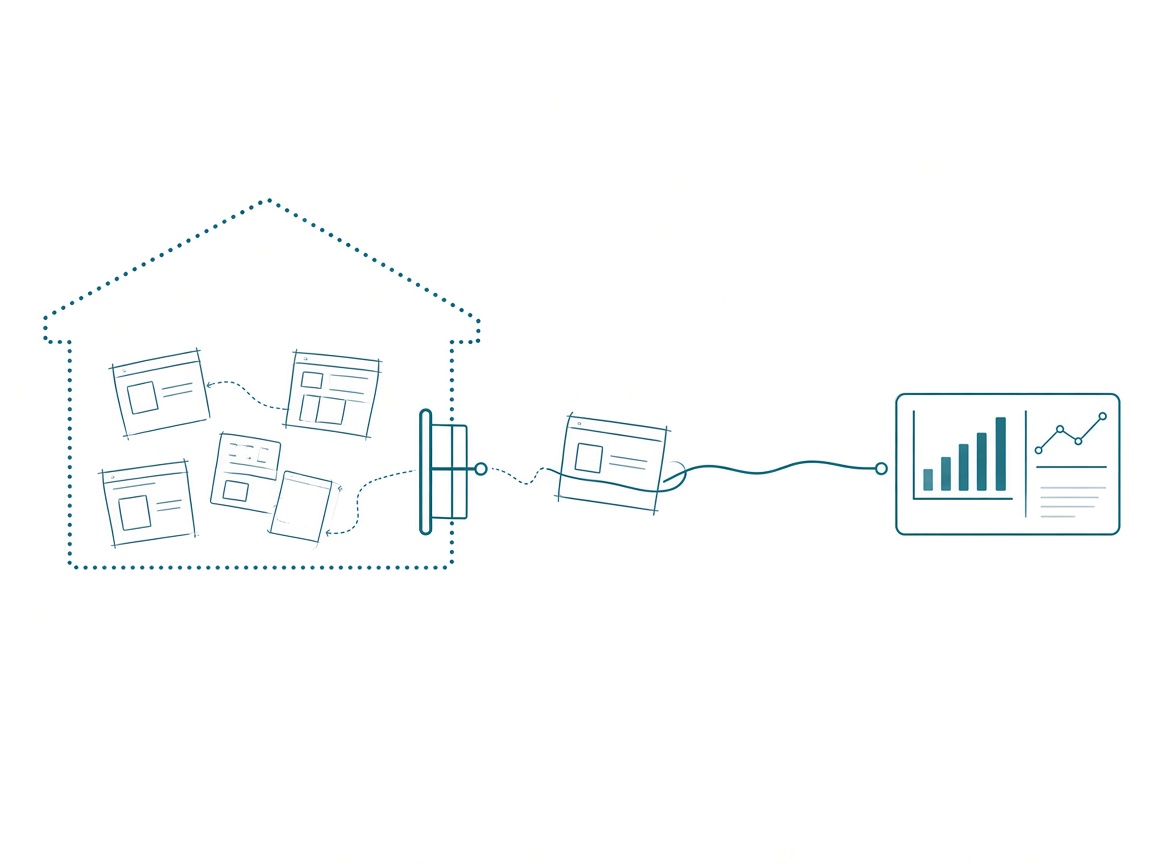
And give the apps a research garage. Build rapidly, but somewhere that keeps the ideas from getting out into the wild. Then work the intentional side: a request comes in, and you ask how you’d tackle it with a Fabric App. The cool stuff lives in the garage. Only a request gets something out.
Before the agent builds the app
Run every app idea through these first:
- What does the user do after they look? If they act on it, an app may earn its place. If they read it, build the report page.
- Does it look and work like what they already use? If it would be the only screen in their week with its own layout and its own visuals, the cost lands on them.
- Whose numbers is it showing? The app should read the definitions in your semantic model. Check what the generated app is querying before anyone sees a number.
- Where was it built? Prototypes live in the garage, in their own workspace. Nothing reaches users until a request pulls it out.
- Would you build it if it took three months? If the only reason it exists is that it took an afternoon, leave it in the garage.
Takeaways
- Agents are faster at apps than reports right now, because TypeScript has far more examples to learn from and PBIR properties are hard for an agent to get right.
- Microsoft’s natural-language self-service ships as a Fabric App, and that’s the right call for natural language. Your reports can stay reports.
- Judge an app by whether people can consume it. The agent cut the build time, and the reader’s learning time stayed the same.
- Fabric Apps are managed self-service with a faster engine. Give them the same governance, plus a research garage.
- Use an app for an action, an outside audience, or a per-user experience. Use the report for reading the agreed number.
Key takeaway: this week, take the app idea you’re most excited to hand an agent and answer one question in writing: what does the user do after they look at it? If the answer is “read it,” build the report page.
My prediction: Fabric Apps stay the answer for specific moments and never become the default way we build. Agents will handle the building, so the skill that matters over the next year is deciding which apps never leave the garage. If you’re sorting through app requests on your own team right now, keep the conversation going with us on the Explicit Measures podcast, and subscribe at PromptingBI for more.