
Build the Thing That Creates the Thing
September 16, 2026 · Tommy Puglia
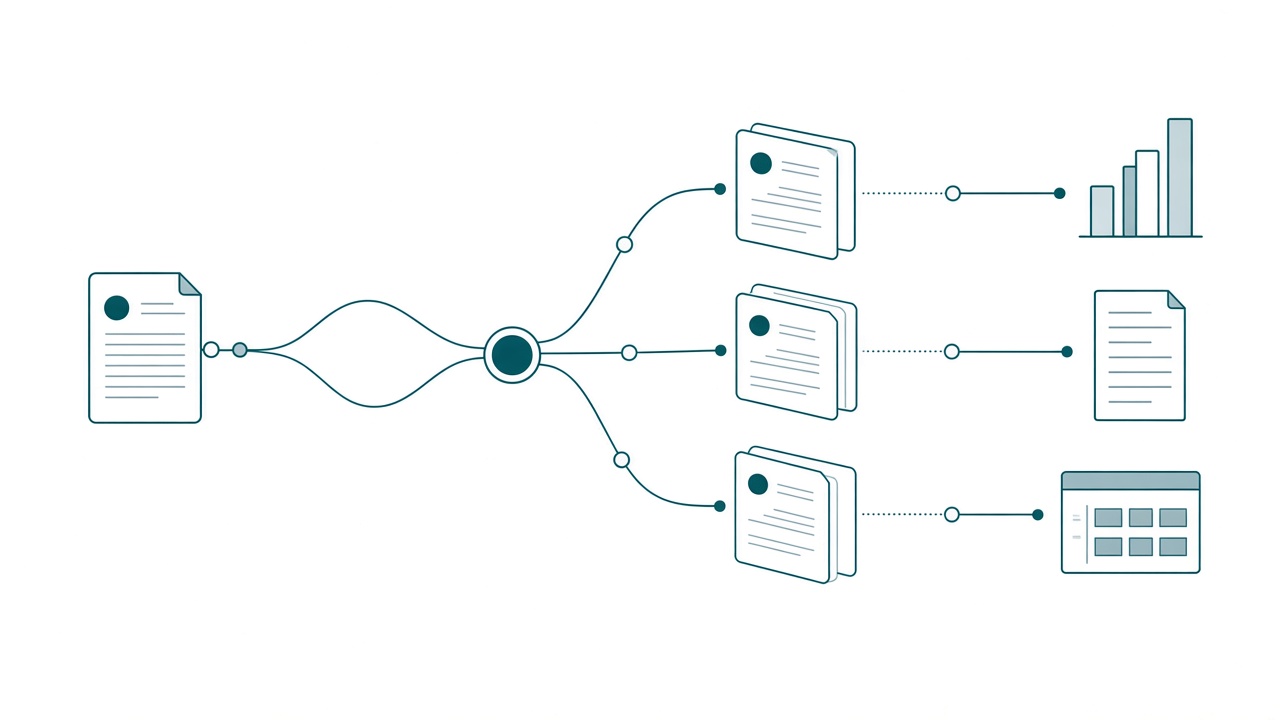
Anthropic published the number that should stop your quarter. Their offline accuracy on agent-driven analytics started around 95% at launch. A month later it sat around 65%. Nobody broke anything, no model regressed. The skill documents describing the data fell behind the data, and the whole thing quietly slid thirty points.
Then the number I find even more useful: roughly 90% of the commits and pull requests on that system are skill changes. Not code. The written context.
So here is what I have stopped doing. The instruction page is not my deliverable and neither is the notebook. The statement of work, the skill file, the domain context page: none of those are the asset. The thing that creates the thing is more important than the thing.
In practice that means my build time moved. It does not go into prompting for the same notebook edit for the fourth time. It goes into building the executors: an agent, the context it needs, and the skills that tell it how we work here, sitting in a harness that can reach Fabric and Power BI. That thing gathers the requirements. It tells me what is going to break. Then it builds, and it reports back where it wrote things.
The instruction pages and the notebook scaffolds are what the system prints. What earns its keep is the executor that can print them again on Friday, correctly, after the data moved.
Skills Are Recipes. Recipes Are Not Cooks.
If you had an agent for cooking, its skills would be your recipes.
Read a real sauce recipe and most of it is procedure. Always start with these base ingredients. When it comes out too sweet, add salt. If it is still too sweet and you refuse to add sugar, go get carrots. Never add celery, that is only for northern Italians. That is what a skill looks like, and it does a different job than your semantic model. Your sources of truth carry the declarative knowledge, what a metric means. The skill carries the procedural knowledge: which source to consult in what order, how to handle ambiguous data, and what a finished piece of work looks like.
Here is the part people skip. A recipe box does not make you a cook. Hand your recipe box to somebody who has to cook in a kitchen with no oven, on a budget, for someone with a dairy allergy, and the box is nearly useless. What you want is the cook. The cook can write the recipe for a kitchen he has never worked in.
Every skill file I have written is a recipe. The converter that rewrites those skills for a kitchen I have not worked in yet is the cook. Guess which one I want to own.
Everything You Hand-Wrote Is Already Wrong
We have said for years that data is a living organism. Skills are living organisms now too. A skill document describes a data model that changes daily, so left alone it goes wrong in weeks. That is how you get from 95% to 65% with nobody doing anything wrong.
I have written about skill drift as a governance problem, and it is. Look at the maintenance load underneath it, though. If 90% of your commits are context edits, and your process for a context edit is a human opening a markdown file and retyping the parts that moved, you have built a job nobody will ever fully staff. The companies that fail here will have written their skills. They wrote them once, shipped them, and got asked in month three why the agent went stupid.
And nobody will be given time to look. That is the part I am most sure about. Skill maintenance has no ticket type, no story points, no place in a sprint. So it becomes the thing everyone agrees matters and nobody is scheduled to do.
Discipline will not fix that. Making the emit cheap will. If regenerating the instruction page takes one sentence and four minutes, it happens weekly. If it takes an afternoon of retyping, it happens never.
You Are Betting on the Harness, Not the Model
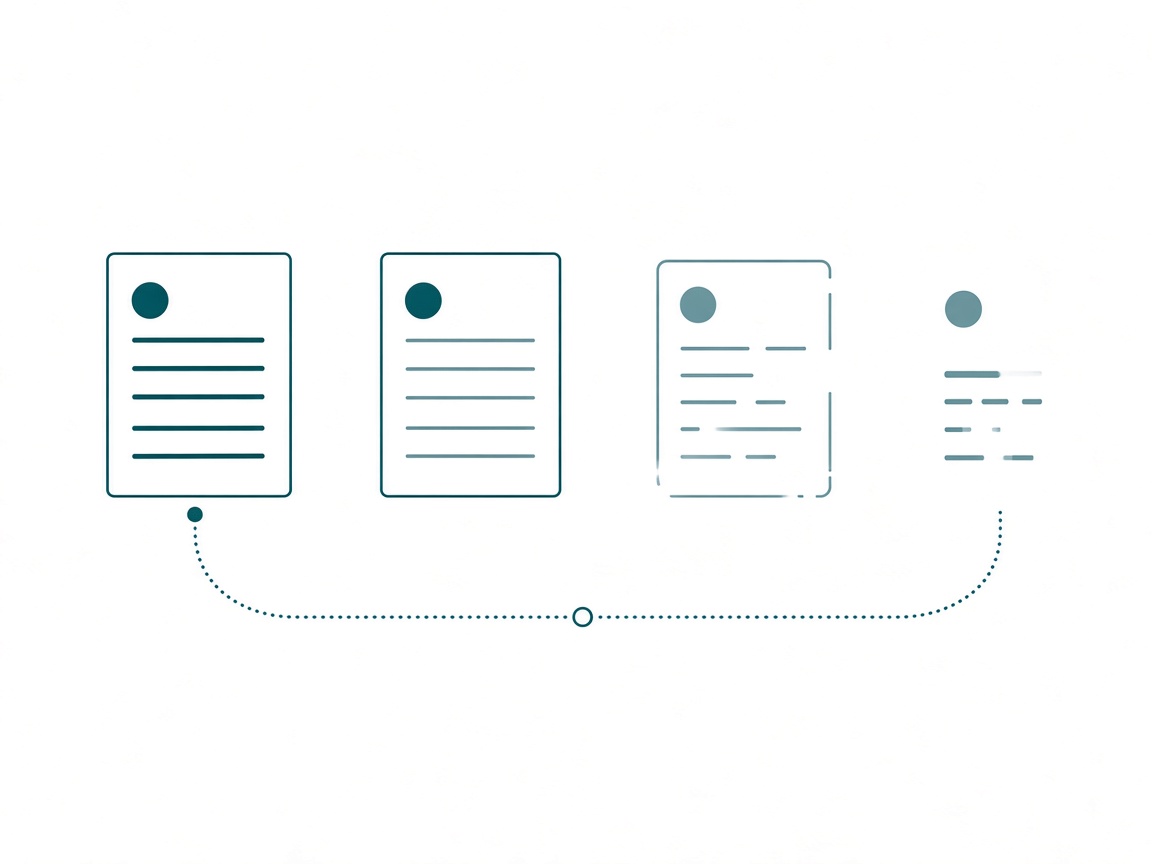
Here is the loop I ran for months. You open a session. You explain the lakehouse layout again. You paste the naming conventions again. You ask for the same notebook edit you asked for last Thursday, re-explain why the validation matters, then read the output and correct the same two things. Tomorrow you pay full price again. That is manual work with a chat window in front of it.
What I build instead is the executor. An agent with a defined job, carrying the skills that know Fabric, pointed at the project context: the statement of work, the meeting notes, the current milestones. Most people start with one general assistant they chat with about anything, and that version never gets good. Mine runs as a small set of agents with real roles, instructed to hand work to each other, because a do-anything chat window has no idea what it is responsible for.
The skills are what make it work, and I learned that by not having them. I did not want some random model creating things for semantic models in Fabric. It does not know what it is looking at, so it is not going to do it right. Being intentional about which skills and instructions a given agent carries is the difference between output you can use and output somebody senior has to fix.
Here is the session that made it concrete for me. During a discovery phase I needed to understand a client’s API. My agents wrote the instructions for the interrogation, Claude ran the calls against it, worked through what came back, and wrote what it learned into the second brain. I was having coffee. It gathered the requirements, did the work, and reported back, and at no point did I re-explain the project. I run the same pattern on Fabric now: the Fabric MCP server, skills for Fabric, and the instructions I keep building on top of them. I open by asking what it can see in the tenant before I ask it to build anything. One of the better feelings in this job.
It was never just the prompt. It is the harness behind it. A harness is a workbench, and the executors are what you assemble on it, which makes the model the least interesting variable in the setup. What matters is whether your harness carries the proper context, and whether you know what that harness is best at.
Those two go together. One harness holds context beautifully, reasons over it, and cannot execute a line of code. Another executes against your tenant all day and knows nothing about the conversation you had on Tuesday. Both are useful. It is why the converter below starts from what the target cannot do: I am not hunting for one harness that does everything, I am matching each job to what a harness is good at, then handing off across the gap. Get that pairing right and the model underneath barely registers. Get it wrong and no model saves you.
Context is more than the prompt, too. It is the meetings, the statement of work, the tenant state, and the decisions somebody made in April. That has to live somewhere organized the harness can reach, shaped around how you work, because your workflow is not mine. Keep it somewhere your next harness can reach as well. The tool you use in a year may not be on your machine today. Your context should not care.
The Converter Is the Real Artifact
An executor is only as good as the skills it carries. Mine got tested the week the work moved.
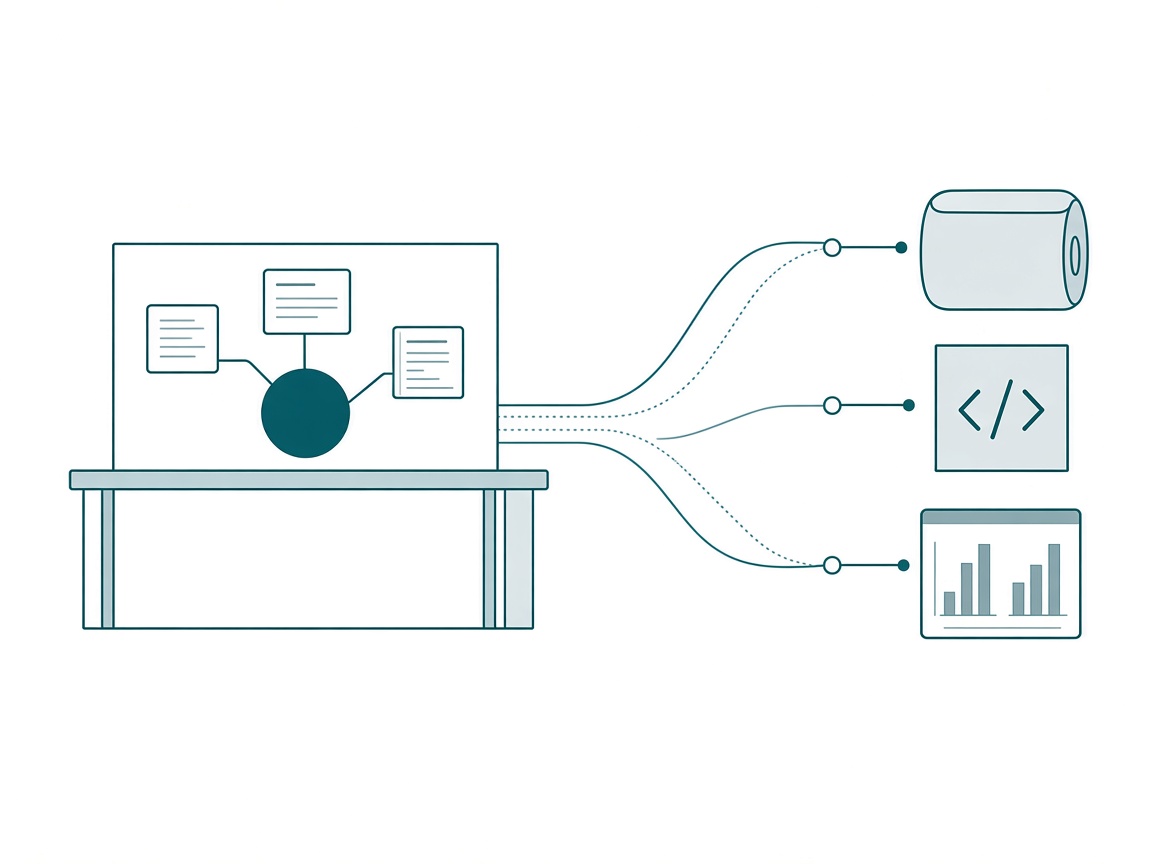
I had a workflow I was happy with: a second brain in Notion that writes the instructions, then Claude executing against Power BI over MCP. It works. Then the projects shifted toward data engineering and integration notebooks on the Fabric side, and I could not run that same workflow from the same place. Different execution surface, different tooling, same brain needing to drive it.
The obvious move is to rewrite everything for the new harness. I did not want to write it twice, and I really did not want to maintain it twice.
So I built a skill converter. It takes a skill written for Claude, including skills with scripts in them, and rewrites it into something Notion understands, because Notion does not run code or build applications. What it does do is hold context and reason over it. So the converter preserves the procedural knowledge and translates the execution assumptions around it. The Fabric skills I use came out of the Skills for Fabric repo, written for a coding harness. They run inside a Notion Fabric advisor today because a converter rewrote them, not because I retyped them.
Skills are interchangeable. That is the good news. The bad news is that managing skills across harnesses is the hardest part of this whole practice, and a converter is the only answer I have found that does not scale linearly with the number of tools I use.
# Converting Claude Skills to Notion AI Skills

Convert a Claude skill into a single Notion page that works as a Notion AI Skill (@mention-able in Notion Agent chat) AND as a context page Claude can read later via the Notion MCP.

## Why this works

Notion Custom Skills (released March 2026) are just pages marked "Use as AI Skill." Notion's own best practices mirror Claude skill anatomy: write the page like a strong prompt (goal, inputs, constraints, output format) and keep it short. The big difference: **Notion cannot execute scripts.** So the conversion's job is to distill *knowledge, context, and decision logic* — not implementation.

The converted page serves two readers:
1. **Notion Agent** — uses it as a skill to draft content, answer questions, and work within Notion using the domain knowledge.
2. **Claude (later)** — reads the page via Notion MCP to pick up full project context, then executes the technical work locally.

## Workflow

### Step 1: Locate and read the source skill

Find the skill in this priority order:
1. Installed skills in the current environment (`/mnt/skills/user/<name>/`, `/mnt/skills/plugins/<name>/`)
2. The Skill Vault via Filesystem MCP (`C:\Github\agent-skills`) — if the Filesystem connector is available
3. Files the user uploads or points to

Read **everything**: SKILL.md, all reference files, and all scripts. Don't skip scripts — you need to understand what they do to describe them. If the skill is large, read references and scripts enough to capture their purpose, inputs, outputs, and decision logic.

### Step 2: Classify the skill, then distill into a single Notion page (~1,500 words max)

First decide which conversion profile fits — this determines what the page optimizes for:

- **Workflow skill** (interaction patterns, wizards, interview/drafting processes — e.g., grill-me, building-puglia-sow): the *procedure* is the value. Preserve steps, interaction contracts, and output formats faithfully. The page is a runnable prompt.
- **Technical/domain skill** (script- or code-heavy expertise — Power BI, Fabric, DAX, TMDL, semantic modeling, extension development): the procedure is Claude-executable mechanics that Notion can never run. The value is the *knowledge*. The page is a **domain brief**: what the system/technology IS, core concepts and vocabulary, Tommy's conventions and patterns, design rules, gotchas, and how the work connects to clients and the rest of the stack. Compress the workflow to a short "how work proceeds" overview and put ALL scripts/code mechanics into the "What Claude automates" section. The goal: an AI reading this page becomes conversant in the domain the way Tommy practices it — able to discuss, draft, plan, and recognize when to hand execution to Claude — without the original skill installed.

Most skills lean one way; some (like building-rayfin-apps) are hybrids — give each half its weight.

Read `references/notion-skill-page-template.md` for the page structure (it has a section-weighting note per profile), then write the page.

Compression priorities when the source is large (most Claude skills are):
- **Keep**: purpose, when-to-use, core concepts/vocabulary, workflow steps, decision logic, output formats, constraints and rules, business context (rates, estimates, patterns)
- **Compress**: long examples → one short example; multiple reference docs → key takeaways
- **Drop**: environment-specific minutiae (local file paths, CLI flags, install commands), code listings, anything only meaningful at execution time

Scripts and executable assets become a **"What Claude automates"** section: for each script, state what it accomplishes, what inputs it needs, what it produces, and any decision logic baked into it — written so a reader (human, Notion Agent, or future Claude) understands the capability and knows the actual run happens in Claude Desktop/Code. Never paste script code into the page.

Place the most critical rules at the very top and very bottom of the page — AI attention is strongest at those positions.

### Step 3: Write to Notion

Parent page: **📚 AI Skills** — page ID `<your AI Skills page ID>`.

1. Fetch the AI Skills page FIRST and scan ALL existing page links on it (every section, not just Claude Conversions) for a page whose title matches the converted skill. If a match exists, STOP and ask the user before creating anything: replace that page's content in place (update-page replace_content — default, these are living documents), or create a separate new page under Claude Conversions. Do not create the page until this is resolved.
2. Check whether a `# Claude Conversions` heading exists on the AI Skills page. If it doesn't, append it (insert_content at end) with a one-line intro ("Skills converted from Claude — knowledge and instructions only; execution happens in Claude.").
3. Create the new skill page with `parent: page_id = <your AI Skills page ID>`. Title it in plain human-readable form (e.g., `building-rayfin-apps` → "Building Rayfin Apps"). Give it a fitting emoji icon.
4. Notion places new sub-pages at the end of the parent — verify a link to the new page sits under the Claude Conversions heading; if the created page link landed elsewhere or duplicated, fix the parent page content so exactly one link appears under that heading.

### Step 4: Hand off to the user

The MCP cannot mark a page as an AI Skill. After creating the page, tell the user:
- The page URL
- To activate it: open the page → ••• menu → **Use with AI** → **Use as AI Skill** (or Settings → Notion AI → Skills → + Add a Skill)
- A one-line summary of what was kept vs. compressed, so they can sanity-check

## Rules

- One page per skill. No reference sub-pages — everything distilled into the single page.
- Target ~1,200–1,500 words. If you genuinely can't fit the essentials, prioritize decision logic and context over examples, and say so in the handoff summary.
- Write in second person imperative ("Review the model...", "Estimate hours using...") — it's a prompt, not documentation.
- Preserve concrete business facts exactly: rates, hour estimates, naming conventions, branded colors, contact patterns. These are the highest-value content for Notion's use cases.
- If the source skill references Notion pages or databases that exist in the workspace (e.g., the Milestones database), link them with @-style page links instead of describing them.
- Never include secrets, API keys, tokens, or personal credentials found in source skills. Flag them to the user instead.
The “What Claude automates” section is the part that keeps a conversion honest. When the target cannot run something, the temptation is to leave it off the page entirely. Then the converted skill quietly loses a third of its abilities and nobody remembers deciding that. Naming the capability, its inputs, and what it produces keeps the step visible and says out loud that the run happens somewhere else.
Step 2 is where I get the most value and where I got it wrong first. Convert a DAX or TMDL skill as a procedure and you get a page describing steps Notion can never execute. Convert it as a domain brief and the agent can discuss the model, plan the work, and recognize the moment to hand execution back.
Point It at a Meeting and It Writes the Page
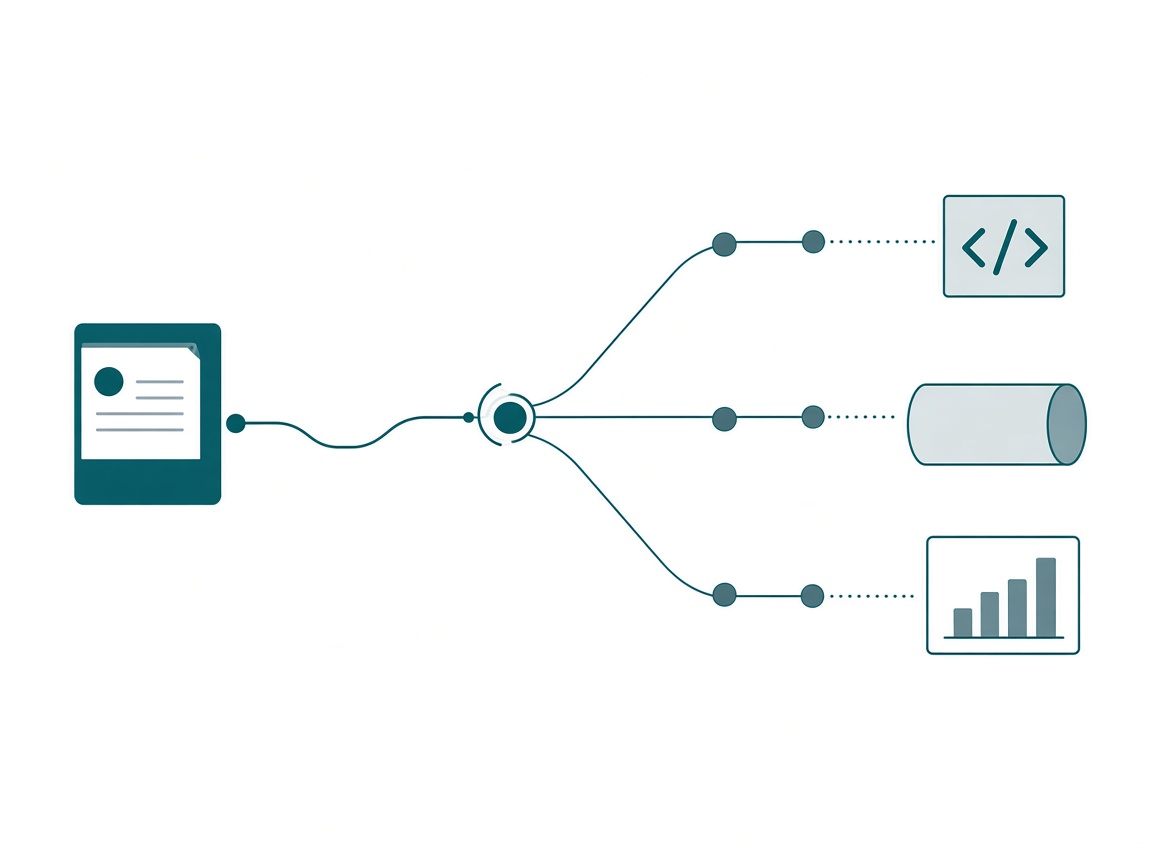
The converter gets the skills into the harness. The generator turns those skills into today’s brief, which is what the executor runs on.
The loop I run now: I have a meeting with a client team and they walk me through their data integration. Here is what matters to us, here is what we are trying to get to, the API comes back in this shape. Notes land in the second brain the way everything else does. Then I open the Fabric advisor, the one holding the converted Fabric skills, and I say one sentence.
Update the instructions for this project.
That is the whole prompt. What comes back is a fresh instructions page for the build session, written against notebook authoring patterns, lakehouse conventions, and the naming standards that agent already knows. Before I go near a notebook I ask the other question that earns its keep: we just talked to the source system team, are there any barriers here, anything that is going to pose a problem? It has the meeting and it has the skills, so it answers about this project instead of in general.
# Agent: Project Instruction Writer

Trigger: "update the instructions for this project"

## What this agent is for
Emitting the instructions page a build session runs on. It writes the brief.
It does not build the thing. If you catch yourself authoring notebook code,
you are the wrong agent for this job.

## Read first, every run
| Source | Why |
|---|---|
| Project hub page and its relations | Scope, milestones, current priority |
| Meeting notes added since the last emit | What changed, in their words |
| Fabric skills: notebook authoring, lakehouse, naming | The house patterns |
| The previous instructions page | Diff against it, never start from zero |

## What to emit
- One page per job, not one page per project. Small enough to finish.
- A dated #1 priority at the top, taken from the hub, not from the last page.
- Verified state: what is confirmed to exist in the tenant right now, dated.
  If it was not confirmed this week, label it unverified.
- The validation the session must pass before it reports success.
- A report-back requirement naming where results are written when it finishes.

## Before you emit, raise the barriers
List anything in the new notes that will break this build: an API that pages,
a source with no reliable key, a definition two people used differently in the
same meeting, a date field nobody could explain. One line each. If the notes
contain no barriers, say that explicitly rather than staying quiet.

## Never
- Never invent a source system, a table, or a rule the notes do not support.
- Never carry a stale priority forward because it was in the last page.
- Never bundle two jobs into one page to save yourself an emit.
That page is output. If the project moves next week I regenerate it rather than edit it, and being disposable is what makes it trustworthy.
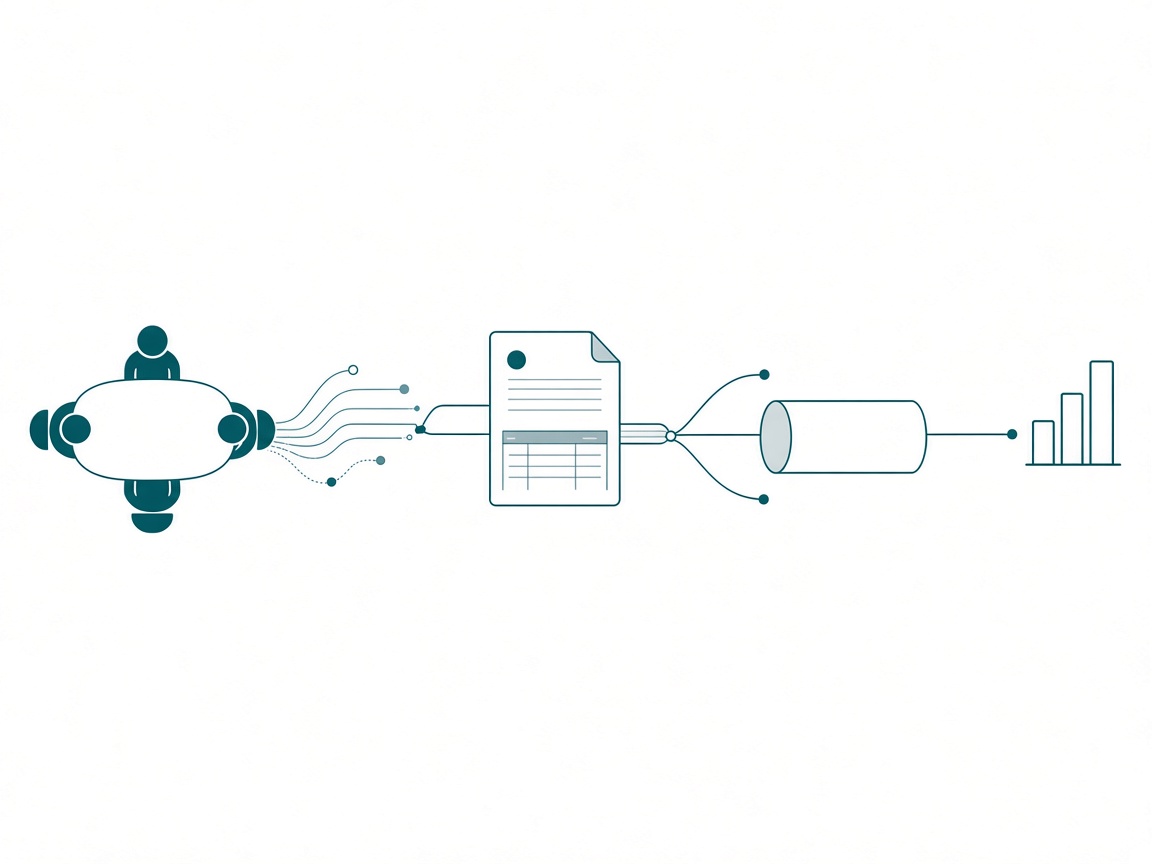
So the shape is four pieces. Skills carry the procedural knowledge. A converter moves them to whatever harness the job belongs in. A generator turns them plus this week’s context into the brief. The executor runs the brief against Fabric or Power BI and reports back. None of the four is a document I maintain by hand.
If you want somebody else’s version of that shape with the seams closed up, Fabric Task Flow Studio is it. You describe the problem, it interrogates you, then it emits and deploys, and the artifacts come out the back end.
Getting the Knowledge Out of Your Head
There is an organizational version of this that matters more than my personal workflow.
Ask what a great BI professional actually knows. Which fact table is the real one. That the member count everybody quotes is the one with the exclusion, not the one with the nice name. That marketing has to use a different date table. Where the bodies are buried, all of it. Right now that lives in a head, and the transfer mechanism is that person sitting next to somebody for two years.
Skills are the first real vehicle I have seen for getting head knowledge out into a company. Documentation gets written once and read never. A skill is procedural knowledge an agent applies every single time, in the words that team actually uses. And a generator keeps that knowledge current without the expert retyping it after every change, which is the step where every documentation effort in history has died.
That is the honest source of the speed, too. I can walk into a company now and say we start immediately and get somewhere in a quarter of the time it used to take, because the system is already standing. The executors and the converters exist, so the first week is about their business instead of my scaffolding. If you can work this way and you are not, I think you are behind. Not being harsh. That is the arithmetic on what a standing system does to a delivery timeline.
Two guardrails before anyone reads that as permission to go fast. Governance still applies. I will not roll agentic solutions onto a company’s analytical data when nobody owns the definitions, because the generator will faithfully produce a beautifully structured artifact built on ambiguity. And a generator earns the same certification rigor as anything else you promote. If a domain owner is going to announce an agent to stakeholders, a frozen slice of evaluation should clear a threshold first, the same way a certified semantic model does.
Build One Executor This Week
Pick one job you keep re-explaining and stand up the thing that does it.
- Name the job before you name the tool. One job, one agent, with the skills that job needs and nothing else. A do-anything assistant is a chat window sitting next to your calendar.
- Find the artifact you have written three times. Instruction pages, domain context pages, notebook scaffolds, statements of work. Third time is the signal. It was already worth building at the second.
- Split what changes from what never does. The parts that never change are the skill. The parts that change every project are what the generator reads. Mixing them is why your last template rotted.
- Give it one trigger phrase and keep it forever. Mine is “update the instructions for this project.” A phrase you never change is what makes this a reflex.
- Make it read the previous version and diff. A generator that starts from zero every run will silently drop things you needed. Diffing is what makes regeneration safe.
- Classify the skill before you convert it. Workflow skill or technical skill: the first preserves the procedure, the second becomes a domain brief. Getting that backwards is how you end up with a page describing steps the target can never run.
- Keep the canonical copy where more than one tool can reach it. Every harness stores skills its own way, some on disk, some in your account, and that is fine. Just make sure the version you regenerate from lives somewhere versioned, so the next harness starts from your skill instead of a copy of a copy.
- Make the executor gather before it builds. Ask what it can see in the tenant, and what in this week’s notes is going to be a problem. Both answers come before a line of code.
- Change your measure of done. The measure is “I can regenerate this page in under five minutes, hand it to an executor, and trust what comes back.”
Takeaways
- Opening a session to re-explain the lakehouse and ask for the same edit is manual work with a chat window in front of it. Build the executor: one agent, one job, carrying the skills and the project context, running against Fabric and Power BI on its own.
- It was never just the prompt, it is the harness behind it. Load your harness with the proper context, learn what it is best at, and hand off across the gap. The model is the least interesting variable in the setup.
- A random model pointed at your semantic model does not know what it is looking at. Be intentional about which skills each agent carries or you will spend your week fixing plausible output.
- Accuracy sliding from 95% to 65% in a month with nothing broken is what a hand-maintained context layer does on its own. Artifacts expire, which is why they cannot be the asset.
- When 90% of your commits are context edits, hand-editing context is a staffing plan you will never fund. Make the emit cheap and maintenance stops needing discipline.
- Skills are recipes: procedural knowledge sitting on top of the declarative knowledge in your model. A recipe box is not a cook, and the cook is what you want to own.
- Managing skills across harnesses is the hardest part of this practice. A converter that translates execution assumptions beats retyping the same skill per tool, and it should never quietly drop what the target cannot run. Name the capability and where it executes instead.
- Governance still applies. No ownership of definitions, no agentic rollout, and no announcement to stakeholders until a frozen evaluation slice clears a bar.
Key takeaway: this week, take the job you have re-explained to an agent three times and build the executor that does it: the agent, the skills, and the context it reads, in the harness that can reach your tenant. Then hand it a brief you generated instead of typed.
My prediction: within a year, the strongest data professionals will be judged less on the models and notebooks they built and more on the executors they own and the context they keep fed, and job descriptions will start asking for them by name. If you are working out where your first executor should sit, keep the conversation going with us on the Explicit Measures podcast, and subscribe at PromptingBI for more.